Introduction
Proteomics Analysis Tools are specialized software platforms used to analyze proteins—their structure, function, interactions, and expression levels within biological systems. In simple terms, they help researchers understand how proteins behave, which is critical for disease research, drug development, and precision medicine.
In the 2026+ landscape, proteomics is rapidly evolving due to advances in high-throughput mass spectrometry, AI-driven data interpretation, and cloud-based collaboration. These tools are no longer limited to research labs—they are now essential in biotech startups, pharmaceutical companies, and clinical diagnostics.
Common real-world use cases include:
- Drug discovery and biomarker identification
- Cancer and disease pathway research
- Personalized medicine development
- Protein structure and interaction modeling
- Clinical proteomics and diagnostics
What buyers should evaluate:
- Data processing speed and scalability
- Compatibility with mass spectrometry instruments
- AI/ML capabilities for pattern detection
- Integration with genomics and transcriptomics tools
- Data visualization and reporting features
- Deployment flexibility (cloud vs on-premise)
- Security and compliance readiness
- Community support and documentation
Best for: Biotech companies, pharmaceutical research teams, academic labs, bioinformatics professionals, and clinical researchers working with protein data at scale.
Not ideal for: Small teams without proteomics workflows, non-scientific use cases, or organizations focused only on basic data analysis where simpler analytics tools suffice.
Key Trends in Proteomics Analysis Tools
- AI-driven protein identification: Machine learning models improving peptide matching and protein inference accuracy
- Cloud-native workflows: Increasing adoption of scalable cloud platforms for handling massive datasets
- Multi-omics integration: Tools combining proteomics with genomics and metabolomics data
- Automation pipelines: End-to-end workflows reducing manual intervention in data processing
- Real-time analytics: Faster processing enabling near real-time insights from experiments
- Open-source ecosystem growth: Strong adoption of community-driven tools like MaxQuant and OpenMS
- Standardization of data formats: Improved interoperability across tools and platforms
- Enhanced visualization tools: Advanced dashboards for protein networks and pathway mapping
- Security focus: Growing need for compliance in clinical and pharma environments
- API-first architectures: Easier integration with lab information systems and research platforms
How We Selected These Tools (Methodology)
- Evaluated market adoption and industry usage across biotech and pharma
- Assessed feature completeness, including data processing, visualization, and automation
- Considered performance signals, such as scalability and speed with large datasets
- Reviewed security posture indicators where available
- Analyzed integration capabilities with instruments and external systems
- Included tools serving different segments (enterprise, SMB, open-source)
- Considered community support and documentation strength
- Balanced commercial and open-source tools for broader applicability
- Focused on future readiness, including AI and cloud capabilities
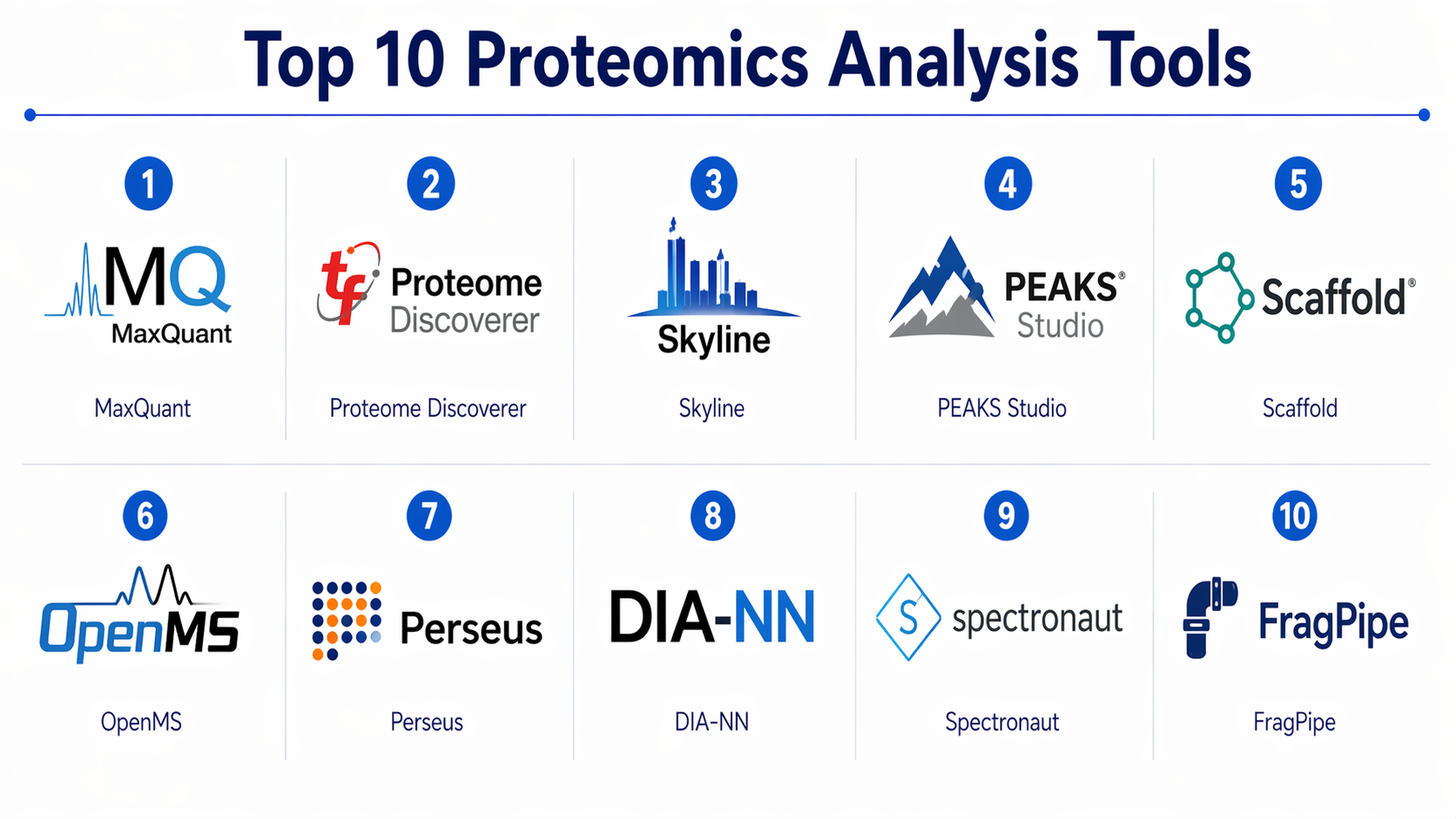
Top 10 Proteomics Analysis Tools
#1 — MaxQuant
Short description :
MaxQuant is one of the most widely used proteomics software platforms for analyzing mass spectrometry data. It is designed for high-resolution data processing and supports large-scale protein identification and quantification. Commonly used in academic and research labs, it offers deep integration with experimental workflows. Its open-source nature makes it highly accessible. Ideal for researchers needing robust and reproducible results.
Key Features
- High-accuracy peptide identification
- Label-free quantification
- Integration with Perseus for downstream analysis
- Advanced statistical analysis
- Large dataset handling
Pros
- Highly accurate and reliable
- Strong academic adoption
Cons
- Steep learning curve
- Limited UI flexibility
Platforms / Deployment
- Windows / Linux
- Self-hosted
Security & Compliance
- Not publicly stated
Integrations & Ecosystem
Integrates closely with Perseus and supports standard proteomics formats.
- Mass spectrometry tools
- Data export formats
- Custom pipelines
Support & Community
Strong academic community, extensive documentation, active forums.
#2 — Proteome Discoverer
Short description :
Proteome Discoverer is a commercial solution designed for advanced protein analysis workflows. It provides deep integration with Thermo Fisher Scientific instruments and supports complex data processing pipelines. It is widely used in enterprise labs and pharma companies. Known for its modular architecture and powerful visualization tools.
Key Features
- Workflow-based data processing
- Advanced quantification methods
- Protein identification algorithms
- Customizable pipelines
- Visualization tools
Pros
- Enterprise-grade features
- Strong vendor support
Cons
- Expensive licensing
- Limited cross-platform flexibility
Platforms / Deployment
- Windows
- Self-hosted
Security & Compliance
- Not publicly stated
Integrations & Ecosystem
- Thermo Fisher instruments
- Data export tools
- Custom plugins
Support & Community
Professional support with structured onboarding and documentation.
#3 — Skyline
Short description :
Skyline is an open-source tool designed for targeted proteomics experiments. It is widely used for quantitative analysis and validation workflows. It supports multiple instrument vendors and provides a user-friendly interface. Ideal for researchers focusing on reproducibility and validation.
Key Features
- Targeted proteomics workflows
- Cross-platform instrument support
- Data visualization tools
- Quantitative analysis
- Open-source flexibility
Pros
- Free and open-source
- Strong visualization capabilities
Cons
- Limited advanced automation
- Not ideal for large-scale discovery workflows
Platforms / Deployment
- Windows
- Self-hosted
Security & Compliance
- Not publicly stated
Integrations & Ecosystem
- Instrument vendors
- Data pipelines
- Export formats
Support & Community
Very active user community and strong documentation.
#4 — PEAKS Studio
Short description :
PEAKS Studio is a commercial proteomics platform known for de novo sequencing and protein identification. It provides powerful algorithms for analyzing complex datasets. Widely used in advanced research and pharma environments. Offers intuitive workflows and strong performance.
Key Features
- De novo sequencing
- Protein identification
- Quantification tools
- Visualization dashboards
- Workflow automation
Pros
- Strong algorithm accuracy
- User-friendly interface
Cons
- High cost
- Limited customization
Platforms / Deployment
- Windows
- Self-hosted
Security & Compliance
- Not publicly stated
Integrations & Ecosystem
- Mass spectrometry systems
- Data export tools
Support & Community
Commercial support with structured training resources.
#5 — Scaffold
Short description :
Scaffold is designed for validation and visualization of proteomics data. It focuses on simplifying complex datasets and improving interpretability. Popular among researchers for its clarity and ease of use. Best suited for downstream analysis.
Key Features
- Data validation tools
- Protein visualization
- Statistical analysis
- Reporting capabilities
- User-friendly interface
Pros
- Easy to use
- Strong visualization
Cons
- Limited upstream processing
- Not ideal for large-scale workflows
Platforms / Deployment
- Windows / macOS
- Self-hosted
Security & Compliance
- Not publicly stated
Integrations & Ecosystem
- Data import/export tools
- Visualization pipelines
Support & Community
Moderate support with standard documentation.
#6 — OpenMS
Short description :
OpenMS is an open-source software library for mass spectrometry data analysis. It provides a flexible framework for building custom workflows. Highly popular among developers and researchers who require extensibility.
Key Features
- Modular architecture
- Workflow customization
- High scalability
- Integration with pipelines
- Open-source framework
Pros
- Highly flexible
- Strong developer ecosystem
Cons
- Requires technical expertise
- Limited GUI
Platforms / Deployment
- Windows / Linux / macOS
- Self-hosted
Security & Compliance
- Not publicly stated
Integrations & Ecosystem
- APIs
- Workflow tools
- Data pipelines
Support & Community
Active open-source community and strong developer support.
#7 — Perseus
Short description :
Perseus is used for downstream analysis of proteomics data, especially from MaxQuant. It provides statistical tools and visualization features. Ideal for researchers analyzing processed datasets.
Key Features
- Statistical analysis
- Data visualization
- Integration with MaxQuant
- Clustering tools
- Pathway analysis
Pros
- Strong analysis tools
- Free to use
Cons
- Limited standalone usage
- Steep learning curve
Platforms / Deployment
- Windows
- Self-hosted
Security & Compliance
- Not publicly stated
Integrations & Ecosystem
- MaxQuant
- Data formats
Support & Community
Good academic support and documentation.
#8 — DIA-NN
Short description:
DIA-NN is a modern tool for analyzing DIA mass spectrometry data using neural networks. It provides high accuracy and speed. Increasingly popular for AI-driven workflows.
Key Features
- Neural network-based analysis
- High-speed processing
- DIA data support
- Protein quantification
- Automation
Pros
- Fast and accurate
- AI-driven insights
Cons
- Limited GUI
- Requires expertise
Platforms / Deployment
- Windows / Linux
- Self-hosted
Security & Compliance
- Not publicly stated
Integrations & Ecosystem
- Mass spectrometry tools
- Data pipelines
Support & Community
Growing community with increasing adoption.
#9 — Spectronaut
Short description :
Spectronaut is a commercial solution for DIA proteomics analysis. It provides advanced analytics and automation. Known for its high accuracy and enterprise capabilities.
Key Features
- DIA analysis
- Automated workflows
- Quantification tools
- Visualization
- AI-driven processing
Pros
- High accuracy
- Enterprise-ready
Cons
- Expensive
- Limited flexibility
Platforms / Deployment
- Windows
- Self-hosted
Security & Compliance
- Not publicly stated
Integrations & Ecosystem
- Instrument integration
- Data pipelines
Support & Community
Professional support and enterprise training.
#10 — FragPipe
Short description :
FragPipe is an integrated proteomics analysis pipeline combining multiple tools. It provides efficient workflows and high performance. Ideal for researchers seeking an all-in-one solution.
Key Features
- Integrated workflows
- High-speed processing
- Protein identification
- Quantification
- Automation
Pros
- Efficient pipeline
- Strong performance
Cons
- Setup complexity
- Limited UI
Platforms / Deployment
- Windows / Linux
- Self-hosted
Security & Compliance
- Not publicly stated
Integrations & Ecosystem
- Multiple tools integration
- Data pipelines
Support & Community
Active research community and documentation.
Comparison Table (Top 10)
| Tool Name | Best For | Platform(s) Supported | Deployment | Standout Feature | Public Rating |
|---|---|---|---|---|---|
| MaxQuant | Academic research | Windows/Linux | Self-hosted | High accuracy quantification | N/A |
| Proteome Discoverer | Enterprise labs | Windows | Self-hosted | Workflow engine | N/A |
| Skyline | Targeted proteomics | Windows | Self-hosted | Visualization | N/A |
| PEAKS Studio | Advanced sequencing | Windows | Self-hosted | De novo sequencing | N/A |
| Scaffold | Data visualization | Windows/macOS | Self-hosted | Validation tools | N/A |
| OpenMS | Developers | Cross-platform | Self-hosted | Modular framework | N/A |
| Perseus | Data analysis | Windows | Self-hosted | Statistical tools | N/A |
| DIA-NN | AI workflows | Windows/Linux | Self-hosted | Neural networks | N/A |
| Spectronaut | Enterprise DIA | Windows | Self-hosted | Automation | N/A |
| FragPipe | Integrated workflows | Windows/Linux | Self-hosted | Pipeline approach | N/A |
Evaluation & Proteomics Analysis Tools
| Tool Name | Core (25%) | Ease (15%) | Integrations (15%) | Security (10%) | Performance (10%) | Support (10%) | Value (15%) | Weighted Total |
|---|---|---|---|---|---|---|---|---|
| MaxQuant | 9 | 6 | 7 | 5 | 9 | 8 | 9 | 8.0 |
| Proteome Discoverer | 9 | 7 | 8 | 6 | 9 | 9 | 6 | 8.1 |
| Skyline | 8 | 8 | 7 | 5 | 7 | 8 | 9 | 7.8 |
| PEAKS Studio | 9 | 8 | 7 | 6 | 8 | 8 | 6 | 8.0 |
| Scaffold | 7 | 9 | 6 | 5 | 7 | 7 | 8 | 7.5 |
| OpenMS | 8 | 5 | 9 | 5 | 8 | 8 | 9 | 7.9 |
| Perseus | 7 | 6 | 6 | 5 | 7 | 7 | 9 | 7.3 |
| DIA-NN | 9 | 6 | 7 | 5 | 9 | 7 | 9 | 8.1 |
| Spectronaut | 9 | 7 | 8 | 6 | 9 | 9 | 6 | 8.2 |
| FragPipe | 8 | 6 | 7 | 5 | 9 | 7 | 9 | 7.9 |
How to interpret scores:
- Scores are comparative, not absolute
- Higher scores reflect better balance across enterprise needs
- Open-source tools score higher in value but lower in ease
- Enterprise tools score higher in support and performance
- Choose based on your workflow priorities, not just totals
Which Proteomics Analysis Tools
Solo / Freelancer
Use Skyline or Scaffold for simplicity and cost-effectiveness.
SMB
MaxQuant or FragPipe provide strong functionality without heavy cost.
Mid-Market
PEAKS Studio or DIA-NN for advanced workflows with manageable complexity.
Enterprise
Proteome Discoverer or Spectronaut for scalability, automation, and support.
Budget vs Premium
- Budget: OpenMS, Skyline
- Premium: Spectronaut, PEAKS Studio
Feature Depth vs Ease of Use
- Depth: OpenMS, MaxQuant
- Ease: Scaffold, Skyline
Integrations & Scalability
- Best: Proteome Discoverer, Spectronaut
Security & Compliance Needs
- Enterprise tools preferred for regulated environments
Frequently Asked Questions (FAQs)
1. What is proteomics analysis software used for?
It is used to analyze protein data, helping researchers understand biological processes and disease mechanisms.
2. Are these tools expensive?
Pricing varies widely. Open-source tools are free, while enterprise tools can be costly.
3. Do I need coding skills?
Some tools require technical knowledge, especially open-source frameworks.
4. Can these tools handle large datasets?
Yes, most modern tools are designed for high-throughput data.
5. Are cloud options available?
Some tools support cloud workflows, but many are still self-hosted.
6. How long does implementation take?
It depends on complexity—ranging from days to weeks.
7. What are common mistakes?
Choosing tools without considering workflow compatibility.
8. Are these tools secure?
Security varies; enterprise tools offer better compliance features.
9. Can I integrate with other systems?
Most tools support integration with lab systems and pipelines.
10. What are alternatives?
General bioinformatics tools or custom pipelines.
Conclusion
Proteomics Analysis Tools play a critical role in modern biological research and drug discovery. From open-source frameworks like MaxQuant and OpenMS to enterprise-grade platforms like Spectronaut and Proteome Discoverer, the ecosystem offers a wide range of options tailored to different needs. The right choice depends on your workflow complexity, team expertise, budget, and scalability requirements. There is no single “best” tool—only the best fit for your specific use case.