Introduction
Bioinformatics Workflow Managers are software tools designed to automate, manage, and scale complex computational pipelines used in biological data analysis. In simple terms, they help researchers organize multi-step analyses—such as sequencing data processing, variant calling, and proteomics workflows—into reproducible, automated pipelines.
research ecosystem, bioinformatics workflows are becoming more complex due to massive data volumes from genomics, proteomics, and multi-omics studies. Workflow managers are essential for ensuring reproducibility, scalability, and efficiency, especially in cloud and distributed environments.
Common real-world use cases include:
- Genomic sequencing pipelines (RNA-seq, DNA-seq)
- Proteomics and metabolomics data processing
- Clinical research and diagnostics workflows
- Drug discovery and biomarker analysis
- Large-scale data analysis in academic and pharma labs
What buyers should evaluate:
- Ease of pipeline creation and readability
- Scalability across clusters and cloud environments
- Support for containerization (Docker, Singularity)
- Integration with HPC and cloud platforms
- Error handling and retry mechanisms
- Workflow reproducibility and versioning
- Community and ecosystem support
- Performance with large datasets
- Monitoring and logging capabilities
Best for: Bioinformaticians, computational biologists, research labs, biotech startups, and pharma companies managing large-scale biological data pipelines.
Not ideal for: Small teams with simple scripts, non-data-intensive workflows, or users without technical expertise in scripting or pipeline design.
Key Trends in Bioinformatics Workflow Managers
- Cloud-native pipelines: Increasing use of AWS, Azure, and GCP for scalable workflows
- Container-first execution: Standard use of Docker and Singularity for reproducibility
- AI-assisted pipeline optimization: Emerging tools for auto-tuning workflows
- Workflow standardization: Adoption of languages like WDL and CWL
- Serverless execution models: Reducing infrastructure overhead
- Real-time monitoring dashboards: Improved observability of pipeline execution
- Multi-omics support: Integration across genomics, proteomics, and transcriptomics
- Reproducibility focus: Version-controlled pipelines becoming standard
- Hybrid deployment models: Combining on-prem HPC with cloud bursting
- Open-source dominance: Strong community-driven innovation
How We Selected These Tools (Methodology)
- Reviewed industry adoption and research usage across academia and pharma
- Evaluated feature completeness, including workflow design, execution, and monitoring
- Assessed scalability and performance in large datasets and distributed systems
- Considered integration capabilities with cloud, HPC, and container systems
- Examined community support and ecosystem maturity
- Included both open-source and enterprise tools
- Evaluated ease of use vs flexibility trade-offs
- Focused on tools with active development and future readiness
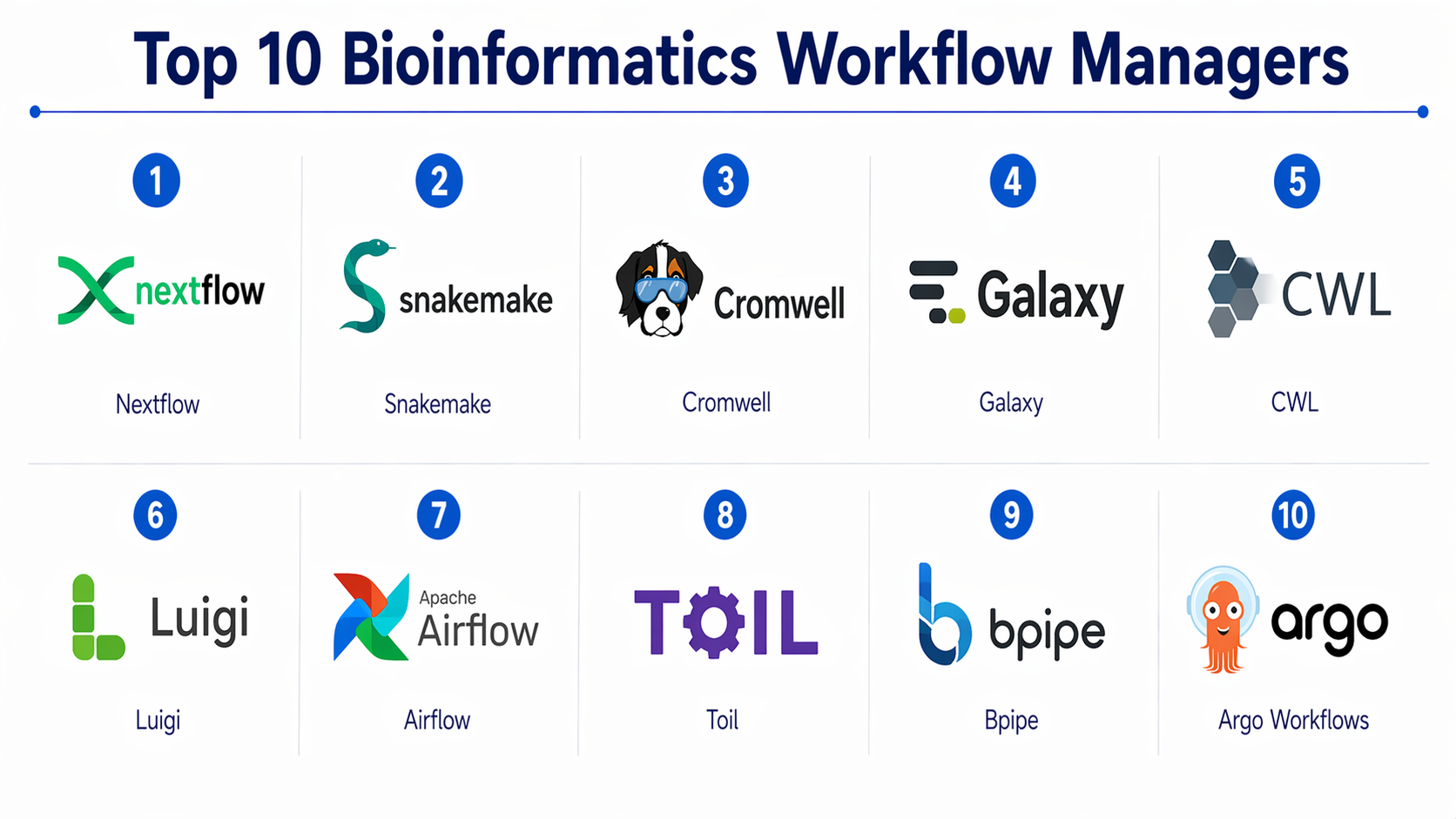
Top 10 Bioinformatics Workflow Managers
#1 — Nextflow
Short description :
Nextflow is one of the most popular workflow managers for bioinformatics pipelines. It allows users to write scalable workflows using a simple scripting language. It supports seamless execution across local, HPC, and cloud environments. Known for its strong container integration and reproducibility features. Widely used in genomics and proteomics pipelines.
Key Features
- Domain-specific language for workflows
- Native Docker and Singularity support
- Cloud and HPC compatibility
- Pipeline versioning and reproducibility
- Strong community ecosystem
Pros
- Highly scalable and flexible
- Strong cloud integration
Cons
- Learning curve for beginners
- Requires scripting knowledge
Platforms / Deployment
- Linux / macOS
- Cloud / Self-hosted / Hybrid
Security & Compliance
- Supports encryption and access controls (varies by deployment)
Integrations & Ecosystem
Nextflow integrates well with cloud providers and container platforms.
- AWS Batch, Google Cloud
- Docker, Singularity
- Git repositories
Support & Community
Very strong open-source community with active development and documentation.
#2 — Snakemake
Short description :
Snakemake is a Python-based workflow management system designed for reproducible research. It uses a simple rule-based syntax and integrates easily with existing scripts. Ideal for academic labs and small-to-medium workflows. Offers strong scalability and flexibility.
Key Features
- Python-based syntax
- Rule-based workflow definition
- Automatic dependency resolution
- Scalable execution
- Integration with HPC and cloud
Pros
- Easy for Python users
- Highly reproducible
Cons
- Limited UI
- Requires coding knowledge
Platforms / Deployment
- Linux / macOS
- Cloud / Self-hosted
Security & Compliance
- Not publicly stated
Integrations & Ecosystem
- Python ecosystem
- HPC clusters
- Container platforms
Support & Community
Strong academic community and extensive documentation.
#3 — Cromwell
Short description :
Cromwell is a workflow engine developed for executing workflows written in WDL (Workflow Description Language). It is widely used in genomics pipelines and supports cloud execution. Known for reliability and scalability in enterprise environments.
Key Features
- WDL support
- Cloud-native execution
- Scalable architecture
- Workflow monitoring
- Error handling
Pros
- Enterprise-ready
- Strong cloud support
Cons
- Limited language support
- Complex setup
Platforms / Deployment
- Linux
- Cloud / Self-hosted
Security & Compliance
- Not publicly stated
Integrations & Ecosystem
- Google Cloud
- WDL pipelines
- HPC systems
Support & Community
Moderate support with growing enterprise adoption.
#4 — Galaxy
Short description :
Galaxy is a web-based platform for accessible bioinformatics workflows. It allows users to create pipelines without coding. Popular in education and collaborative research environments. Offers a user-friendly interface and reproducibility features.
Key Features
- Web-based interface
- No-code workflow creation
- Data sharing and collaboration
- Tool integration
- Reproducibility
Pros
- Easy to use
- Great for beginners
Cons
- Limited scalability
- Less flexible for complex workflows
Platforms / Deployment
- Web / Linux
- Cloud / Self-hosted
Security & Compliance
- Not publicly stated
Integrations & Ecosystem
- Bioinformatics tools
- Data repositories
- Workflow sharing
Support & Community
Large global community and strong documentation.
#5 — CWL (Common Workflow Language)
Short description :
CWL is a standard for describing workflows and tools. It enables portability across different workflow engines. Widely used for reproducible research and cross-platform compatibility.
Key Features
- Standardized workflow language
- Tool portability
- Reproducibility
- Cross-platform execution
- Integration with multiple engines
Pros
- Highly portable
- Standardized approach
Cons
- Not a standalone engine
- Requires supporting tools
Platforms / Deployment
- Varies / N/A
Security & Compliance
- Not publicly stated
Integrations & Ecosystem
- Multiple workflow engines
- Data pipelines
Support & Community
Strong community-driven development.
#6 — Luigi
Short description :
Luigi is a Python-based workflow manager originally developed by Spotify. It is used for building complex pipelines with dependency resolution. While not bioinformatics-specific, it is widely used in data workflows.
Key Features
- Dependency management
- Pipeline scheduling
- Visualization tools
- Python integration
- Scalable execution
Pros
- Flexible and extensible
- Good for custom workflows
Cons
- Not bioinformatics-specific
- Limited built-in features
Platforms / Deployment
- Linux / macOS
- Self-hosted
Security & Compliance
- Not publicly stated
Integrations & Ecosystem
- Python ecosystem
- Data tools
Support & Community
Moderate support and developer community.
#7 — Airflow (Bioinformatics Use Cases)
Short description :
Apache Airflow is a general-purpose workflow orchestrator increasingly used in bioinformatics. It provides scheduling and monitoring capabilities. Suitable for teams integrating bioinformatics pipelines with data engineering workflows.
Key Features
- DAG-based workflows
- Scheduling and monitoring
- UI dashboards
- Extensibility
- Integration capabilities
Pros
- Strong monitoring
- Enterprise adoption
Cons
- Complex setup
- Not domain-specific
Platforms / Deployment
- Linux
- Cloud / Self-hosted
Security & Compliance
- RBAC, authentication (varies by setup)
Integrations & Ecosystem
- Cloud services
- Data tools
- APIs
Support & Community
Very strong global community and enterprise support.
#8 — Toil
Short description :
Toil is a scalable workflow engine designed for big data bioinformatics pipelines. It supports CWL and WDL and runs across cloud and HPC environments. Known for its fault tolerance.
Key Features
- CWL and WDL support
- Fault tolerance
- Cloud scalability
- Pipeline execution
- Large dataset handling
Pros
- Highly scalable
- Reliable execution
Cons
- Complex setup
- Limited UI
Platforms / Deployment
- Linux
- Cloud / Hybrid
Security & Compliance
- Not publicly stated
Integrations & Ecosystem
- Cloud platforms
- Workflow standards
Support & Community
Active research community.
#9 — Bpipe
Short description :
Bpipe is a lightweight workflow manager for bioinformatics pipelines. It is simple to use and designed for scripting workflows quickly. Suitable for smaller teams and projects.
Key Features
- Simple scripting
- Pipeline execution
- Lightweight design
- Error handling
- Logging
Pros
- Easy to use
- Lightweight
Cons
- Limited scalability
- Smaller community
Platforms / Deployment
- Linux / macOS
- Self-hosted
Security & Compliance
- Not publicly stated
Integrations & Ecosystem
- Script-based tools
- Data pipelines
Support & Community
Limited but active niche community.
#10 — Argo Workflows
Short description :
Argo Workflows is a Kubernetes-native workflow engine. It is increasingly used in bioinformatics for scalable cloud-native pipelines. Ideal for modern DevOps-driven research environments.
Key Features
- Kubernetes-native execution
- Container-based workflows
- Scalable pipelines
- Cloud integration
- Workflow visualization
Pros
- Highly scalable
- Modern architecture
Cons
- Requires Kubernetes expertise
- Complex setup
Platforms / Deployment
- Kubernetes / Cloud
- Cloud / Hybrid
Security & Compliance
- RBAC, authentication (varies by setup)
Integrations & Ecosystem
- Kubernetes ecosystem
- Cloud platforms
- APIs
Support & Community
Strong open-source and DevOps community.
Comparison Table (Top 10)
| Tool Name | Best For | Platform(s) Supported | Deployment | Standout Feature | Public Rating |
|---|---|---|---|---|---|
| Nextflow | Large-scale pipelines | Linux/macOS | Hybrid | Container integration | N/A |
| Snakemake | Academic workflows | Linux/macOS | Hybrid | Python-based rules | N/A |
| Cromwell | Enterprise genomics | Linux | Hybrid | WDL execution | N/A |
| Galaxy | Beginners | Web/Linux | Cloud | No-code workflows | N/A |
| CWL | Standardization | Varies | N/A | Workflow portability | N/A |
| Luigi | Custom pipelines | Linux/macOS | Self-hosted | Dependency management | N/A |
| Airflow | Enterprise orchestration | Linux | Hybrid | DAG workflows | N/A |
| Toil | Large datasets | Linux | Hybrid | Fault tolerance | N/A |
| Bpipe | Small teams | Linux/macOS | Self-hosted | Simplicity | N/A |
| Argo Workflows | Cloud-native pipelines | Kubernetes | Hybrid | Kubernetes integration | N/A |
Evaluation & Bioinformatics Workflow Managers
| Tool Name | Core | Ease | Integrations | Security | Performance | Support | Value | Weighted Total |
|---|---|---|---|---|---|---|---|---|
| Nextflow | 9 | 7 | 9 | 6 | 9 | 9 | 9 | 8.6 |
| Snakemake | 8 | 8 | 8 | 5 | 8 | 8 | 9 | 8.1 |
| Cromwell | 8 | 6 | 8 | 6 | 9 | 7 | 7 | 7.8 |
| Galaxy | 7 | 9 | 6 | 5 | 6 | 8 | 9 | 7.5 |
| CWL | 7 | 6 | 9 | 5 | 7 | 7 | 8 | 7.3 |
| Luigi | 7 | 7 | 7 | 5 | 7 | 7 | 8 | 7.2 |
| Airflow | 8 | 6 | 9 | 7 | 8 | 9 | 7 | 8.0 |
| Toil | 8 | 6 | 8 | 5 | 9 | 7 | 8 | 7.8 |
| Bpipe | 6 | 8 | 6 | 5 | 6 | 6 | 8 | 6.9 |
| Argo Workflows | 9 | 6 | 9 | 7 | 9 | 8 | 7 | 8.4 |
How to interpret scores:
These scores are relative comparisons across tools, not absolute measures. Higher scores indicate a better balance of features and enterprise readiness. Open-source tools tend to score higher in value, while enterprise tools score higher in integrations and support. Choose based on your specific needs, not just the highest score.
Which Bioinformatics Workflow Managers
Solo / Freelancer
Galaxy or Snakemake for simplicity and ease of use.
SMB
Nextflow or Snakemake for scalability without high cost.
Mid-Market
Cromwell or Toil for advanced workflows.
Enterprise
Nextflow, Argo Workflows, or Airflow for scalability and integration.
Budget vs Premium
- Budget: Snakemake, Bpipe
- Premium: Argo Workflows, Airflow
Feature Depth vs Ease of Use
- Depth: Nextflow, Argo
- Ease: Galaxy, Snakemake
Integrations & Scalability
- Best: Nextflow, Argo Workflows
Security & Compliance Needs
- Enterprise tools with RBAC and monitoring preferred
Frequently Asked Questions (FAQs)
1. What is a bioinformatics workflow manager?
It is a tool that automates and manages complex biological data analysis pipelines, ensuring reproducibility and scalability.
2. Are these tools free?
Many are open-source, but enterprise versions may require licensing.
3. Do I need programming skills?
Yes, most tools require scripting knowledge, except platforms like Galaxy.
4. Can they run in the cloud?
Yes, most modern tools support cloud environments.
5. What is the difference between Nextflow and Snakemake?
Nextflow focuses on scalability and cloud integration, while Snakemake is simpler and Python-based.
6. Are they secure?
Security depends on deployment and configuration.
7. Can I integrate with other systems?
Yes, most tools support APIs and integrations.
8. How long does setup take?
It varies from hours to days depending on complexity.
9. What are common mistakes?
Not planning for scalability or ignoring reproducibility.
10. What are alternatives?
Custom scripts or general workflow tools like Airflow.
Conclusion
Bioinformatics Workflow Managers are essential for managing modern biological data pipelines efficiently and reproducibly. From beginner-friendly tools like Galaxy to enterprise-grade platforms like Nextflow and Argo Workflows, each tool offers unique strengths depending on your use case. The “best” tool is not universal—it depends on your team’s technical expertise, infrastructure, and workflow complexity. Organizations should focus on scalability, integration, and reproducibility when making a decision.