Introduction
Plagiarism detection tools are software platforms that scan text and compare it against massive databases of web pages, academic papers, and proprietary content to identify duplicate or highly similar content. In simple terms, they help ensure originality by highlighting copied or reused text.
In today’s content-driven world, plagiarism detection has become critical. With the rise of AI-generated content, remote learning, freelance writing, and global publishing, verifying originality is more important than ever. Educational institutions, publishers, and businesses need reliable tools to maintain credibility and avoid legal or reputational risks.
Real-world use cases:
- Universities checking student assignments and research papers
- Content teams validating blog and SEO content
- Publishers ensuring originality before publication
- HR teams screening candidate submissions
- Legal teams verifying intellectual property
What buyers should evaluate:
- Accuracy and database size
- AI-generated content detection capability
- Speed and scalability
- Language support
- Integration with writing tools or LMS
- Reporting and citation support
- Data privacy and storage policies
- Ease of use and onboarding
- Pricing model (per word, per scan, subscription)
Best for: Educational institutions, content teams, SEO agencies, publishers, and enterprises handling large volumes of text.
Not ideal for: Small teams with minimal content validation needs, offline-only environments, or use cases where originality checking is not critical.
Key Trends in Plagiarism Detection Tools
- AI-powered detection for both plagiarism and AI-generated content
- Expansion of proprietary academic and publishing databases
- Real-time plagiarism detection during writing
- Integration with writing assistants and LMS platforms
- Multilingual plagiarism detection capabilities
- Improved citation and paraphrasing suggestions
- Privacy-first scanning with secure data handling
- API-first platforms for developer integrations
- Cloud-native solutions for scalability
- Hybrid models combining plagiarism + writing improvement tools
How We Selected These Tools (Methodology)
- Evaluated market adoption and brand recognition
- Compared database size and coverage quality
- Assessed accuracy in detecting paraphrased content
- Reviewed AI detection capabilities
- Analyzed performance and speed
- Considered integration ecosystems (LMS, CMS, APIs)
- Evaluated ease of use and onboarding experience
- Checked support for multiple industries (education, SEO, publishing)
- Balanced tools across SMB and enterprise segments
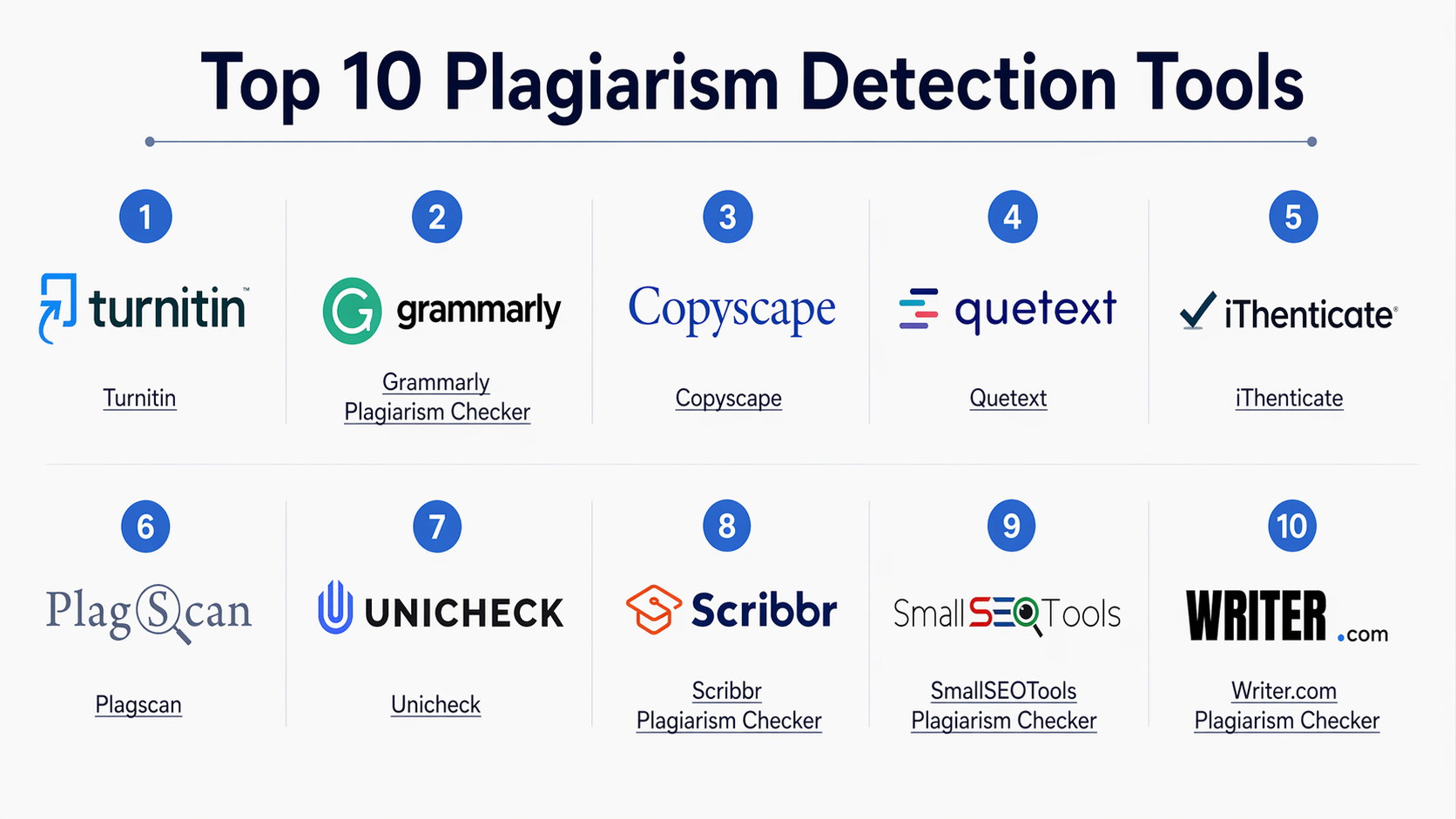
Top 10 Plagiarism Detection Tools
#1 — Turnitin
Short description :
Turnitin is one of the most widely used plagiarism detection platforms in academia. It provides deep content comparison using a vast academic database. The platform is designed for educational institutions and research environments. It offers advanced reporting and originality scoring. Turnitin is considered a benchmark for academic integrity solutions.
Key Features
- Extensive academic database
- Originality reports
- AI writing detection
- Feedback and grading tools
- LMS integrations
- Similarity scoring
Pros
- Highly accurate for academic content
- Trusted globally
Cons
- Expensive for small users
- Limited availability for individuals
Platforms / Deployment
- Web
- Cloud
Security & Compliance
- Encryption, access control
- Not publicly stated certifications
Integrations & Ecosystem
Integrates with major LMS platforms and academic systems.
- LMS integrations
- API support
- Assignment tools
Support & Community
Strong institutional support and global user base.
#2 — Grammarly Plagiarism Checker
Short description:
Grammarly includes plagiarism detection as part of its writing assistant platform. It is designed for individuals and teams who want writing improvement and originality checking in one tool. The platform is widely used for content writing and professional communication. It provides real-time suggestions alongside plagiarism detection.
Key Features
- Plagiarism detection
- Grammar and style suggestions
- Real-time writing feedback
- AI writing assistance
- Browser extensions
Pros
- Easy to use
- Combined writing + plagiarism tool
Cons
- Less deep academic database
- Limited enterprise features
Platforms / Deployment
- Web / Windows / macOS
- Cloud
Security & Compliance
- Encryption
- Not publicly stated
Integrations & Ecosystem
- Browser integrations
- Writing tools
- APIs (limited)
Support & Community
Large user base with strong documentation.
#3 — Copyscape
Short description:
Copyscape is a popular plagiarism detection tool focused on web content. It is widely used by bloggers and SEO professionals. The platform checks content against publicly available web pages. It is simple and effective for online content duplication detection.
Key Features
- Web-based plagiarism scanning
- Batch search
- API access
- Duplicate content alerts
- Premium scanning
Pros
- Fast and simple
- Strong for web content
Cons
- Limited academic database
- Basic reporting
Platforms / Deployment
- Web
- Cloud
Security & Compliance
- Not publicly stated
Integrations & Ecosystem
- API support
- CMS integrations
Support & Community
Moderate support and documentation.
#4 — Quetext
Short description:
Quetext offers plagiarism detection with deep search technology. It is designed for students, writers, and educators. The platform focuses on ease of use and affordability. It provides detailed reports with highlighted matches.
Key Features
- Deep search technology
- Color-coded reports
- Citation assistant
- AI detection
- Source comparison
Pros
- User-friendly interface
- Affordable pricing
Cons
- Smaller database
- Limited enterprise features
Platforms / Deployment
- Web
- Cloud
Security & Compliance
- Not publicly stated
Integrations & Ecosystem
- Limited integrations
- Basic API
Support & Community
Good support for individual users.
#5 — iThenticate
Short description:
iThenticate is designed for researchers and publishers. It provides deep plagiarism detection using scholarly databases. The platform is widely used in academic publishing. It focuses on high-quality content verification.
Key Features
- Scholarly database access
- Similarity reports
- Manuscript checking
- Integration with publishing workflows
- Detailed analysis
Pros
- Strong for research content
- High accuracy
Cons
- Expensive
- Not suitable for casual users
Platforms / Deployment
- Web
- Cloud
Security & Compliance
- Encryption
- Not publicly stated
Integrations & Ecosystem
- Publishing systems
- APIs
Support & Community
Strong support for academic users.
#6 — Plagscan
Short description:
Plagscan is a plagiarism detection tool designed for businesses and educational institutions. It offers detailed reports and customizable scanning options. The platform supports multiple file formats. It is known for flexibility and control.
Key Features
- Multi-format support
- Detailed reports
- Custom scanning settings
- API integration
- Cloud storage
Pros
- Flexible usage
- Good reporting
Cons
- UI can be complex
- Limited AI features
Platforms / Deployment
- Web
- Cloud
Security & Compliance
- Encryption
- Not publicly stated
Integrations & Ecosystem
- LMS integrations
- API support
Support & Community
Moderate enterprise support.
#7 — Unicheck
Short description:
Unicheck is a cloud-based plagiarism detection tool focused on education. It provides fast scanning and integration with LMS platforms. The platform is designed for institutions and educators. It offers detailed similarity reports.
Key Features
- Real-time scanning
- LMS integration
- Similarity reports
- File comparison
- Cloud-based
Pros
- Fast processing
- Good for institutions
Cons
- Limited AI detection
- Smaller database
Platforms / Deployment
- Web
- Cloud
Security & Compliance
- Encryption
- Not publicly stated
Integrations & Ecosystem
- LMS integrations
- APIs
Support & Community
Good academic support.
#8 — Scribbr Plagiarism Checker
Short description:
Scribbr provides plagiarism detection focused on students and academic writing. It uses Turnitin’s database under the hood. The platform offers clear reports and citation help. It is popular among students.
Key Features
- Academic database access
- Detailed reports
- Citation support
- File upload support
- AI detection
Pros
- Accurate academic detection
- Easy to use
Cons
- Pay-per-use pricing
- Limited enterprise features
Platforms / Deployment
- Web
- Cloud
Security & Compliance
- Not publicly stated
Integrations & Ecosystem
- Limited integrations
Support & Community
Strong student-focused support.
#9 — SmallSEOTools Plagiarism Checker
Short description:
SmallSEOTools offers a free plagiarism checker for web content. It is widely used by bloggers and SEO professionals. The platform is simple and accessible. It is suitable for quick checks.
Key Features
- Free plagiarism detection
- Web-based scanning
- Multiple file formats
- Basic reports
- Copy-paste support
Pros
- Free to use
- Easy access
Cons
- Limited accuracy
- Ads and restrictions
Platforms / Deployment
- Web
- Cloud
Security & Compliance
- Not publicly stated
Integrations & Ecosystem
- Minimal integrations
Support & Community
Basic support.
#10 — Writer.com Plagiarism Checker
Short description:
Writer.com offers plagiarism detection as part of its enterprise writing platform. It focuses on brand consistency and content quality. The tool is designed for teams and enterprises. It integrates with content workflows.
Key Features
- Plagiarism detection
- Style guide enforcement
- AI writing tools
- Team collaboration
- API access
Pros
- Strong for enterprise teams
- Integrated writing platform
Cons
- Not standalone-focused
- Pricing not transparent
Platforms / Deployment
- Web
- Cloud
Security & Compliance
- Encryption
- Not publicly stated
Integrations & Ecosystem
- CMS integrations
- APIs
- Writing tools
Support & Community
Enterprise-level support.
Comparison Table (Top 10)
| Tool Name | Best For | Platform(s) Supported | Deployment | Standout Feature | Public Rating |
|---|---|---|---|---|---|
| Turnitin | Academia | Web | Cloud | Academic database | N/A |
| Grammarly | Individuals | Web/Desktop | Cloud | Writing + plagiarism | N/A |
| Copyscape | SEO content | Web | Cloud | Web duplication detection | N/A |
| Quetext | Students | Web | Cloud | Deep search | N/A |
| iThenticate | Researchers | Web | Cloud | Scholarly detection | N/A |
| Plagscan | Enterprises | Web | Cloud | Flexible scanning | N/A |
| Unicheck | Education | Web | Cloud | LMS integration | N/A |
| Scribbr | Students | Web | Cloud | Academic accuracy | N/A |
| SmallSEOTools | Bloggers | Web | Cloud | Free usage | N/A |
| Writer.com | Teams | Web | Cloud | Enterprise writing tools | N/A |
Evaluation & Plagiarism Detection Tools
| Tool Name | Core (25%) | Ease (15%) | Integrations (15%) | Security (10%) | Performance (10%) | Support (10%) | Value (15%) | Weighted Total |
|---|---|---|---|---|---|---|---|---|
| Turnitin | 10 | 7 | 9 | 9 | 9 | 9 | 6 | 8.7 |
| Grammarly | 7 | 10 | 7 | 7 | 8 | 8 | 9 | 8.2 |
| Copyscape | 7 | 9 | 6 | 6 | 8 | 7 | 8 | 7.5 |
| Quetext | 7 | 9 | 6 | 6 | 7 | 7 | 8 | 7.3 |
| iThenticate | 9 | 7 | 8 | 9 | 9 | 9 | 6 | 8.4 |
| Plagscan | 8 | 7 | 8 | 7 | 8 | 7 | 7 | 7.6 |
| Unicheck | 8 | 8 | 8 | 7 | 8 | 8 | 7 | 7.9 |
| Scribbr | 8 | 9 | 6 | 6 | 8 | 8 | 7 | 7.7 |
| SmallSEOTools | 6 | 9 | 5 | 5 | 7 | 6 | 9 | 6.9 |
| Writer.com | 8 | 8 | 9 | 7 | 8 | 8 | 7 | 8.0 |
How to interpret scores:
These scores reflect relative performance across features, usability, and value. Academic tools score higher in accuracy but lower in cost efficiency. Content tools prioritize ease of use and speed. Choose based on your primary use case rather than overall score.
Which Plagiarism Detection Tools
Solo / Freelancer
Grammarly or Quetext are ideal for simple and fast checks.
SMB
Copyscape and Unicheck provide a good balance of cost and functionality.
Mid-Market
Plagscan and Writer.com offer flexibility and integrations.
Enterprise
Turnitin and iThenticate are best for large-scale academic or publishing needs.
Budget vs Premium
- Budget: SmallSEOTools, Quetext
- Premium: Turnitin, iThenticate
Feature Depth vs Ease of Use
- Feature-rich: Turnitin, iThenticate
- Easy to use: Grammarly, Quetext
Integrations & Scalability
- Strong integrations: Writer.com, Unicheck
- Scalable: Turnitin, Plagscan
Security & Compliance Needs
- High security: Turnitin, iThenticate
- Moderate: Grammarly, Copyscape
Frequently Asked Questions (FAQs)
1. What is plagiarism detection software?
It is a tool that scans text and compares it with existing content to identify similarities and ensure originality.
2. Are these tools accurate?
Accuracy depends on database size and algorithm quality. Academic tools tend to be more accurate than free tools.
3. Do these tools detect AI-generated content?
Many modern tools include AI detection, but accuracy varies.
4. Can plagiarism tools be used for SEO content?
Yes, tools like Copyscape are widely used for SEO content validation.
5. Are free tools reliable?
Free tools provide basic checks but may lack depth and accuracy.
6. How do pricing models work?
Pricing can be subscription-based, pay-per-use, or per-word scanning.
7. Do these tools store uploaded content?
Some tools store content for future comparison, while others offer privacy modes.
8. Can they integrate with LMS platforms?
Yes, many tools offer LMS integrations for educational use.
9. What are common mistakes when using these tools?
Relying only on similarity score without reviewing context is a common mistake.
10. Are there alternatives to plagiarism detection tools?
Manual review, citation checking, and peer review are alternatives but less efficient.
Conclusion
Plagiarism detection tools have become essential for maintaining content integrity across education, publishing, and digital content creation. As content volumes increase and AI-generated writing becomes more common, these tools play a critical role in ensuring originality and trust. However, the “best” tool depends entirely on your needs—academic institutions require deep databases, while content teams prioritize speed and ease of use.