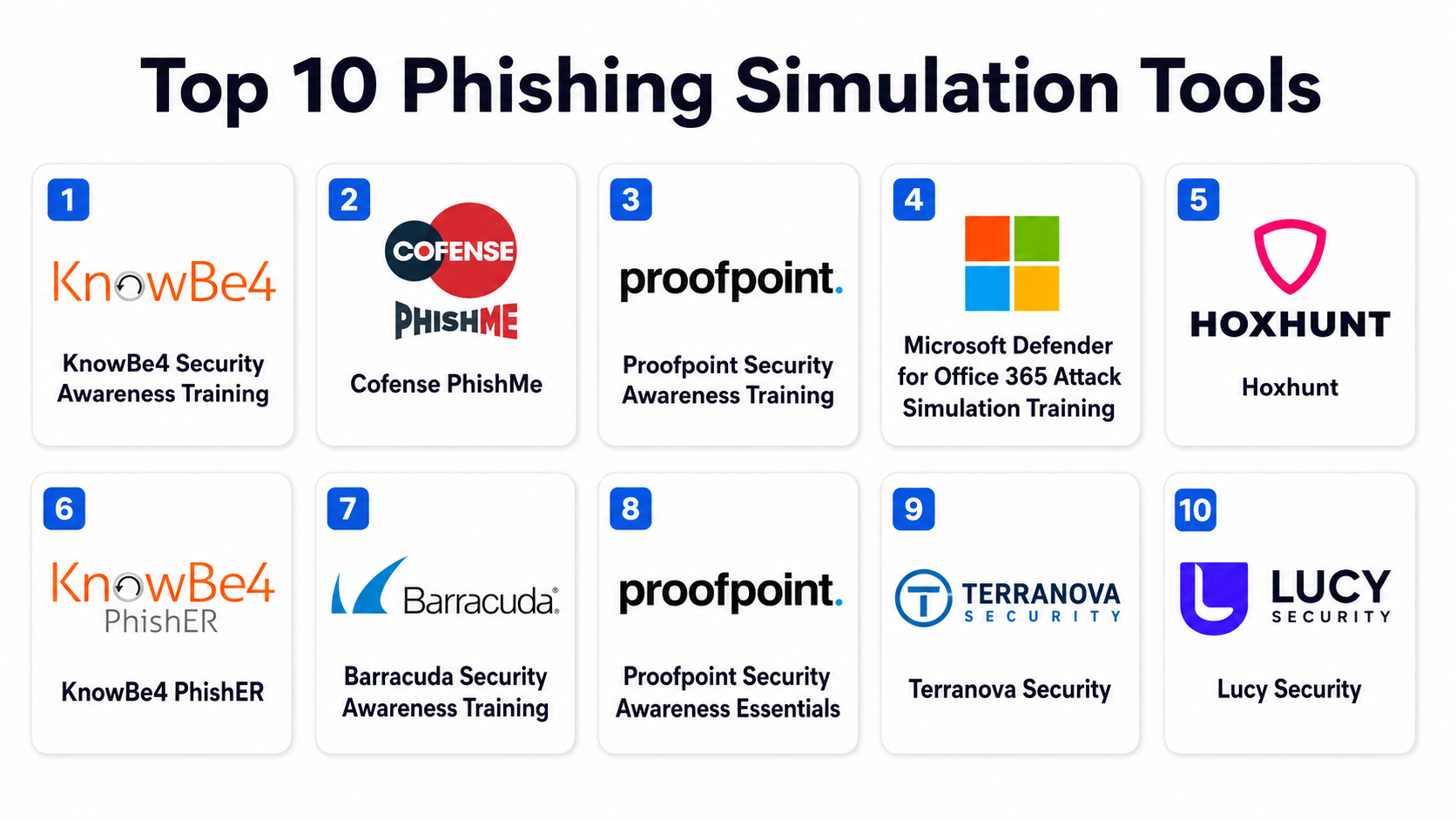
Introduction
Phishing Simulation Tools are cybersecurity training platforms designed to test, train, and improve employee awareness against phishing attacks. These tools simulate real-world phishing emails, malicious links, and social engineering scenarios in a controlled environment to measure how users respond and to strengthen organizational security posture.
In phishing remains one of the most successful attack vectors for cybercriminals. Despite advanced email security systems, attackers increasingly rely on human manipulation—clicking malicious links, sharing credentials, or downloading infected attachments. Phishing simulation tools address this weakest link: human behavior.
These platforms are widely used for:
- Employee security awareness training
- Reducing phishing click-through rates
- Testing organizational security maturity
- Compliance training (ISO, SOC 2, GDPR readiness programs)
- Simulating spear-phishing and executive impersonation attacks
- Measuring security behavior over time
- Strengthening zero trust security culture
- Preparing teams for real-world cyberattacks
When evaluating Phishing Simulation Tools, organizations should consider:
- Realism and variety of phishing templates
- Behavioral tracking and analytics depth
- Automation and campaign scheduling
- Integration with email platforms
- Reporting and compliance dashboards
- User segmentation and targeting capabilities
- Learning and training module quality
- AI-driven phishing simulation capabilities
- Ease of deployment and scalability
- Accuracy of risk scoring and user profiling
Best for: Enterprises, SMBs, government organizations, healthcare institutions, and any organization with email-dependent employees.
Not ideal for: Very small teams with no external email exposure or organizations without compliance/security requirements.
Key Trends in Phishing Simulation Tools
- AI-generated phishing simulations that mimic real attacker behavior
- Hyper-personalized spear-phishing campaigns for employees
- Continuous security awareness training instead of annual training
- Integration with security orchestration and SIEM platforms
- Real-time risk scoring of employee behavior
- Adaptive learning paths based on user performance
- Browser-based interactive phishing simulations
- Gamification of security awareness training
- Integration with HR onboarding workflows
- Increased focus on executive phishing (whaling simulations)
How We Selected These Tools (Methodology)
The tools listed below were selected based on adoption in security awareness programs, realism of phishing simulations, training effectiveness, analytics depth, scalability, and enterprise readiness.
Selection criteria included:
- Quality and realism of phishing templates
- Behavioral tracking accuracy
- Training effectiveness and learning modules
- Automation and campaign management
- Reporting and analytics capabilities
- Integration with email and identity systems
- Enterprise scalability and performance
- Compliance support capabilities
- Ease of deployment
- Market credibility and security ecosystem adoption
Phishing Simulation Tools
#1 — KnowBe4 Security Awareness Training
Short description :
KnowBe4 is one of the most widely used security awareness and phishing simulation platforms that helps organizations train employees using realistic phishing campaigns and automated learning modules.
Key Features
- Large phishing email template library
- Automated phishing simulation campaigns
- Security awareness training modules
- Real-time user behavior tracking
- Risk scoring and reporting dashboards
- Compliance training support
- Phish-prone percentage measurement
Pros
- Extremely large training content library
- Easy to deploy and manage campaigns
- Strong enterprise adoption
Cons
- Can feel repetitive for advanced users
- Requires tuning for personalization
- Premium pricing for large teams
Platforms / Deployment
- Cloud
Security & Compliance
- Audit logs
- Compliance training support
- User activity tracking
- Role-based access control
- Data protection controls
Integrations & Ecosystem
- Microsoft 365
- Google Workspace
- SIEM systems
- HR systems
- APIs
Support & Community
Strong global support and training resources.
#2 — Cofense PhishMe
Short description :
Cofense PhishMe provides phishing simulation and threat intelligence-driven training that helps organizations prepare employees for real-world phishing attacks using highly realistic campaigns.
Key Features
- Real-world phishing simulation templates
- Threat intelligence-driven campaigns
- Employee reporting simulations
- Behavioral analytics dashboard
- Security awareness training integration
- Incident response feedback loops
- Phishing susceptibility scoring
Pros
- Very realistic phishing scenarios
- Strong threat intelligence integration
- Excellent reporting workflows
Cons
- Requires onboarding effort
- Enterprise-focused pricing
- Complex campaign configuration
Platforms / Deployment
- Cloud
Security & Compliance
- Audit logs
- Compliance tracking
- Role-based controls
- Secure reporting systems
- Data protection features
Integrations & Ecosystem
- Email platforms
- SIEM tools
- Security operations centers (SOC)
- APIs
- Identity systems
Support & Community
Strong enterprise cybersecurity support.
#3 — Proofpoint Security Awareness Training
Short description :
Proofpoint offers phishing simulation combined with advanced security awareness training, focusing on behavior change and enterprise-level phishing defense readiness.
Key Features
- AI-driven phishing simulations
- Behavioral risk analysis
- Security awareness training modules
- Executive phishing simulations
- Automated campaign scheduling
- Detailed reporting dashboards
- Threat intelligence integration
Pros
- Strong enterprise-grade security focus
- High-quality phishing simulations
- Deep behavioral insights
Cons
- Complex setup process
- Premium pricing
- Requires security expertise for tuning
Platforms / Deployment
- Cloud / Hybrid
Security & Compliance
- Audit logs
- Compliance reporting
- Role-based access control
- Data protection controls
- Security analytics
Integrations & Ecosystem
- Microsoft 365
- Google Workspace
- SIEM platforms
- Email security tools
- APIs
Support & Community
Strong enterprise cybersecurity support ecosystem.
#4 — Microsoft Defender for Office 365 Attack Simulation Training
Short description :
Microsoft’s Attack Simulation Training allows organizations to run phishing simulations directly within Microsoft 365 to test and train employees against phishing threats.
Key Features
- Built-in phishing simulation engine
- Pre-built attack scenarios
- Credential harvesting simulations
- Real-time reporting and analytics
- User training recommendations
- Integration with Microsoft Defender
- Automated remediation guidance
Pros
- Native Microsoft 365 integration
- Easy deployment for Microsoft users
- Strong analytics and reporting
Cons
- Limited outside Microsoft ecosystem
- Fewer customization options
- Requires licensing tiers
Platforms / Deployment
- Cloud
Security & Compliance
- Audit logs
- Compliance reporting
- Identity protection integration
- Security analytics
- Role-based access
Integrations & Ecosystem
- Microsoft 365
- Entra ID
- Defender suite
- Security Center
- APIs
Support & Community
Strong Microsoft enterprise support.
#5 — Hoxhunt
Short description :
Hoxhunt is an AI-powered phishing simulation and security awareness platform that delivers personalized training based on user behavior and risk profiles.
Key Features
- AI-driven phishing simulations
- Personalized learning paths
- Real-time behavioral feedback
- Gamified training system
- Risk scoring per employee
- Adaptive phishing difficulty
- Automated campaigns
Pros
- Highly engaging user experience
- Strong personalization engine
- Effective behavior change focus
Cons
- Smaller enterprise footprint than legacy vendors
- Requires time for behavioral optimization
- Pricing varies by scale
Platforms / Deployment
- Cloud
Security & Compliance
- Audit logs
- Compliance tracking
- Role-based access control
- Data protection policies
- Risk analytics
Integrations & Ecosystem
- Microsoft 365
- Google Workspace
- HR systems
- Security platforms
- APIs
Support & Community
Strong modern SaaS-style support.
#6 — KnowBe4 PhishER
Short description :
PhishER is KnowBe4’s incident response and phishing management tool that complements phishing simulation by helping organizations respond to suspicious emails quickly.
Key Features
- Phishing email reporting system
- Automated email triage
- Incident response workflows
- Threat classification engine
- Security team collaboration tools
- Integration with simulations
- Risk scoring dashboards
Pros
- Strong incident response integration
- Fast phishing email triage
- Good ecosystem with KnowBe4 suite
Cons
- Best used with KnowBe4 platform
- Requires setup for automation
- Enterprise-oriented
Platforms / Deployment
- Cloud
Security & Compliance
- Audit logs
- Incident tracking
- Role-based access control
- Data protection systems
- Compliance support
Integrations & Ecosystem
- Email systems
- SOC tools
- SIEM platforms
- APIs
- Security workflows
Support & Community
Strong enterprise security support.
#7 — Barracuda Security Awareness Training
Short description :
Barracuda provides phishing simulation and security awareness training designed for SMB and mid-market organizations to reduce phishing risk.
Key Features
- Phishing simulation campaigns
- Security awareness training modules
- Risk scoring dashboards
- Email reporting tools
- Compliance tracking
- Pre-built templates
- Automated training delivery
Pros
- Easy to deploy
- Good SMB-friendly pricing
- Simple campaign management
Cons
- Less advanced AI capabilities
- Limited behavioral analytics
- Smaller phishing template depth
Platforms / Deployment
- Cloud
Security & Compliance
- Audit logs
- Compliance tracking
- Role-based access
- Data protection controls
- Security reporting
Integrations & Ecosystem
- Microsoft 365
- Google Workspace
- Email systems
- APIs
- Security tools
Support & Community
Good SMB-focused support.
#8 — Proofpoint Security Awareness Essentials (TAP)
Short description :
Proofpoint TAP extends phishing simulation with advanced threat protection insights, helping organizations simulate real-world phishing attacks using intelligence-driven scenarios.
Key Features
- Threat intelligence-based simulations
- Advanced phishing templates
- Behavioral tracking
- Risk scoring dashboards
- Automated campaign management
- Executive phishing simulations
- Security analytics
Pros
- Highly realistic phishing scenarios
- Strong intelligence integration
- Enterprise-grade analytics
Cons
- Complex configuration
- Premium pricing
- Requires expertise for optimization
Platforms / Deployment
- Cloud / Hybrid
Security & Compliance
- Audit logs
- Compliance support
- Role-based controls
- Threat analytics
- Security monitoring
Integrations & Ecosystem
- Microsoft 365
- Email systems
- SIEM tools
- APIs
- Security platforms
Support & Community
Strong enterprise cybersecurity support.
#9 — Terranova Security (Fortra)
Short description :
Terranova Security provides phishing simulation and security awareness training focused on behavior change and compliance-driven security education.
Key Features
- Phishing simulation campaigns
- Security awareness training library
- Behavior tracking dashboards
- Compliance training modules
- Multi-language support
- Reporting and analytics
- Automated training assignments
Pros
- Strong compliance training focus
- Easy to use platform
- Good multilingual support
Cons
- Less advanced AI features
- Limited deep behavioral analytics
- Smaller ecosystem
Platforms / Deployment
- Cloud
Security & Compliance
- Audit logs
- Compliance reporting
- Role-based access
- Training records
- Data protection
Integrations & Ecosystem
- Microsoft 365
- Google Workspace
- HR systems
- APIs
- Security tools
Support & Community
Good enterprise and SMB support.
#10 — Lucy Security (now Inspire Security Awareness)
Short description :
Lucy Security provides phishing simulation and awareness training with customizable attack scenarios and strong automation capabilities for enterprise security programs.
Key Features
- Custom phishing simulation builder
- Automated training campaigns
- Behavioral analytics
- Risk scoring dashboards
- Multi-channel simulation support
- Security awareness modules
- Reporting and compliance tracking
Pros
- Highly customizable simulations
- Strong automation features
- Good enterprise scalability
Cons
- Requires setup expertise
- UI can feel complex
- Smaller ecosystem than top vendors
Platforms / Deployment
- Cloud / Hybrid
Security & Compliance
- Audit logs
- Compliance tracking
- Role-based access control
- Security reporting
- Data protection
Integrations & Ecosystem
- Email platforms
- SIEM tools
- HR systems
- APIs
- Security stacks
Support & Community
Enterprise-focused support and onboarding.
Comparison Table (Top 10)
| Tool Name | Best For | Platform(s) Supported | Deployment | Standout Feature | Public Rating |
|---|---|---|---|---|---|
| KnowBe4 | Security awareness training | Cloud | Cloud | Large training library | N/A |
| Cofense | Threat intelligence simulations | Cloud | Cloud | Real-world phishing scenarios | N/A |
| Proofpoint | Enterprise phishing defense | Cloud/Hybrid | Hybrid | Behavioral risk analysis | N/A |
| Microsoft Defender | Microsoft-native training | Cloud | Cloud | Attack Simulation Training | N/A |
| Hoxhunt | AI-driven personalization | Cloud | Cloud | Adaptive learning engine | N/A |
| PhishER | Incident response workflows | Cloud | Cloud | Phishing triage automation | N/A |
| Barracuda | SMB training programs | Cloud | Cloud | Simple deployment | N/A |
| Proofpoint TAP | Threat intelligence simulations | Cloud/Hybrid | Hybrid | Intelligence-driven phishing | N/A |
| Terranova Security | Compliance training | Cloud | Cloud | Multilingual compliance training | N/A |
| Lucy Security | Custom simulation design | Cloud/Hybrid | Hybrid | Highly customizable campaigns | N/A |
Evaluation & Phishing Simulation Tools
| Tool Name | Core (25%) | Ease (15%) | Integrations (15%) | Security (10%) | Performance (10%) | Support (10%) | Value (15%) | Weighted Total |
|---|---|---|---|---|---|---|---|---|
| KnowBe4 | 10 | 9 | 9 | 9 | 9 | 9 | 9 | 9.2 |
| Cofense | 9 | 8 | 9 | 9 | 9 | 9 | 8 | 8.7 |
| Proofpoint | 10 | 7 | 9 | 10 | 9 | 9 | 7 | 8.7 |
| Microsoft Defender | 9 | 9 | 10 | 9 | 10 | 9 | 9 | 9.2 |
| Hoxhunt | 9 | 9 | 9 | 9 | 9 | 9 | 8 | 9.0 |
| Barracuda | 8 | 9 | 8 | 8 | 8 | 8 | 9 | 8.4 |
| Terranova | 8 | 9 | 8 | 8 | 8 | 8 | 9 | 8.3 |
| Lucy Security | 8 | 8 | 8 | 8 | 8 | 8 | 8 | 8.0 |
Which Phishing Simulation Tools
Solo / Freelancer
- Barracuda
- Terranova Security
- KnowBe4 (small plans)
SMB
- Barracuda
- KnowBe4
- Hoxhunt
Mid-Market
- Cofense
- Proofpoint
- Lucy Security
Enterprise
- KnowBe4
- Proofpoint
- Microsoft Defender for Office 365
Budget vs Premium
- Budget-friendly: Barracuda
- Balanced: Hoxhunt, Terranova
- Premium enterprise: Proofpoint, Cofense, Microsoft Defender
Feature Depth vs Ease of Use
- Easiest to use: Microsoft Defender
- Most engaging UX: Hoxhunt
- Deepest enterprise intelligence: Cofense
Integrations & Scalability
- Best ecosystem integration: Microsoft Defender
- Best enterprise scalability: KnowBe4
- Best threat intelligence depth: Proofpoint
Security & Compliance Needs
Highly regulated organizations should prioritize:
- Proofpoint
- Microsoft Defender
- Cofense
- KnowBe4
Frequently Asked Questions (FAQs)
1. What are phishing simulation tools?
They are platforms that simulate phishing attacks to train employees and reduce security risks.
2. Why are phishing simulations important?
They help reduce human error, which is the most common cause of security breaches.
3. Do phishing simulations send real phishing emails?
Yes, but they are safe and controlled training simulations.
4. Can employees fail phishing tests?
Yes, but failure triggers training and awareness improvement.
5. Are phishing simulations legal?
Yes, when used with proper organizational consent and policies.
6. How often should simulations be run?
Typically monthly or quarterly depending on risk level.
7. Do these tools improve security?
Yes, they significantly reduce click-through rates over time.
8. Are they suitable for small businesses?
Yes, many tools offer SMB-friendly plans.
9. Do they integrate with email systems?
Yes, most integrate with Microsoft 365 and Google Workspace.
10. What is the future of phishing simulation?
It is moving toward AI-driven adaptive simulations and continuous behavioral training.
Conclusion
Phishing Simulation Tools play a critical role in strengthening cybersecurity by addressing the human factor in cyberattacks. While email security systems block many threats, attackers still rely heavily on social engineering, making employee awareness essential. KnowBe4, Microsoft Defender, and Proofpoint lead the enterprise space with advanced simulation and training ecosystems, while Hoxhunt offers modern AI-driven personalization and engagement. Cofense provides deep threat intelligence-driven simulations, and Barracuda and Terranova offer accessible solutions for SMBs.
