Introduction
Molecular Modeling Software (MMS) helps scientists simulate, visualize, and analyze molecular structures on a computer. In simple terms, it allows researchers to “see” molecules and predict how they behave without always needing physical experiments.
This category has become critical in modern research and industry due to the rise of AI-driven drug discovery, materials science innovation, and computational chemistry workflows. As labs and organizations move toward digital-first experimentation, MMS tools play a central role in reducing cost, speeding up discovery, and improving accuracy.
Real-world use cases include:
- Drug discovery and pharmaceutical research
- Protein structure prediction and simulation
- Material design (e.g., polymers, nanotechnology)
- Chemical reaction modeling and optimization
- Academic research and teaching
What buyers should evaluate:
- Simulation accuracy and algorithms
- Visualization capabilities
- Scalability (HPC/cloud support)
- Ease of use and learning curve
- Integration with lab systems (LIMS, ELN)
- AI/ML capabilities
- Licensing cost and flexibility
- Community and support
- Cross-platform compatibility
- Security and compliance features
Best for: Researchers, pharmaceutical companies, biotech startups, academic labs, chemical engineers, and computational chemists working on simulation-heavy workflows.
Not ideal for: Small teams with no simulation needs, basic chemistry learners, or organizations that only require simple data analysis tools instead of advanced modeling.
Key Trends in Molecular Modeling Software
- AI-driven modeling: Integration of machine learning for faster molecular predictions and drug discovery.
- Cloud-based simulations: Shift toward cloud HPC environments for scalability and collaboration.
- Automation workflows: Automated pipelines for simulation setup, execution, and analysis.
- Interoperability: Integration with ELN, LIMS, and data management platforms.
- Open-source adoption: Growing use of tools like AutoDock and GROMACS in academia and startups.
- GPU acceleration: Faster simulations using GPUs instead of traditional CPU-based systems.
- Collaboration tools: Multi-user environments for distributed research teams.
- Data-driven research: Strong focus on managing and analyzing large simulation datasets.
- Hybrid deployment models: Combining on-premise HPC with cloud capabilities.
How We Selected These Tools (Methodology)
- Evaluated market adoption and industry usage
- Reviewed feature depth and simulation capabilities
- Considered performance benchmarks and scalability
- Assessed integration flexibility and ecosystem strength
- Checked ease of use for different skill levels
- Looked at community support and documentation
- Analyzed enterprise readiness and deployment options
- Ensured coverage across open-source and commercial tools
- Focused on real-world applicability across industries
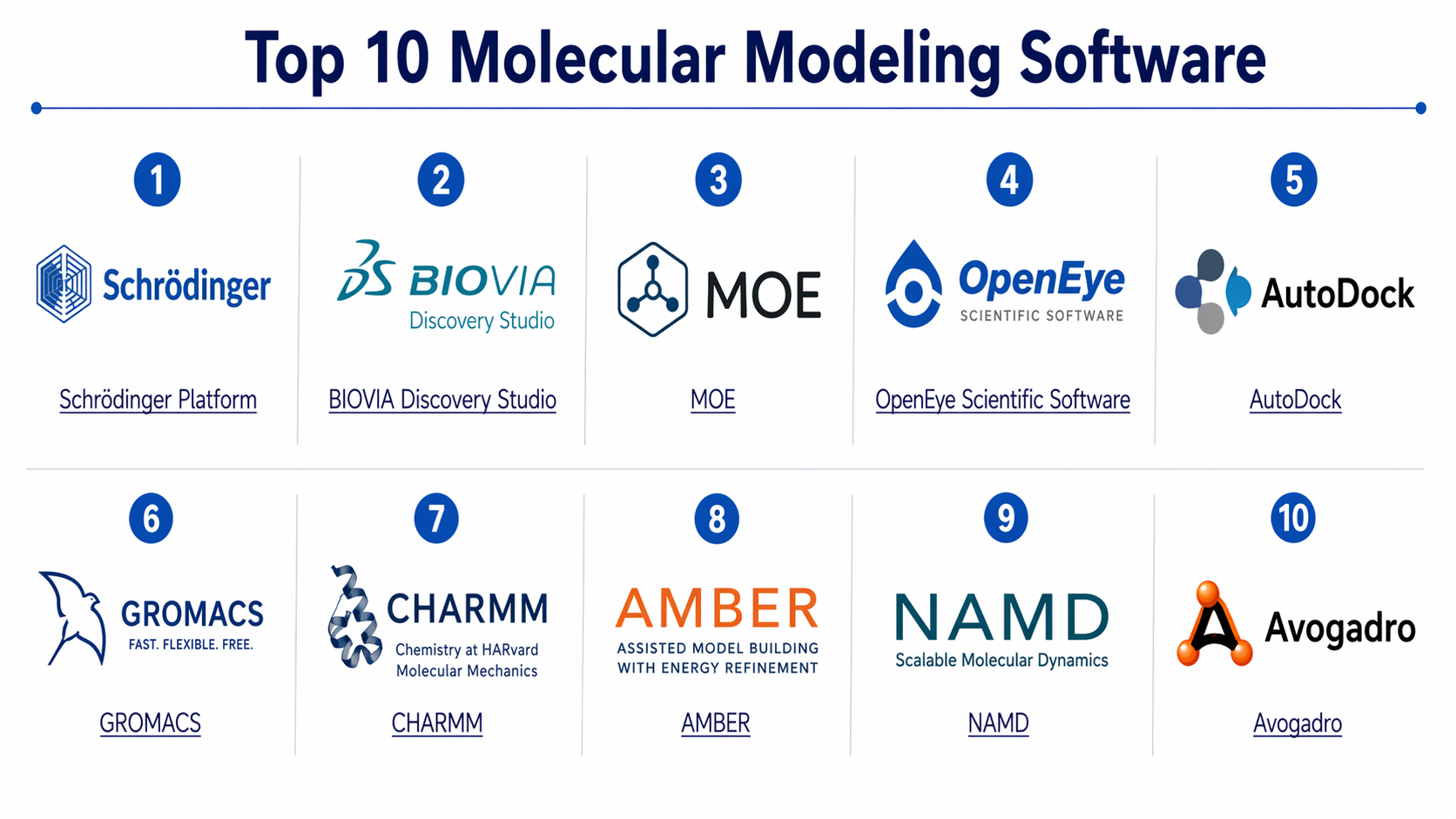
Top 10 Molecular Modeling Software
#1 — Schrödinger Platform
Short description:
A leading enterprise-grade molecular modeling suite used heavily in pharmaceutical and biotech industries. It combines physics-based modeling with AI-driven tools for drug discovery. Best suited for large-scale research teams requiring precision and scalability.
Key Features
- Advanced molecular dynamics simulations
- AI-powered drug discovery tools
- High-performance computing support
- Integrated workflow environment
- Protein-ligand docking tools
- Predictive modeling and analytics
Pros
- Highly accurate simulations
- Strong enterprise capabilities
Cons
- Expensive licensing
- Steep learning curve
Platforms / Deployment
Windows / Linux / macOS
Cloud / Self-hosted
Security & Compliance
Not publicly stated
Integrations & Ecosystem
Strong integration with scientific workflows and enterprise tools.
- HPC environments
- Data analytics platforms
- Internal research pipelines
Support & Community
Strong enterprise support; extensive documentation and training programs.
#2 — BIOVIA Discovery Studio
Short description:
A comprehensive modeling and simulation platform widely used in life sciences. It provides tools for protein modeling, simulation, and visualization in a unified environment.
Key Features
- Protein modeling and simulation
- Visualization tools
- Workflow automation
- Data analysis features
- Molecular docking
Pros
- User-friendly interface
- Strong visualization tools
Cons
- Limited flexibility for customization
- Licensing cost
Platforms / Deployment
Windows
Cloud / Hybrid
Security & Compliance
Not publicly stated
Integrations & Ecosystem
- Integration with enterprise systems
- Data management platforms
- Scientific workflows
Support & Community
Good documentation and enterprise-level support.
#3 — MOE (Molecular Operating Environment)
Short description:
A versatile molecular modeling platform used in both academia and industry. It supports drug design, simulation, and visualization workflows.
Key Features
- Molecular docking
- Simulation tools
- Visualization
- Structure-based design
- QSAR modeling
Pros
- Flexible and customizable
- Strong academic adoption
Cons
- Interface can feel outdated
- Limited cloud features
Platforms / Deployment
Windows / Linux / macOS
Self-hosted
Security & Compliance
Not publicly stated
Integrations & Ecosystem
- Custom scripting support
- Integration with research pipelines
Support & Community
Active academic community; solid documentation.
#4 — OpenEye Scientific Software
Short description:
A high-performance toolkit for molecular modeling and cheminformatics. Known for its fast algorithms and scalable solutions.
Key Features
- Molecular docking
- Shape-based screening
- High-performance computing
- Chemical informatics tools
- Scalable architecture
Pros
- High speed and performance
- Strong algorithms
Cons
- Developer-focused
- Limited UI tools
Platforms / Deployment
Linux / Windows
Cloud / Self-hosted
Security & Compliance
Not publicly stated
Integrations & Ecosystem
- APIs for custom development
- Integration with pipelines
Support & Community
Strong developer support; documentation available.
#5 — AutoDock
Short description:
A widely used open-source tool for molecular docking simulations. Popular in academic research and early-stage drug discovery.
Key Features
- Molecular docking
- Flexible ligand modeling
- Open-source accessibility
- Customizable workflows
- Large research community
Pros
- Free to use
- Highly customizable
Cons
- Limited UI
- Requires technical expertise
Platforms / Deployment
Windows / Linux / macOS
Self-hosted
Security & Compliance
Not publicly stated
Integrations & Ecosystem
- Integration with research scripts
- Open-source extensions
Support & Community
Strong academic community; extensive tutorials.
#6 — GROMACS
Short description:
An open-source molecular dynamics simulation tool optimized for performance. Widely used for large-scale simulations.
Key Features
- Molecular dynamics simulations
- GPU acceleration
- High performance
- Open-source flexibility
- Large dataset handling
Pros
- Extremely fast
- Scalable
Cons
- Complex setup
- Limited GUI
Platforms / Deployment
Linux / Windows / macOS
Self-hosted
Security & Compliance
Not publicly stated
Integrations & Ecosystem
- HPC clusters
- Research pipelines
Support & Community
Very active global community.
#7 — CHARMM
Short description:
A powerful simulation program used for macromolecular modeling and energy calculations.
Key Features
- Molecular simulations
- Energy minimization
- Protein modeling
- Force field support
- Extensive customization
Pros
- Highly accurate
- Research-grade tool
Cons
- Steep learning curve
- Limited UI
Platforms / Deployment
Linux / Windows
Self-hosted
Security & Compliance
Not publicly stated
Integrations & Ecosystem
- Integration with research workflows
- Scripting capabilities
Support & Community
Strong academic community.
#8 — AMBER
Short description:
A suite of biomolecular simulation programs used for molecular dynamics and modeling.
Key Features
- Molecular dynamics
- Force field modeling
- Simulation analysis tools
- GPU acceleration
- Scientific accuracy
Pros
- Reliable results
- Widely used
Cons
- Requires expertise
- Limited GUI
Platforms / Deployment
Linux / macOS
Self-hosted
Security & Compliance
Not publicly stated
Integrations & Ecosystem
- HPC integration
- Research tools
Support & Community
Strong scientific community.
#9 — NAMD
Short description:
A high-performance simulation tool designed for large biomolecular systems.
Key Features
- Parallel computing
- Large-scale simulations
- Molecular dynamics
- HPC support
- Scalability
Pros
- Excellent performance
- Scales well
Cons
- Complex setup
- Limited visualization
Platforms / Deployment
Linux / Windows / macOS
Self-hosted
Security & Compliance
Not publicly stated
Integrations & Ecosystem
- HPC clusters
- Simulation tools
Support & Community
Active research community.
#10 — Avogadro
Short description:
An open-source molecular editor and visualization tool designed for ease of use. Ideal for students and early-stage research.
Key Features
- Molecular visualization
- Editing tools
- Plugin support
- Cross-platform compatibility
- Lightweight interface
Pros
- Easy to use
- Free
Cons
- Limited advanced features
- Not suitable for large simulations
Platforms / Deployment
Windows / Linux / macOS
Self-hosted
Security & Compliance
Not publicly stated
Integrations & Ecosystem
- Plugin ecosystem
- Integration with simulation tools
Support & Community
Good community support.
Comparison Table (Top 10)
| Tool Name | Best For | Platform(s) Supported | Deployment | Standout Feature | Public Rating |
|---|---|---|---|---|---|
| Schrödinger Platform | Enterprise pharma | Windows/Linux/macOS | Hybrid | AI-driven modeling | N/A |
| BIOVIA Discovery Studio | Life sciences teams | Windows | Hybrid | Visualization tools | N/A |
| MOE | Academic + industry | Windows/Linux/macOS | Self-hosted | Flexibility | N/A |
| OpenEye | Developers | Linux/Windows | Hybrid | High performance | N/A |
| AutoDock | Researchers | Cross-platform | Self-hosted | Open-source docking | N/A |
| GROMACS | Large simulations | Cross-platform | Self-hosted | Speed | N/A |
| CHARMM | Research labs | Cross-platform | Self-hosted | Accuracy | N/A |
| AMBER | Biomolecular research | Linux/macOS | Self-hosted | Reliable modeling | N/A |
| NAMD | Large systems | Cross-platform | Self-hosted | Scalability | N/A |
| Avogadro | Beginners | Cross-platform | Self-hosted | Ease of use | N/A |
Evaluation & Molecular Modeling Software
| Tool Name | Core (25%) | Ease (15%) | Integrations (15%) | Security (10%) | Performance (10%) | Support (10%) | Value (15%) | Weighted Total |
|---|---|---|---|---|---|---|---|---|
| Schrödinger Platform | 9 | 7 | 8 | 7 | 9 | 8 | 6 | 8.0 |
| BIOVIA Discovery Studio | 8 | 8 | 7 | 7 | 8 | 8 | 6 | 7.8 |
| MOE | 8 | 7 | 7 | 6 | 8 | 7 | 7 | 7.5 |
| OpenEye | 8 | 6 | 8 | 6 | 9 | 7 | 7 | 7.7 |
| AutoDock | 7 | 6 | 6 | 5 | 7 | 8 | 9 | 7.0 |
| GROMACS | 9 | 5 | 7 | 5 | 10 | 8 | 9 | 8.0 |
| CHARMM | 8 | 5 | 6 | 5 | 8 | 7 | 7 | 7.0 |
| AMBER | 8 | 6 | 6 | 5 | 8 | 7 | 7 | 7.2 |
| NAMD | 9 | 5 | 7 | 5 | 9 | 7 | 8 | 7.8 |
| Avogadro | 6 | 9 | 5 | 5 | 6 | 7 | 9 | 7.0 |
How to interpret scores:
- Scores are comparative, not absolute.
- Higher total indicates better balance across criteria.
- Enterprise tools score higher in features but lower in value.
- Open-source tools excel in value but may lack ease of use.
Which Molecular Modeling Software
Solo / Freelancer
Avogadro or AutoDock are ideal due to ease of use and low cost.
SMB
MOE or GROMACS provide a good balance between cost and capability.
Mid-Market
BIOVIA or OpenEye offer scalability with manageable complexity.
Enterprise
Schrödinger Platform is the top choice for large-scale, AI-driven research.
Budget vs Premium
- Budget: AutoDock, Avogadro
- Premium: Schrödinger, BIOVIA
Feature Depth vs Ease of Use
- Deep features: GROMACS, CHARMM
- Easy to use: Avogadro, BIOVIA
Integrations & Scalability
- Strong: Schrödinger, OpenEye
- Moderate: MOE
Security & Compliance Needs
- Enterprise tools better suited
- Open-source tools require custom setup
Frequently Asked Questions (FAQs)
1. What is molecular modeling software used for?
It is used to simulate molecular structures and predict their behavior in chemical and biological systems.
2. Is molecular modeling software expensive?
Costs vary widely. Open-source tools are free, while enterprise solutions can be expensive.
3. Do I need programming skills?
Some tools require scripting knowledge, especially open-source ones.
4. Can these tools run on the cloud?
Yes, many modern tools support cloud or hybrid deployments.
5. Are these tools suitable for beginners?
Some like Avogadro are beginner-friendly, while others require expertise.
6. How long does implementation take?
Setup can take from a few hours to several weeks depending on complexity.
7. What industries use these tools?
Pharmaceutical, biotech, academic research, and chemical engineering.
8. Can I integrate with other systems?
Yes, many tools support integration with research and data systems.
9. What are common mistakes?
Choosing tools that are too complex or not scalable for your needs.
10. Can I switch tools later?
Yes, but data migration and workflow changes can be challenging.
Conclusion
Molecular modeling software has become a foundational technology for modern scientific research and industrial innovation. Whether you are working in drug discovery, material science, or academic research, the right tool can significantly reduce experimentation time and improve outcomes. However, there is no one-size-fits-all solution. Enterprise platforms offer powerful features and scalability, while open-source tools provide flexibility and cost advantages.
