Introduction
Museum Collection Management Software (CMS) is a specialized system designed to help museums, galleries, and cultural institutions manage, document, preserve, and showcase their collections. In simple terms, it keeps track of artifacts, artworks, historical objects, and their associated metadata—while supporting workflows like cataloging, conservation, loans, and exhibitions.
As museums move toward digital transformation, modern CMS platforms now include AI-driven tagging, digital asset management, cloud access, and public-facing collection portals. These systems are no longer just internal databases—they are critical tools for research, engagement, and global accessibility.
Real-world use cases:
- Managing museum artifacts and historical collections
- Digital archiving of artworks and heritage assets
- Exhibition planning and object tracking
- Loan and acquisition management
- Public online collection catalogs and virtual exhibitions
What buyers should evaluate:
- Cataloging depth and metadata standards (e.g., CIDOC CRM compatibility)
- Digital asset management (images, videos, 3D scans)
- Conservation and condition tracking
- Loan and exhibition workflow support
- Public portal and publishing capabilities
- Integration with DAM, CRM, and research tools
- Security and role-based access controls
- Scalability for large collections
- Ease of use for curators and archivists
Best for: Museums, galleries, archives, universities, and cultural heritage institutions managing physical and digital collections.
Not ideal for: Small teams managing basic inventory—simpler asset tracking tools or spreadsheets may be sufficient.
Key Trends in Museum Collection Management Software
- AI-powered metadata tagging: Automated classification of artifacts using image recognition
- Digital-first collections: Increased focus on digitization and virtual exhibitions
- Cloud-based CMS platforms: Reduced dependency on local infrastructure
- 3D and immersive content support: Integration with AR/VR and 3D object scans
- Public access portals: Allowing global audiences to explore collections online
- Interoperability standards: Adoption of CIDOC CRM and linked data models
- Mobile collection management: Field data entry via tablets and mobile apps
- Integration with DAM systems: Managing high-resolution images and multimedia
- Subscription pricing models: Flexible SaaS adoption for smaller institutions
- Data analytics: Tracking visitor engagement and collection usage
How We Selected These Tools (Methodology)
- Evaluated global adoption across museums and cultural institutions
- Assessed feature completeness (cataloging, conservation, loans, exhibitions)
- Considered digital asset management capabilities
- Reviewed performance and scalability for large collections
- Analyzed security and access control mechanisms
- Looked at integration capabilities and API availability
- Included open-source and commercial platforms
- Considered ease of use for curators and archivists
- Factored in vendor support and community ecosystem
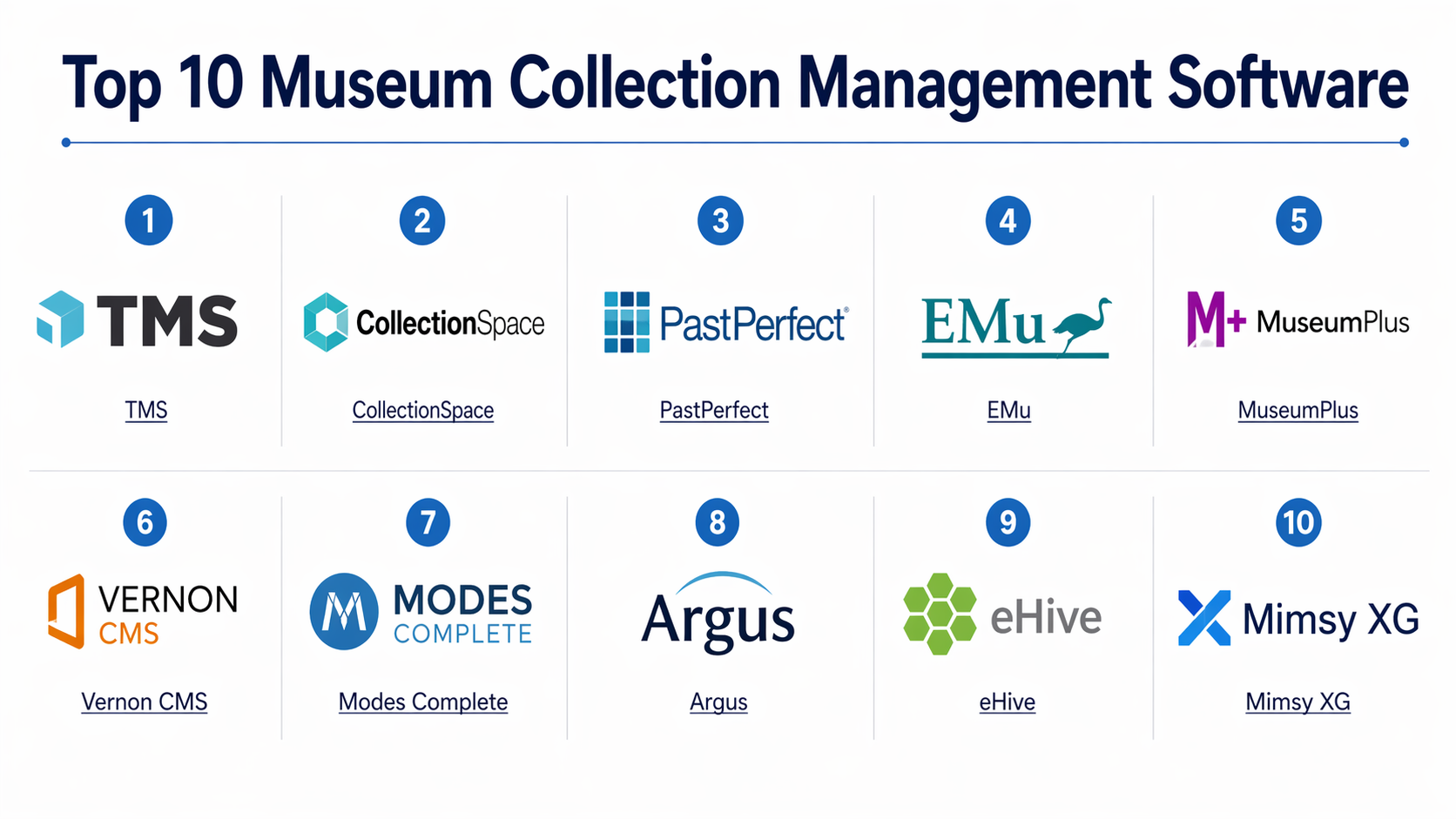
Top 10 Museum Collection Management Software
#1 — TMS (The Museum System)
Short description:
TMS is a leading museum CMS widely used by large institutions. It offers deep cataloging, conservation tracking, and exhibition management capabilities. Designed for complex collections, it supports detailed metadata and workflows. It is best suited for large museums requiring enterprise-grade functionality.
Key Features
- Advanced object cataloging
- Conservation and condition tracking
- Exhibition and loan management
- Multimedia asset handling
- Reporting and analytics
- Integration with digital platforms
Pros
- Highly comprehensive feature set
- Trusted by major museums
Cons
- Complex implementation
- Premium pricing
Platforms / Deployment
- Web / Windows
- Cloud / Self-hosted
Security & Compliance
- RBAC, authentication controls
- Not publicly stated for certifications
Integrations & Ecosystem
Supports integration with museum and digital platforms.
- DAM systems
- APIs for customization
- Public collection portals
Support & Community
Vendor-supported with strong enterprise onboarding.
#2 — CollectionSpace
Short description:
CollectionSpace is an open-source CMS designed specifically for museums and cultural institutions. It provides modular features and flexibility, making it ideal for organizations seeking customization.
Key Features
- Modular architecture
- Cataloging and metadata management
- Conservation tracking
- Workflow customization
- Open-source extensibility
Pros
- Highly customizable
- Cost-effective
Cons
- Requires technical expertise
- Limited out-of-the-box features
Platforms / Deployment
- Web
- Self-hosted / Cloud
Security & Compliance
- Access control features
- Not publicly stated
Integrations & Ecosystem
- APIs
- Linked data systems
- Custom integrations
Support & Community
Active open-source community and contributors.
#3 — PastPerfect
Short description:
PastPerfect is widely used by small to mid-sized museums for managing collections, archives, and contacts. It offers a balance of usability and functionality.
Key Features
- Object cataloging
- Photo and document management
- Donor and contact tracking
- Reporting tools
- Public access modules
Pros
- Easy to use
- Affordable for smaller institutions
Cons
- Limited scalability
- Desktop-focused features
Platforms / Deployment
- Windows / Web
- Self-hosted / Cloud
Security & Compliance
- Basic authentication
- Not publicly stated
Integrations & Ecosystem
- Public portals
- Basic APIs
Support & Community
Vendor support with good documentation.
#4 — EMu (Axiell EMu)
Short description:
EMu is a powerful CMS used by large museums and scientific institutions. It supports complex collections and integrates with research workflows.
Key Features
- Multi-disciplinary collection management
- Advanced metadata structures
- Research integration
- Conservation workflows
- Digital asset support
Pros
- Highly flexible
- Supports large-scale collections
Cons
- Complex setup
- High cost
Platforms / Deployment
- Web
- Cloud / Self-hosted
Security & Compliance
- RBAC
- Not publicly stated
Integrations & Ecosystem
- Research systems
- APIs
- DAM tools
Support & Community
Strong enterprise support.
#5 — MuseumPlus
Short description:
MuseumPlus is designed for managing art collections and museum workflows. It is widely used in Europe and offers multilingual support.
Key Features
- Object and collection management
- Loan and exhibition tracking
- Multilingual support
- Reporting tools
- Web publishing
Pros
- Strong European adoption
- User-friendly interface
Cons
- Limited customization
- Premium pricing
Platforms / Deployment
- Web
- Cloud / Self-hosted
Security & Compliance
- Access controls
- Not publicly stated
Integrations & Ecosystem
- APIs
- Web portals
Support & Community
Vendor-supported with regional presence.
#6 — Vernon CMS
Short description:
Vernon CMS focuses on museums and galleries with a strong emphasis on usability and accessibility.
Key Features
- Collection cataloging
- Loan and exhibition management
- Web publishing
- Reporting dashboards
- Digital asset support
Pros
- Easy to use
- Good for mid-sized institutions
Cons
- Limited enterprise features
- Smaller ecosystem
Platforms / Deployment
- Web
- Cloud
Security & Compliance
- Authentication controls
- Not publicly stated
Integrations & Ecosystem
- APIs
- Basic integrations
Support & Community
Vendor support available.
#7 — Modes Complete
Short description:
Modes Complete is designed for small to medium museums, offering a simple yet effective CMS.
Key Features
- Collection management
- Object tracking
- Reporting
- Web access
- Image management
Pros
- Affordable
- Simple interface
Cons
- Limited scalability
- Basic integrations
Platforms / Deployment
- Web
- Cloud
Security & Compliance
- Basic controls
- Not publicly stated
Integrations & Ecosystem
- Limited integrations
- Basic APIs
Support & Community
Moderate vendor support.
#8 — Argus (Lucidea)
Short description:
Argus is used for managing museum and archive collections with strong cataloging and archival support.
Key Features
- Cataloging
- Archival management
- Reporting
- Digital asset support
- Search capabilities
Pros
- Strong archival features
- Flexible
Cons
- UI may feel outdated
- Limited integrations
Platforms / Deployment
- Web / Windows
- Cloud / Self-hosted
Security & Compliance
- RBAC
- Not publicly stated
Integrations & Ecosystem
- APIs
- Archival tools
Support & Community
Vendor support with niche focus.
#9 — eHive
Short description:
eHive is a cloud-based CMS designed for small museums and community collections.
Key Features
- Cloud-based cataloging
- Public collection sharing
- Image management
- Reporting
- Easy setup
Pros
- Very easy to use
- Good for small organizations
Cons
- Limited advanced features
- Not suitable for large institutions
Platforms / Deployment
- Web
- Cloud
Security & Compliance
- Basic authentication
- Not publicly stated
Integrations & Ecosystem
- Public portals
- Limited APIs
Support & Community
Vendor support with small user base.
#10 — Mimsy XG
Short description:
Mimsy XG is a mature CMS used by museums for managing diverse collections and workflows.
Key Features
- Object cataloging
- Multimedia management
- Reporting tools
- Workflow automation
- Multi-user support
Pros
- Mature and reliable
- Feature-rich
Cons
- Complex UI
- Requires training
Platforms / Deployment
- Windows / Web
- Self-hosted / Cloud
Security & Compliance
- Access controls
- Not publicly stated
Integrations & Ecosystem
- APIs
- DAM systems
Support & Community
Vendor support with long-standing presence.
Comparison Table (Top 10)
| Tool Name | Best For | Platform(s) Supported | Deployment | Standout Feature | Public Rating |
|---|---|---|---|---|---|
| TMS | Large museums | Web/Windows | Hybrid | Deep cataloging | N/A |
| CollectionSpace | Open-source users | Web | Hybrid | Customization | N/A |
| PastPerfect | Small museums | Windows/Web | Hybrid | Ease of use | N/A |
| EMu | Enterprise museums | Web | Hybrid | Research integration | N/A |
| MuseumPlus | Art collections | Web | Hybrid | Multilingual support | N/A |
| Vernon CMS | Mid-sized museums | Web | Cloud | Usability | N/A |
| Modes Complete | SMB museums | Web | Cloud | Simplicity | N/A |
| Argus | Archives | Web/Windows | Hybrid | Archival support | N/A |
| eHive | Small collections | Web | Cloud | Public sharing | N/A |
| Mimsy XG | General museums | Web/Windows | Hybrid | Mature platform | N/A |
Evaluation & Museum Collection Management Software
| Tool Name | Core | Ease | Integrations | Security | Performance | Support | Value | Weighted Total |
|---|---|---|---|---|---|---|---|---|
| TMS | 9 | 7 | 8 | 7 | 9 | 8 | 6 | 8.1 |
| CollectionSpace | 8 | 6 | 7 | 6 | 7 | 7 | 9 | 7.5 |
| PastPerfect | 7 | 9 | 6 | 6 | 7 | 8 | 8 | 7.6 |
| EMu | 9 | 7 | 8 | 7 | 9 | 8 | 6 | 8.1 |
| MuseumPlus | 8 | 8 | 7 | 6 | 8 | 8 | 7 | 7.8 |
| Vernon CMS | 7 | 8 | 6 | 6 | 7 | 7 | 8 | 7.4 |
| Modes Complete | 6 | 9 | 5 | 6 | 7 | 7 | 9 | 7.2 |
| Argus | 7 | 7 | 6 | 6 | 7 | 7 | 7 | 7.0 |
| eHive | 6 | 9 | 5 | 6 | 7 | 7 | 9 | 7.2 |
| Mimsy XG | 8 | 6 | 7 | 6 | 8 | 7 | 7 | 7.5 |
How to interpret scores:
- Scores compare tools relative to each other, not absolute benchmarks
- Enterprise tools score higher on depth and performance
- Open-source tools score higher on value
- Ease of use varies widely across platforms
- Always validate based on your specific museum requirements
Which Museum Collection Management Software
Solo / Freelancer
- eHive or Modes Complete
- Focus on simplicity and low cost
SMB
- PastPerfect or Vernon CMS
- Balance between usability and features
Mid-Market
- MuseumPlus or Argus
- Suitable for growing institutions
Enterprise
- TMS, EMu
- Best for large, complex collections
Budget vs Premium
- Budget: CollectionSpace, eHive
- Premium: TMS, EMu
Feature Depth vs Ease of Use
- Deep features: TMS, EMu
- Easy to use: eHive, PastPerfect
Integrations & Scalability
- Strong: TMS, EMu
- Limited: Modes Complete, eHive
Security & Compliance Needs
- Enterprise: TMS, EMu
- Basic: eHive, Modes Complete
Frequently Asked Questions (FAQs)
1. What is Museum Collection Management Software?
It is software used to manage museum collections, including cataloging, conservation, and exhibition workflows.
2. How much does it cost?
Costs vary widely. Open-source tools are free, while enterprise platforms require subscriptions or licenses.
3. Can it manage digital collections?
Yes, most modern systems support images, videos, and 3D assets.
4. How long does implementation take?
Small systems can be deployed in days, while enterprise setups may take months.
5. Is cloud better than on-premise?
Cloud is easier to maintain, while on-premise offers more control.
6. What are common mistakes?
Choosing without considering scalability and integration needs.
7. Can it integrate with other systems?
Yes, many offer APIs and integrations.
8. Is it suitable for small museums?
Yes, there are lightweight tools designed for smaller collections.
9. How secure are these systems?
Security varies; most offer authentication and access control.
10. What alternatives exist?
Basic inventory systems or spreadsheets, but they lack advanced features.
Conclusion
Museum Collection Management Software plays a critical role in preserving cultural heritage while enabling digital transformation. From small community collections to large global institutions, the right platform helps streamline workflows, improve accessibility, and support research and engagement. There is no one-size-fits-all solution—each organization must evaluate its needs based on collection size, complexity, and technical capability. The best approach is to shortlist a few tools, test them with real collection data, and validate usability, integrations, and scalability before making a long-term commitment.
