Introduction
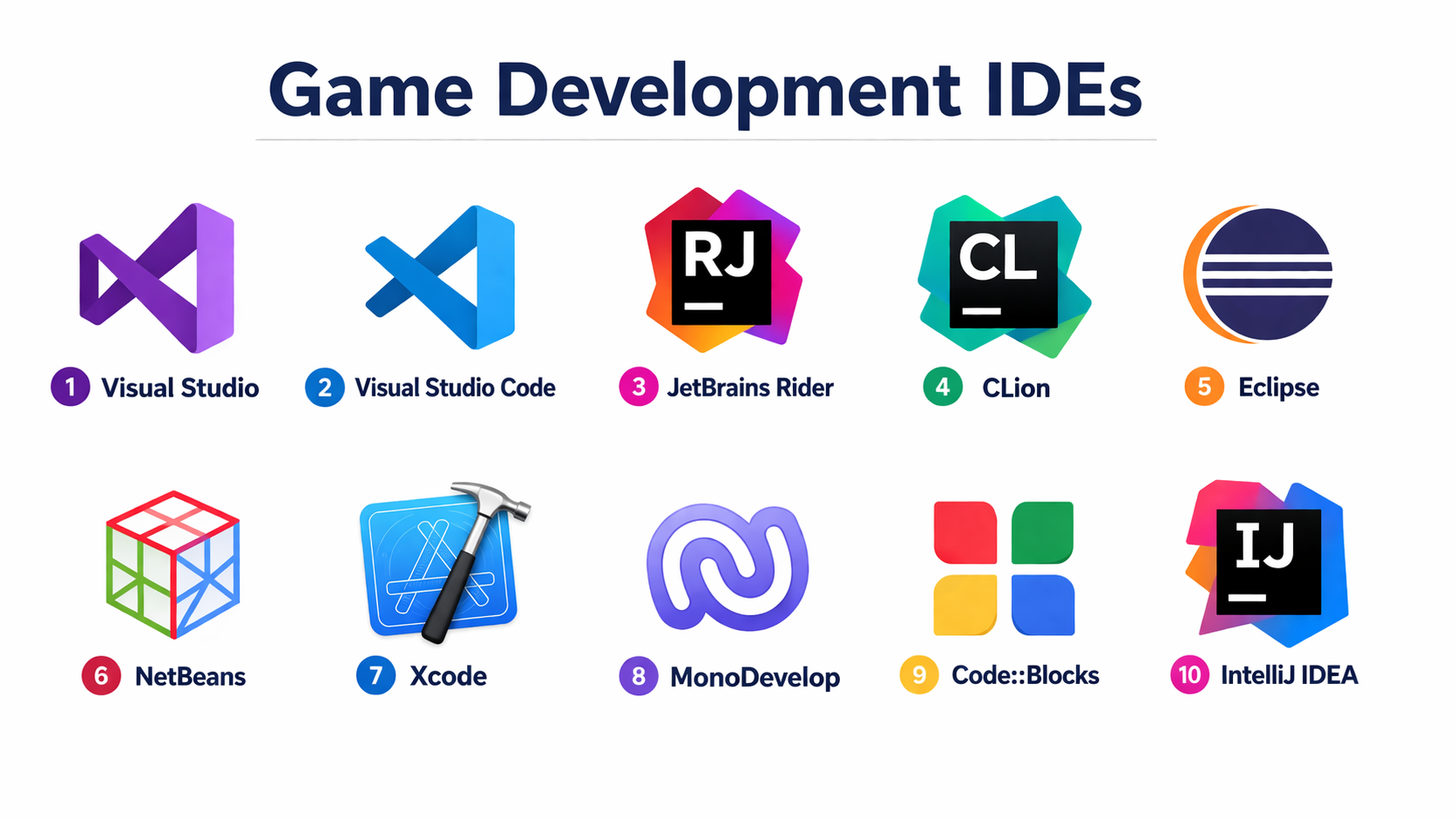
Game Development IDEs (Integrated Development Environments) are specialized tools that help developers write, debug, test, and manage code for game projects. Unlike full game engines, IDEs focus on code editing, debugging, performance analysis, and integration with game engines and frameworks such as Unity, Unreal Engine, and Godot.
Modern game development relies heavily on efficient IDEs to streamline workflows, reduce bugs, and improve productivity. With growing project complexity, multiplayer systems, and real-time rendering demands, choosing the right IDE is just as important as selecting the right engine.
Common Use Cases
- Writing and debugging gameplay logic
- Managing large codebases for game projects
- Integrating with engines like Unity and Unreal
- Performance profiling and optimization
- Collaborating across development teams
What Buyers Should Evaluate
- Language support (C++, C#, Python, JavaScript, etc.)
- Integration with game engines (Unity, Unreal, Godot)
- Debugging and profiling tools
- Code completion and AI assistance
- Performance optimization features
- Version control integration (Git, etc.)
- Cross-platform support
- Customization and plugin ecosystem
- Licensing and pricing
Best for: Game developers, programmers, studios, and technical teams building games or interactive applications requiring robust coding and debugging environments.
Not ideal for: Non-technical users, designers without coding needs, or teams relying entirely on visual scripting tools.
Key Trends in Game Development IDEs
- AI-assisted coding and autocomplete tools
- Deep integration with major game engines
- Advanced debugging and real-time profiling
- Cloud-based development environments
- Improved collaboration and version control workflows
- Plugin-driven extensibility
- Cross-platform development environments
- Focus on performance optimization tools
- Support for large-scale codebases
- Enhanced UI/UX for developer productivity
How We Selected These Tools (Methodology)
- Evaluated popularity among game developers
- Assessed language and engine compatibility
- Reviewed debugging and performance capabilities
- Considered integration with game engines and tools
- Analyzed plugin ecosystems and extensibility
- Evaluated ease of use and onboarding experience
- Considered cross-platform availability
- Included both free and commercial IDEs
- Assessed community and support strength
Top 10 Game Development IDEs
#1 — Visual Studio
Short description: A powerful IDE widely used for game development, especially with Unity and C++ projects.
Key Features
- Advanced debugging tools
- IntelliSense code completion
- C++ and C# support
- Built-in Git integration
- Performance profiling tools
- Unity integration
Pros
- Industry-standard tool
- Strong debugging capabilities
Cons
- Resource-heavy
- Complex for beginners
Platforms / Deployment
Windows / macOS
Self-hosted
Security & Compliance
Supports RBAC, encryption, and enterprise controls
Other certifications: Not publicly stated
Integrations & Ecosystem
Visual Studio integrates deeply with game engines and development tools.
- Unity
- Unreal Engine
- Azure DevOps
- Git
Support & Community
Extensive documentation and large developer community.
#2 — Visual Studio Code
Short description: A lightweight, extensible code editor widely used for game development with plugins.
Key Features
- Lightweight editor
- Plugin marketplace
- Multi-language support
- Integrated terminal
- Git integration
- Debugging support
Pros
- Fast and flexible
- Highly customizable
Cons
- Requires setup for full IDE features
- Debugging less powerful than full IDEs
Platforms / Deployment
Windows / macOS / Linux
Self-hosted
Security & Compliance
Not publicly stated
Integrations & Ecosystem
- Unity
- Godot
- GitHub
- Extensions marketplace
Support & Community
Very active community with thousands of plugins.
#3 — JetBrains Rider
Short description: A modern IDE designed for .NET and Unity development with advanced productivity tools.
Key Features
- Smart code analysis
- Unity-specific tools
- Refactoring support
- Debugging tools
- Version control integration
Pros
- Excellent Unity support
- High productivity features
Cons
- Paid license
- Resource usage
Platforms / Deployment
Windows / macOS / Linux
Self-hosted
Security & Compliance
Not publicly stated
Integrations & Ecosystem
- Unity
- Git
- JetBrains ecosystem
Support & Community
Strong support and documentation.
#4 — CLion
Short description: A C++ IDE from JetBrains designed for performance-heavy game development.
Key Features
- C++ support
- Smart code completion
- Debugging tools
- CMake integration
- Refactoring tools
Pros
- Excellent for C++ development
- Strong debugging features
Cons
- Paid tool
- Requires configuration
Platforms / Deployment
Windows / macOS / Linux
Self-hosted
Security & Compliance
Not publicly stated
Integrations & Ecosystem
- Unreal Engine
- CMake
- Git
Support & Community
Strong documentation and support.
#5 — Eclipse
Short description: An open-source IDE used for various programming languages, including game development.
Key Features
- Plugin-based architecture
- Java and C++ support
- Debugging tools
- Code editing features
- Open-source
Pros
- Free and flexible
- Large plugin ecosystem
Cons
- Outdated UI
- Slower performance
Platforms / Deployment
Windows / macOS / Linux
Self-hosted
Security & Compliance
Not publicly stated
Integrations & Ecosystem
- Plugins for game development
- Git integration
Support & Community
Large open-source community.
#6 — NetBeans
Short description: An open-source IDE suitable for Java-based game development.
Key Features
- Java support
- Built-in debugging
- Code templates
- Plugin system
- GUI builder
Pros
- Free to use
- Easy setup
Cons
- Limited for modern game engines
- Smaller ecosystem
Platforms / Deployment
Windows / macOS / Linux
Self-hosted
Security & Compliance
Not publicly stated
Integrations & Ecosystem
- Java libraries
- Plugins
Support & Community
Moderate community.
#7 — Xcode
Short description: Apple’s IDE for developing games and applications on iOS and macOS.
Key Features
- Swift and Objective-C support
- Debugging tools
- Performance analysis
- Simulator tools
- Interface builder
Pros
- Optimized for Apple ecosystem
- Strong performance tools
Cons
- Limited to Apple platforms
- Requires macOS
Platforms / Deployment
macOS / iOS
Self-hosted
Security & Compliance
Aligned with Apple platform security
Integrations & Ecosystem
- ARKit
- Metal
- Apple SDKs
Support & Community
Strong Apple developer support.
#8 — MonoDevelop
Short description: An IDE for .NET development, historically used with Unity.
Key Features
- C# support
- Debugging tools
- Lightweight interface
- Open-source
Pros
- Simple and lightweight
- Free to use
Cons
- Limited updates
- Smaller ecosystem
Platforms / Deployment
Windows / macOS / Linux
Self-hosted
Security & Compliance
Not publicly stated
Integrations & Ecosystem
- Unity (legacy support)
- .NET tools
Support & Community
Limited community activity.
#9 — Code::Blocks
Short description: A lightweight open-source IDE for C++ development.
Key Features
- C++ support
- Debugging tools
- Plugin system
- Lightweight design
Pros
- Fast and efficient
- Free to use
Cons
- Limited advanced features
- Basic UI
Platforms / Deployment
Windows / macOS / Linux
Self-hosted
Security & Compliance
Not publicly stated
Integrations & Ecosystem
- GCC
- Plugins
Support & Community
Moderate community.
#10 — IntelliJ IDEA
Short description: A powerful IDE for Java and JVM-based development, used in some game development scenarios.
Key Features
- Smart code completion
- Refactoring tools
- Debugging support
- Plugin ecosystem
- Version control integration
Pros
- High productivity
- Strong Java support
Cons
- Paid version for advanced features
- Not game-specific
Platforms / Deployment
Windows / macOS / Linux
Self-hosted
Security & Compliance
Not publicly stated
Integrations & Ecosystem
- Java frameworks
- Git
- Plugins
Support & Community
Strong developer ecosystem.
Comparison Table (Top 10)
| Tool Name | Best For | Platform(s) Supported | Deployment | Standout Feature | Public Rating |
|---|---|---|---|---|---|
| Visual Studio | Unity/C++ dev | Windows/macOS | Self-hosted | Advanced debugging | N/A |
| VS Code | Lightweight dev | Multi-platform | Self-hosted | Extensions | N/A |
| Rider | Unity dev | Multi-platform | Self-hosted | Smart analysis | N/A |
| CLion | C++ dev | Multi-platform | Self-hosted | CMake support | N/A |
| Eclipse | Open-source dev | Multi-platform | Self-hosted | Plugins | N/A |
| NetBeans | Java dev | Multi-platform | Self-hosted | Simplicity | N/A |
| Xcode | Apple dev | macOS | Self-hosted | Apple integration | N/A |
| MonoDevelop | .NET dev | Multi-platform | Self-hosted | Lightweight | N/A |
| Code::Blocks | C++ dev | Multi-platform | Self-hosted | Lightweight | N/A |
| IntelliJ IDEA | JVM dev | Multi-platform | Self-hosted | Productivity tools | N/A |
Evaluation & Scoring of Game Development IDEs
| Tool Name | Core (25%) | Ease (15%) | Integrations (15%) | Security (10%) | Performance (10%) | Support (10%) | Value (15%) | Weighted Total |
|---|---|---|---|---|---|---|---|---|
| Visual Studio | 9 | 7 | 9 | 7 | 9 | 9 | 8 | 8.4 |
| VS Code | 8 | 9 | 9 | 6 | 8 | 9 | 10 | 8.5 |
| Rider | 9 | 8 | 8 | 7 | 8 | 8 | 7 | 8.2 |
| CLion | 8 | 7 | 7 | 7 | 9 | 8 | 7 | 7.9 |
| Eclipse | 7 | 6 | 7 | 6 | 6 | 7 | 9 | 7.1 |
| NetBeans | 6 | 7 | 6 | 6 | 6 | 6 | 9 | 6.8 |
| Xcode | 8 | 7 | 7 | 8 | 9 | 8 | 7 | 7.9 |
| MonoDevelop | 5 | 7 | 5 | 6 | 6 | 5 | 8 | 6.2 |
| Code::Blocks | 6 | 7 | 5 | 6 | 7 | 6 | 9 | 6.8 |
| IntelliJ IDEA | 8 | 8 | 7 | 7 | 8 | 8 | 7 | 7.9 |
How to interpret these scores:
- Scores are comparative, not absolute
- Higher scores indicate better balance across features
- Lightweight tools rank higher in ease and value
- Full IDEs rank higher in performance and integrations
- Choose based on your development workflow
Which Game Development IDE Is Right for You?
Solo / Freelancer
- Best: VS Code, Code::Blocks
- Focus on simplicity and cost
SMB
- Best: Visual Studio, Rider
- Balance between features and usability
Mid-Market
- Best: Visual Studio, CLion
- Strong debugging and performance tools
Enterprise
- Best: Visual Studio, Rider, IntelliJ IDEA
- Advanced tooling and scalability
Budget vs Premium
- Budget: VS Code, Eclipse
- Premium: Rider, CLion
Feature Depth vs Ease of Use
- Deep features: Visual Studio
- Easy to use: VS Code
Integrations & Scalability
- Best: Visual Studio, VS Code
- Strong: Rider
Security & Compliance Needs
- Stronger: Visual Studio
- Basic: Open-source IDEs
Frequently Asked Questions (FAQs)
What is a game development IDE?
An IDE is a tool that helps developers write, debug, and manage code for game development projects.
Do I need an IDE for game development?
Yes, especially for coding-heavy projects using engines like Unity or Unreal.
Which IDE is best for Unity?
Visual Studio and Rider are popular choices.
Are there free IDEs available?
Yes, VS Code, Eclipse, and Code::Blocks are free.
Do IDEs support multiple languages?
Most modern IDEs support multiple programming languages.
Can I use IDEs with any game engine?
Yes, most IDEs integrate with major engines.
What about debugging tools?
Advanced IDEs offer powerful debugging and profiling tools.
Are IDEs cross-platform?
Many IDEs support Windows, macOS, and Linux.
Can I switch IDEs easily?
Yes, but configuration may need to be redone.
Do IDEs affect game performance?
No, but they help optimize code during development.
Conclusion
Game development IDEs play a crucial role in building high-quality, efficient, and scalable games. From lightweight editors like VS Code to full-featured environments like Visual Studio and Rider, each tool offers unique strengths depending on your workflow and technical needs.
The right IDE depends on your programming language, engine choice, team size, and development complexity
