Introduction
CAD/CAM (Computer-Aided Design and Computer-Aided Manufacturing) software combines product design and manufacturing into a single digital workflow. In simple terms, CAD helps you design a part, while CAM turns that design into machine instructions (like CNC toolpaths) to produce the final product.
Today’s manufacturing environment demands faster production, higher precision, and fewer errors. CAD/CAM tools are essential because they eliminate manual handoffs between design and production, reduce costs, and improve product quality. These platforms now integrate simulation, automation, and cloud collaboration—making them critical for modern factories and engineering teams.
Common Use Cases
- CNC machining (milling, turning, 5-axis machining)
- Product design and prototyping
- Mold, die, and tool manufacturing
- Sheet metal and fabrication workflows
- Additive manufacturing (3D printing integration)
What Buyers Should Evaluate
- Integrated CAD + CAM capabilities
- CNC compatibility (2D, 3-axis, 5-axis)
- Simulation and toolpath accuracy
- Ease of use and learning curve
- Automation and generative design features
- Integration with PLM/ERP systems
- Cloud collaboration capabilities
- Hardware requirements
- Pricing and licensing flexibility
Best for: Mechanical engineers, CNC machinists, product designers, manufacturing companies, and industrial engineers working on production-ready parts.
Not ideal for: Users focused only on conceptual design or visualization—standalone CAD or 3D modeling tools may be sufficient.
Key Trends in CAD/CAM Manufacturing Software
- AI-assisted toolpath generation improving machining efficiency
- Cloud-based CAD/CAM platforms enabling remote collaboration
- Integrated design-to-manufacturing workflows reducing errors
- Multi-axis machining support (5-axis and beyond) becoming standard
- Simulation-first workflows to minimize production risk
- Hybrid manufacturing (additive + subtractive) integration
- Automation via templates and scripting
- Digital twin and smart factory integration
- Subscription pricing replacing perpetual licenses
- Stronger integration with ERP, MES, and PLM systems
How We Selected These Tools (Methodology)
- Evaluated industry adoption and manufacturing usage
- Assessed CAD + CAM integration depth
- Considered performance in CNC and simulation workflows
- Reviewed ease of use for engineers and machinists
- Analyzed integration with manufacturing ecosystems
- Considered scalability across SMB to enterprise
- Evaluated community and training availability
- Assessed innovation in automation and AI
- Reviewed value for cost across segments
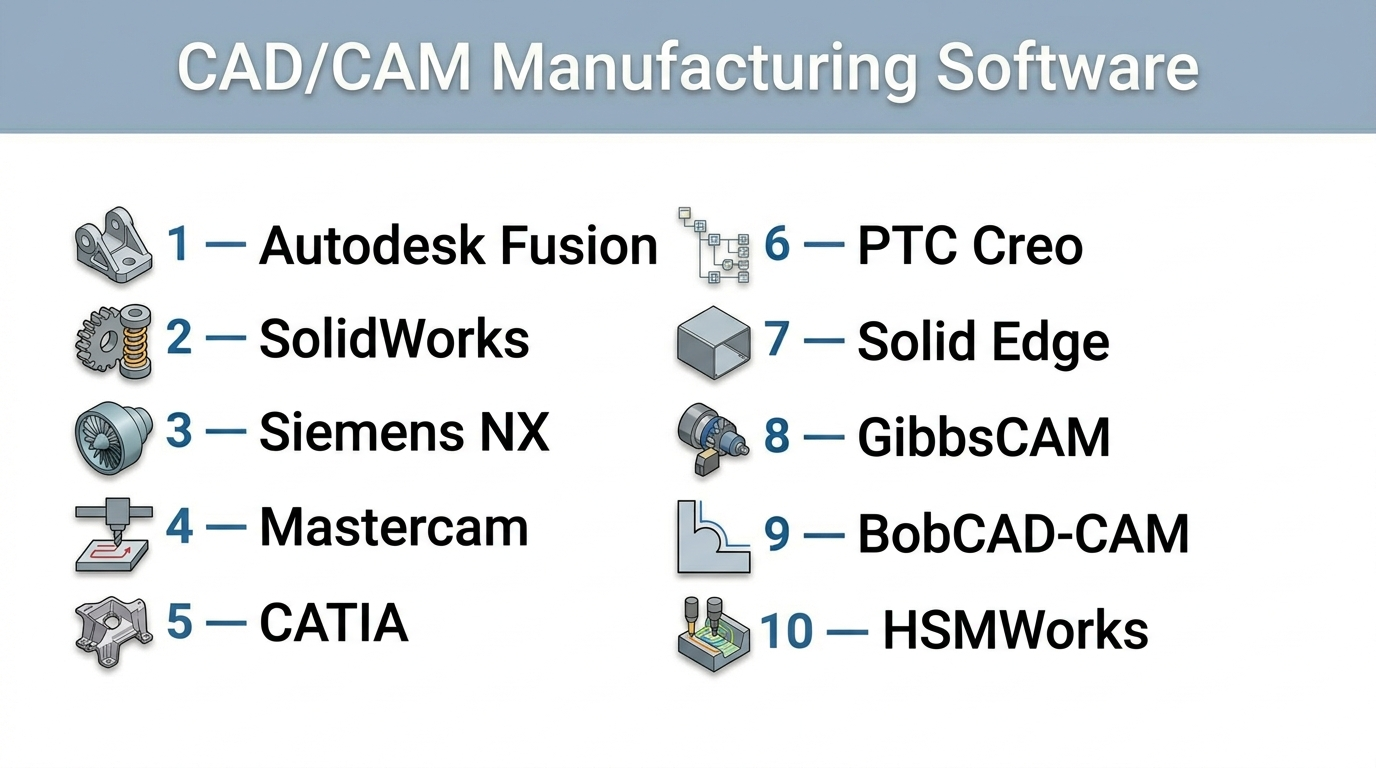
Top 10 CAD/CAM Manufacturing Software Tools
#1 — Autodesk Fusion
Short description: A cloud-based CAD/CAM platform combining design, simulation, and manufacturing in one tool, widely used by startups and professionals.
Key Features
- Integrated CAD, CAM, CAE, and PCB tools
- Cloud collaboration and version control
- CNC toolpath generation (2D–5-axis)
- Generative design and simulation
- Parametric and direct modeling
- API and plugin ecosystem
Pros
- All-in-one platform
- Strong cloud collaboration
Cons
- Requires internet for full features
- Learning curve for beginners
Platforms / Deployment
Windows / macOS / Cloud
Security & Compliance
Not publicly stated
Integrations & Ecosystem
Fusion integrates across design and manufacturing workflows.
- Autodesk ecosystem
- CNC machines
- API and extensions
- Cloud collaboration tools
Support & Community
Very large global community, strong tutorials and documentation.
#2 — SolidWorks (with CAMWorks)
Short description: A leading mechanical design software with integrated CAM capabilities for product development and manufacturing.
Key Features
- Parametric 3D modeling
- CAMWorks integration
- Simulation and analysis tools
- Assembly modeling
- Drawing and documentation tools
Pros
- Industry-standard for design
- Strong simulation tools
Cons
- Expensive
- Requires additional CAM modules
Platforms / Deployment
Windows
Security & Compliance
Not publicly stated
Integrations & Ecosystem
- 3DEXPERIENCE platform
- PLM systems
- Third-party plugins
- API support
Support & Community
Very strong professional community and training ecosystem.
#3 — Siemens NX
Short description: A high-end CAD/CAM/CAE solution used in aerospace and automotive industries.
Key Features
- Integrated CAD/CAM/CAE
- Advanced 5-axis machining
- Digital twin capabilities
- Simulation and validation
- High-end surface modeling
Pros
- Enterprise-grade solution
- Highly scalable
Cons
- Complex interface
- High cost
Platforms / Deployment
Windows
Security & Compliance
Not publicly stated
Integrations & Ecosystem
- Siemens ecosystem
- PLM integration
- APIs
- Manufacturing systems
Support & Community
Enterprise support with specialized training.
#4 — Mastercam
Short description: A widely used CAM-focused software for CNC programming and machining.
Key Features
- CNC toolpath generation
- Multi-axis machining support
- Milling and turning capabilities
- NC code generation
- CAD tools included
Pros
- Industry-leading CAM capabilities
- Widely used in manufacturing
Cons
- Limited CAD compared to others
- Windows-only
Platforms / Deployment
Windows
Security & Compliance
Not publicly stated
Integrations & Ecosystem
- CNC machines
- CAD imports
- Manufacturing workflows
- API support
Support & Community
Strong industry adoption and training programs.
#5 — CATIA
Short description: A comprehensive CAD/CAM platform widely used in aerospace and automotive industries.
Key Features
- Advanced surface modeling
- Integrated manufacturing tools
- Simulation and analysis
- PLM integration
- Large assembly management
Pros
- Highly powerful
- Ideal for complex engineering
Cons
- Very expensive
- Steep learning curve
Platforms / Deployment
Windows
Security & Compliance
Not publicly stated
Integrations & Ecosystem
- Dassault ecosystem
- PLM systems
- APIs
Support & Community
Strong enterprise support.
#6 — PTC Creo
Short description: A robust CAD/CAM software for product design and manufacturing.
Key Features
- Parametric modeling
- CAM integration
- Simulation tools
- Additive manufacturing support
- AR integration
Pros
- Strong engineering tools
- Scalable
Cons
- Complex UI
- Learning curve
Platforms / Deployment
Windows
Security & Compliance
Not publicly stated
Integrations & Ecosystem
- PTC ecosystem
- IoT platforms
- APIs
Support & Community
Professional support and training resources.
#7 — Solid Edge (Siemens)
Short description: A CAD/CAM solution focused on ease of use and integrated workflows.
Key Features
- Synchronous technology modeling
- CAM integration
- Simulation tools
- Data management
- Cloud capabilities
Pros
- Easier than enterprise tools
- Strong feature set
Cons
- Smaller ecosystem
- Less adoption than NX
Platforms / Deployment
Windows
Security & Compliance
Not publicly stated
Integrations & Ecosystem
- Siemens tools
- CAD integrations
- APIs
Support & Community
Moderate community and support.
#8 — GibbsCAM
Short description: A CAM software focused on CNC machining and production efficiency.
Key Features
- CNC programming
- Multi-axis machining
- Toolpath optimization
- Machine simulation
- Customization tools
Pros
- Strong machining focus
- Efficient workflows
Cons
- Limited CAD features
- Niche user base
Platforms / Deployment
Windows
Security & Compliance
Not publicly stated
Integrations & Ecosystem
- CNC systems
- CAD imports
- API support
Support & Community
Industry-focused support.
#9 — BobCAD-CAM
Short description: An affordable CAD/CAM solution for small manufacturers and workshops.
Key Features
- CAD modeling tools
- CNC programming
- 2D/3D machining
- Simulation tools
- Customizable workflows
Pros
- Cost-effective
- Easy to learn
Cons
- Limited advanced features
- Not enterprise-grade
Platforms / Deployment
Windows
Security & Compliance
Not publicly stated
Integrations & Ecosystem
- CNC machines
- CAD formats
- Plugins
Support & Community
Moderate support and learning resources.
#10 — HSMWorks
Short description: A CAM solution integrated into CAD environments like SolidWorks.
Key Features
- Integrated CAM workflows
- CNC toolpaths
- Simulation
- Multi-axis support
- Cloud integration
Pros
- Seamless CAD integration
- Efficient workflows
Cons
- Requires CAD host software
- Limited standalone use
Platforms / Deployment
Windows
Security & Compliance
Not publicly stated
Integrations & Ecosystem
- SolidWorks
- Autodesk ecosystem
- CNC tools
Support & Community
Strong documentation and support.
Comparison Table (Top 10)
| Tool Name | Best For | Platform(s) Supported | Deployment | Standout Feature | Public Rating |
|---|---|---|---|---|---|
| Autodesk Fusion | All-in-one | Win/macOS/Cloud | Hybrid | Integrated CAD+CAM | N/A |
| SolidWorks | Product design | Windows | Self-hosted | Industry adoption | N/A |
| Siemens NX | Enterprise | Windows | Self-hosted | Advanced machining | N/A |
| Mastercam | CNC machining | Windows | Self-hosted | CAM leader | N/A |
| CATIA | Aerospace | Windows | Self-hosted | Advanced surfacing | N/A |
| Creo | Engineering | Windows | Self-hosted | AR + CAD/CAM | N/A |
| Solid Edge | Mid-market | Windows | Self-hosted | Ease of use | N/A |
| GibbsCAM | CNC shops | Windows | Self-hosted | Efficient toolpaths | N/A |
| BobCAD | SMB | Windows | Self-hosted | Affordable | N/A |
| HSMWorks | CAD users | Windows | Self-hosted | CAD integration | N/A |
Evaluation & Scoring of CAD/CAM Manufacturing Software
| Tool Name | Core | Ease | Integrations | Security | Performance | Support | Value | Weighted Total |
|---|---|---|---|---|---|---|---|---|
| Fusion | 9 | 8 | 9 | 5 | 9 | 9 | 9 | 8.8 |
| SolidWorks | 9 | 7 | 9 | 5 | 8 | 9 | 7 | 8.1 |
| NX | 10 | 6 | 9 | 5 | 10 | 8 | 6 | 8.3 |
| Mastercam | 8 | 7 | 7 | 5 | 9 | 8 | 7 | 7.8 |
| CATIA | 10 | 5 | 9 | 5 | 9 | 8 | 6 | 8.0 |
| Creo | 9 | 6 | 8 | 5 | 8 | 8 | 7 | 7.9 |
| Solid Edge | 8 | 8 | 7 | 5 | 7 | 7 | 8 | 7.7 |
| GibbsCAM | 7 | 7 | 7 | 5 | 8 | 7 | 7 | 7.3 |
| BobCAD | 7 | 8 | 6 | 5 | 7 | 7 | 9 | 7.4 |
| HSMWorks | 7 | 7 | 8 | 5 | 8 | 7 | 7 | 7.4 |
How to interpret the scores:
- Scores are comparative, not absolute benchmarks
- Higher scores indicate better balance across features
- Enterprise tools score high in performance but lower in ease
- Affordable tools score higher in value
- Choose based on workflow, not just score
Which CAD/CAM Manufacturing Software Is Right for You?
Solo / Freelancer
- Best: Autodesk Fusion, BobCAD
- Reason: affordable and flexible
SMB
- Best: Solid Edge, Fusion
- Reason: balance of features and cost
Mid-Market
- Best: SolidWorks, Creo
- Reason: strong design and manufacturing tools
Enterprise
- Best: Siemens NX, CATIA
- Reason: scalability and advanced capabilities
Budget vs Premium
- Budget: Fusion, BobCAD
- Premium: CATIA, NX
Feature Depth vs Ease of Use
- Advanced: NX, CATIA
- Easy: Fusion, Solid Edge
Integrations & Scalability
- Strong: NX, SolidWorks
- Moderate: BobCAD
Security & Compliance Needs
- Most tools: Not publicly stated
- Enterprises should validate internally
Frequently Asked Questions (FAQs)
What is CAD/CAM software used for?
It is used to design products and generate machine instructions for manufacturing.
Is CAD/CAM only for CNC machines?
Primarily yes, but also used in additive manufacturing and robotics.
Which software is best for beginners?
Autodesk Fusion is a popular beginner-friendly option.
Do I need both CAD and CAM separately?
Not necessarily—many tools integrate both in one platform.
Is CAD/CAM expensive?
Pricing varies widely from affordable to enterprise-level solutions.
Can CAD/CAM simulate machining?
Yes, many tools include simulation to prevent errors.
What hardware is required?
High-performance CPUs/GPUs and RAM are recommended.
Can I integrate with ERP systems?
Yes, many enterprise tools support integration.
Is cloud-based CAD/CAM reliable?
Yes, but depends on internet connectivity.
How long does it take to learn?
It depends on complexity—basic skills can be learned quickly, advanced workflows take time.
Conclusion
CAD/CAM manufacturing software plays a critical role in modern production, bridging the gap between design and manufacturing. From accessible tools like Fusion to enterprise-grade platforms like NX and CATIA, each solution serves different needs.
There is no single best tool—only the one that aligns with your workflow, budget, and production requirements.
