Introduction
3D modeling tools are software applications used to create digital objects in three dimensions. These tools allow users to design anything from simple shapes to highly detailed characters, buildings, and product prototypes. They are widely used across industries such as gaming, animation, architecture, engineering, and product design.
As digital experiences become more immersive, 3D modeling tools are no longer limited to specialists. They are increasingly used by startups, SaaS companies, marketers, and product teams to create visual assets, simulations, and interactive experiences. With advancements in AI-assisted design, real-time rendering, and cloud collaboration, these tools are becoming more powerful and accessible.
Common Use Cases
- Game development and character creation
- Architectural visualization and interior design
- Product design and prototyping
- Film, animation, and VFX production
- AR/VR and interactive web experiences
What Buyers Should Evaluate
- Feature depth (modeling, sculpting, rendering, animation)
- Ease of use and learning curve
- Performance and hardware requirements
- Integration with other tools (game engines, CAD, design tools)
- Collaboration capabilities
- Pricing and licensing model
- Security and compliance
- Community and plugin ecosystem
- Platform compatibility
- Scalability for teams
Best for: Designers, developers, architects, game studios, product teams, and enterprises building visual or immersive experiences.
Not ideal for: Users who only need simple 2D design tools or those with limited hardware resources; lighter design tools may be more appropriate.
Key Trends in 3D Modeling Tools
- AI-assisted modeling: Automated mesh generation, retopology, and texture creation
- Real-time rendering: Faster previews and reduced need for offline rendering
- Cloud-based workflows: Browser-based tools and collaborative environments
- Interoperability: Support for universal formats like USD and glTF
- Low-code 3D tools: Making 3D accessible to non-technical users
- Plugin ecosystems: Growing reliance on extensions for customization
- GPU acceleration: Better performance through hardware optimization
- AR/VR integration: Native support for immersive environments
- Flexible pricing models: Shift from perpetual licenses to subscriptions and freemium
- Security expectations: Growing demand for enterprise-grade access control and data protection
How We Selected These Tools (Methodology)
- Considered market adoption and industry usage
- Evaluated feature completeness across workflows
- Assessed performance and reliability signals
- Reviewed security posture where available
- Analyzed integration capabilities and ecosystems
- Included tools for different user segments (beginner to enterprise)
- Considered community strength and support resources
- Evaluated pricing accessibility and flexibility
- Ensured a balanced mix of open-source and commercial tools
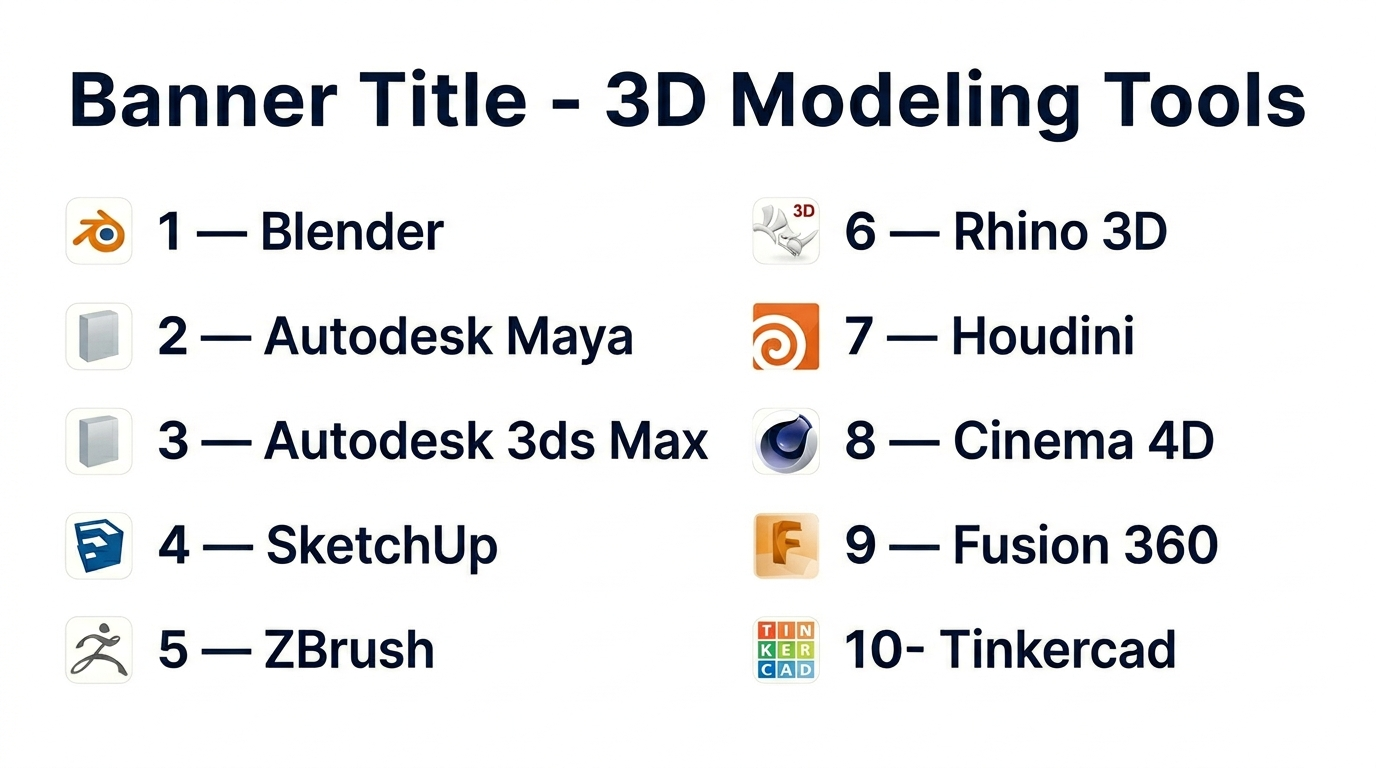
Top 10 3D Modeling Tools Tools
1 — Blender
Short description: A free, open-source 3D creation suite offering a complete pipeline for modeling, animation, and rendering.
Key Features
- Full 3D pipeline (modeling, sculpting, rendering, animation)
- Built-in rendering engines
- Large plugin ecosystem
- Video editing and compositing
- Cross-platform support
- Python scripting
- Active development community
Pros
- Free with no licensing cost
- Strong community support
Cons
- Steep learning curve
- Interface can feel complex
Platforms / Deployment
Windows / macOS / Linux
Security & Compliance
Not publicly stated
Integrations & Ecosystem
Blender integrates well with game engines and supports extensive customization.
- Unity
- Unreal Engine
- Python API
- Add-ons
Support & Community
Extremely active global community with tutorials, forums, and plugins.
2 — Autodesk Maya
Short description: A professional-grade tool used for animation, VFX, and complex 3D workflows.
Key Features
- Advanced animation and rigging
- Simulation systems
- Node-based workflows
- High-end rendering
- Custom scripting
- Industry-standard pipelines
Pros
- Industry standard for animation
- Powerful simulation tools
Cons
- Expensive
- Requires high-end hardware
Platforms / Deployment
Windows / macOS / Linux
Security & Compliance
Not publicly stated
Integrations & Ecosystem
Part of a large professional ecosystem with strong pipeline integrations.
- Rendering engines
- APIs
- Production tools
Support & Community
Enterprise support available with strong professional community.
3 — Autodesk 3ds Max
Short description: A modeling and rendering tool widely used for architectural visualization and game assets.
Key Features
- Modifier-based modeling
- Rendering tools
- Procedural workflows
- Plugin support
- Animation features
- Asset libraries
Pros
- Strong modeling capabilities
- Good for visualization
Cons
- Windows-only
- Subscription-based
Platforms / Deployment
Windows
Security & Compliance
Not publicly stated
Integrations & Ecosystem
Supports many plugins and visualization tools.
- Rendering engines
- Game engines
- Plugins
Support & Community
Established ecosystem and professional support.
4 — SketchUp
Short description: A beginner-friendly tool focused on architecture and design.
Key Features
- Easy-to-use interface
- Web-based option
- Large asset library
- Extensions marketplace
- Fast modeling
- Real-time previews
Pros
- Easy to learn
- Great for architecture
Cons
- Limited advanced features
- Not ideal for animation
Platforms / Deployment
Web / Windows / macOS
Security & Compliance
Not publicly stated
Integrations & Ecosystem
Popular in architecture workflows.
- Extensions
- CAD imports
- Rendering plugins
Support & Community
Strong documentation and large user base.
5 — ZBrush
Short description: A specialized tool for high-detail sculpting and character design.
Key Features
- Sculpting tools
- High polygon support
- Brush system
- Texture painting
- Retopology tools
- Rendering options
Pros
- Excellent for detailed models
- Industry-standard sculpting
Cons
- Unique learning curve
- Limited general modeling
Platforms / Deployment
Windows / macOS
Security & Compliance
Not publicly stated
Integrations & Ecosystem
Works alongside other tools in production pipelines.
- Export formats
- Integration with modeling tools
Support & Community
Strong artist community and tutorials.
6 — Rhino 3D
Short description: A precision modeling tool used in engineering and industrial design.
Key Features
- NURBS modeling
- High precision
- Plugin support
- Scripting
- CAD compatibility
- Parametric tools
Pros
- Accurate modeling
- Flexible licensing
Cons
- Limited animation
- Interface may feel outdated
Platforms / Deployment
Windows / macOS
Security & Compliance
Not publicly stated
Integrations & Ecosystem
Extensive plugin ecosystem.
- Grasshopper
- CAD tools
- Rendering plugins
Support & Community
Strong professional community.
7 — Houdini
Short description: A procedural tool used for VFX and simulations.
Key Features
- Node-based workflows
- Simulation tools
- Procedural generation
- Scalable pipelines
- Scripting support
- Customization
Pros
- Extremely powerful
- Great for complex simulations
Cons
- Steep learning curve
- Expensive
Platforms / Deployment
Windows / macOS / Linux
Security & Compliance
Not publicly stated
Integrations & Ecosystem
Used in advanced production pipelines.
- Rendering engines
- Game engines
- APIs
Support & Community
Strong in VFX industry.
8 — Cinema 4D
Short description: A motion graphics tool known for ease of use and stability.
Key Features
- Motion graphics tools
- Easy UI
- Fast rendering
- Animation tools
- Plugin support
- Integration with design tools
Pros
- Beginner-friendly
- Stable performance
Cons
- Expensive
- Limited flexibility
Platforms / Deployment
Windows / macOS
Security & Compliance
Not publicly stated
Integrations & Ecosystem
Popular in creative workflows.
- Design tools
- Plugins
- Rendering engines
Support & Community
Strong creative community.
9 — Fusion 360
Short description: A cloud-based tool for product design and engineering.
Key Features
- Parametric modeling
- Cloud collaboration
- Simulation tools
- CAM integration
- Version control
- Cross-device access
Pros
- All-in-one platform
- Collaboration features
Cons
- Internet dependency
- Subscription pricing
Platforms / Deployment
Windows / macOS / Cloud
Security & Compliance
Not publicly stated
Integrations & Ecosystem
Part of a broader design ecosystem.
- CAD tools
- APIs
- Cloud storage
Support & Community
Strong support and growing adoption.
10 — Tinkercad
Short description: A simple browser-based tool for beginners and education.
Key Features
- Drag-and-drop interface
- Browser-based
- Easy modeling
- 3D printing support
- No installation
- Educational focus
Pros
- Very easy to use
- Free
Cons
- Limited features
- Not for professional use
Platforms / Deployment
Web
Security & Compliance
Not publicly stated
Integrations & Ecosystem
Basic ecosystem for beginners.
- 3D printing tools
- Simple exports
Support & Community
Good for beginners; limited advanced support.
Comparison Table (Top 10)
| Tool Name | Best For | Platform(s) Supported | Deployment | Standout Feature | Public Rating |
|---|---|---|---|---|---|
| Blender | All-in-one | Win/Mac/Linux | Self-hosted | Free full pipeline | N/A |
| Maya | Animation | Win/Mac/Linux | Self-hosted | Industry standard | N/A |
| 3ds Max | Visualization | Windows | Self-hosted | Modifier system | N/A |
| SketchUp | Architecture | Web/Win/Mac | Hybrid | Ease of use | N/A |
| ZBrush | Sculpting | Win/Mac | Self-hosted | High-detail sculpting | N/A |
| Rhino | CAD | Win/Mac | Self-hosted | Precision modeling | N/A |
| Houdini | VFX | Win/Mac/Linux | Self-hosted | Procedural workflows | N/A |
| Cinema 4D | Motion graphics | Win/Mac | Self-hosted | Stability | N/A |
| Fusion 360 | Product design | Win/Mac/Cloud | Cloud | Integrated CAD | N/A |
| Tinkercad | Beginners | Web | Cloud | Simplicity | N/A |
Evaluation & Scoring of 3D Modeling Tools
| Tool | Core | Ease | Integrations | Security | Performance | Support | Value | Weighted Total |
|---|---|---|---|---|---|---|---|---|
| Blender | 9 | 6 | 8 | 5 | 8 | 9 | 10 | 8.2 |
| Maya | 10 | 5 | 9 | 6 | 9 | 9 | 6 | 8.1 |
| 3ds Max | 9 | 6 | 8 | 6 | 8 | 8 | 6 | 7.7 |
| SketchUp | 7 | 9 | 7 | 5 | 7 | 8 | 8 | 7.8 |
| ZBrush | 9 | 6 | 7 | 5 | 8 | 8 | 7 | 7.6 |
| Rhino | 8 | 6 | 7 | 5 | 8 | 7 | 8 | 7.4 |
| Houdini | 10 | 4 | 8 | 6 | 9 | 8 | 6 | 7.9 |
| Cinema 4D | 8 | 8 | 7 | 5 | 8 | 8 | 6 | 7.6 |
| Fusion 360 | 8 | 7 | 8 | 6 | 7 | 8 | 7 | 7.5 |
| Tinkercad | 5 | 10 | 5 | 5 | 6 | 7 | 10 | 7.0 |
Interpretation:
- Scores are comparative across tools, not absolute benchmarks.
- Higher scores indicate better overall balance across categories.
- Specialized tools may score lower overall but excel in specific areas.
- Choose based on your workflow priorities, not just total score.
Which 3D Modeling Tools Tool Is Right for You?
Solo / Freelancer
Blender or SketchUp are ideal due to low cost and flexibility.
SMB
Fusion 360 or Cinema 4D offer balanced usability and features.
Mid-Market
3ds Max or Rhino provide advanced capabilities for growing teams.
Enterprise
Maya and Houdini support complex, large-scale production pipelines.
Budget vs Premium
- Budget → Blender, Tinkercad
- Premium → Maya, Houdini
Feature Depth vs Ease of Use
- Deep → Houdini, Maya
- Easy → SketchUp, Tinkercad
Integrations & Scalability
- Strong ecosystem → Autodesk tools
- Flexible workflows → Blender
Security & Compliance Needs
Most tools have limited publicly stated compliance—validate internally if required.
Frequently Asked Questions (FAQs)
What is the best free 3D modeling tool?
Blender offers the most complete feature set among free tools.
Are these tools suitable for beginners?
Yes, tools like Tinkercad and SketchUp are beginner-friendly.
Do I need a powerful computer?
Advanced tools require strong hardware; cloud tools reduce this need.
Can I use these tools for game development?
Yes, many integrate with game engines.
Are there browser-based tools?
Yes, Tinkercad and SketchUp offer web-based options.
What industries use these tools?
Gaming, architecture, engineering, film, and product design.
Are plugins necessary?
They enhance functionality but are not always required.
How long does it take to learn?
Varies from weeks to months depending on complexity.
Can I switch tools later?
Yes, but workflows and formats may differ.
What are alternatives to 3D modeling tools?
2D design tools or CAD software depending on needs.
Conclusion
3D modeling tools are essential for modern digital creation, but the right choice depends on your specific use case, skill level, and budget. While Blender offers unmatched value, tools like Maya and Houdini provide advanced capabilities for professional workflows
3D modeling tools have become a critical part of modern digital workflows, enabling individuals and organizations to create, visualize, and iterate on ideas with precision and realism. From beginners exploring creative design to enterprises managing complex production pipelines, the right tool can significantly impact efficiency and output quality. While some platforms offer simplicity and accessibility, others provide deep, specialized capabilities for advanced use cases. Ultimately, there is no single “best” solution—your choice should align with your goals, skill level, budget, and integration needs. A practical approach is to shortlist a few tools, test them in real scenarios, and choose the one that fits seamlessly into your workflow while supporting long-term scalability.
