Introduction
Mobile Device Management (MDM) is a type of software that helps organizations secure, monitor, and manage mobile devices such as smartphones, tablets, and laptops across a workforce. It ensures that company data remains protected while enabling employees to work from anywhere using their own or company-issued devices.
With the rise of remote work, BYOD (Bring Your Own Device), and mobile-first operations, MDM has become a critical part of modern IT infrastructure. It allows IT teams to enforce policies, deploy apps, track devices, and respond to security threats in real time.
Common use cases:
- Device security enforcement: Enforce passcodes, encryption, and compliance policies
- Remote device management: Lock, wipe, or troubleshoot devices remotely
- App management: Install, update, or restrict applications
- BYOD enablement: Secure personal devices without invading user privacy
- Compliance management: Meet regulatory and internal security requirements
What buyers should evaluate:
- Device and OS support (iOS, Android, Windows, macOS)
- Ease of deployment and onboarding
- Security features (encryption, remote wipe, compliance policies)
- Integration with identity providers (SSO, directory services)
- App management capabilities
- Scalability across distributed teams
- Reporting and analytics
- Pricing structure and licensing model
- Automation and policy enforcement
- User experience for both IT and employees
Best for: IT administrators, security teams, enterprises, SMBs with distributed teams, and organizations implementing BYOD policies.
Not ideal for: Very small teams with minimal device usage or organizations that only need basic endpoint tracking without security enforcement.
Key Trends in Mobile Device Management (MDM)
- Unified Endpoint Management (UEM): MDM evolving to manage all endpoints (mobile + desktop + IoT)
- Zero Trust security models: Continuous verification of users and devices
- AI-driven threat detection: Automated identification of risky behavior
- Privacy-first BYOD policies: Separation of personal and work data
- Cloud-native deployment: Reduced reliance on on-premise infrastructure
- Automation-first workflows: Policy enforcement and remediation without manual intervention
- Integration with identity providers: Deep connection with IAM and SSO systems
- Real-time compliance monitoring: Instant alerts for policy violations
- App containerization: Secure work environments within personal devices
- Remote workforce optimization: Enhanced support for global teams
How We Selected These Tools (Methodology)
We evaluated MDM tools using the following criteria:
- Market adoption and brand trust
- Breadth of device and OS support
- Security and compliance capabilities
- Ease of deployment and usability
- Automation and policy management features
- Integration ecosystem (identity, cloud, productivity tools)
- Performance and reliability
- Suitability across SMB, mid-market, and enterprise
- Vendor innovation and roadmap direction
- Overall value for cost
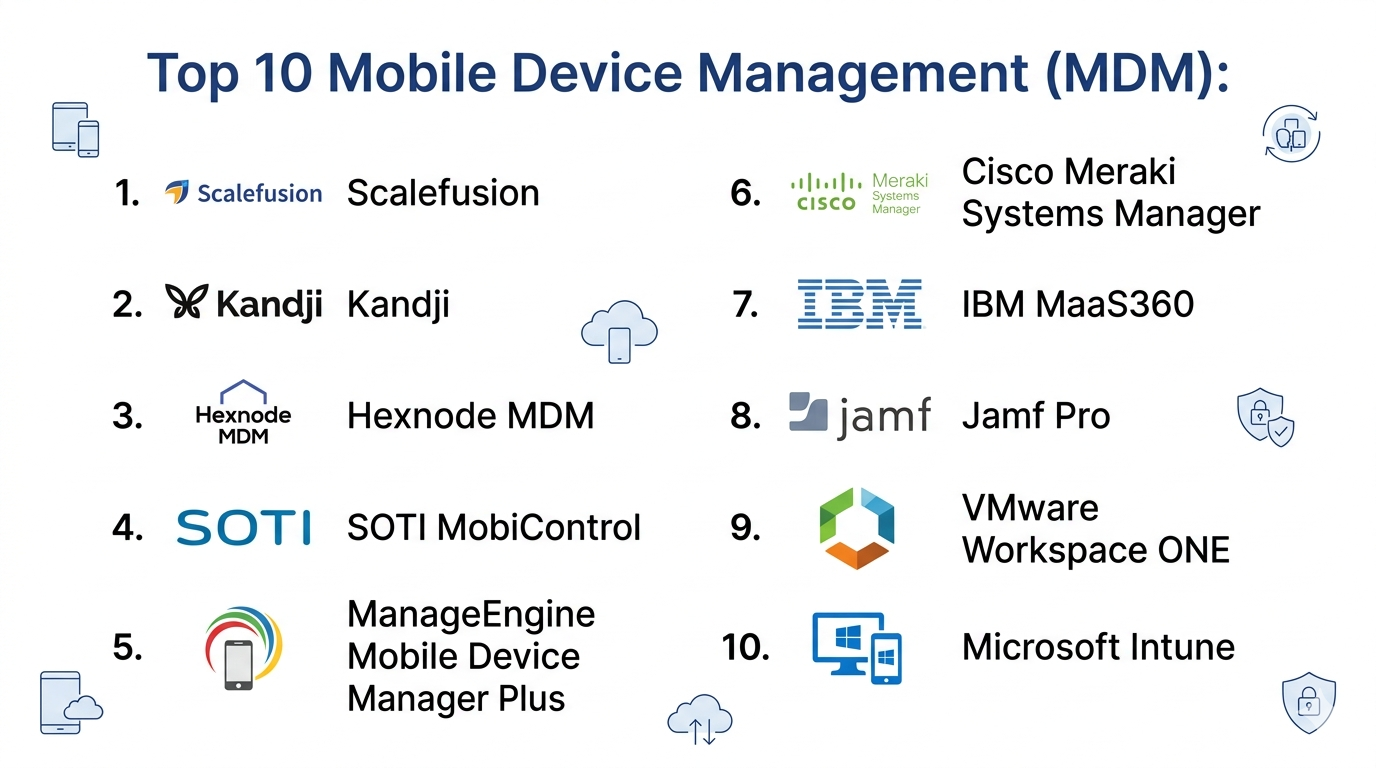
Top 10 Mobile Device Management (MDM)
#1 — Microsoft Intune
Short description: A leading cloud-based MDM and endpoint management solution integrated with the Microsoft ecosystem.
Key Features
- Device and app management across platforms
- Integration with Azure Active Directory
- Conditional access policies
- Endpoint security enforcement
- Remote wipe and device control
- Compliance monitoring
Pros
- Strong integration with Microsoft tools
- Scalable for enterprises
Cons
- Complex setup for beginners
- Best experience tied to Microsoft ecosystem
Platforms / Deployment
Cloud
Security & Compliance
SSO, MFA, RBAC, encryption; compliance certifications not publicly stated
Integrations & Ecosystem
Deep integration within Microsoft ecosystem
- Microsoft 365
- Azure AD
- Windows endpoints
- APIs
Support & Community
Extensive documentation, enterprise support, large community
#2 — VMware Workspace ONE
Short description: A unified endpoint management platform combining MDM with identity and access management.
Key Features
- Cross-platform device management
- Identity-driven access control
- App lifecycle management
- Automation workflows
- Analytics and reporting
Pros
- Strong UEM capabilities
- Flexible deployment options
Cons
- Expensive
- Complex configuration
Platforms / Deployment
Cloud / Hybrid
Security & Compliance
SSO, MFA, encryption, RBAC
Integrations & Ecosystem
- VMware ecosystem
- Identity providers
- APIs
Support & Community
Enterprise-level support; strong ecosystem
#3 — Jamf Pro
Short description: A specialized MDM solution for Apple devices, widely used in enterprises and education.
Key Features
- Apple device management
- Zero-touch deployment
- App distribution
- Security enforcement
- Device inventory
Pros
- Best-in-class for Apple ecosystem
- Easy deployment
Cons
- Limited to Apple devices
- Not ideal for mixed environments
Platforms / Deployment
Cloud
Security & Compliance
Encryption, device policies; other details not publicly stated
Integrations & Ecosystem
- Apple services
- APIs
- Security tools
Support & Community
Strong community; excellent documentation
#4 — IBM MaaS360
Short description: A cloud-based MDM platform with AI-driven insights and strong security features.
Key Features
- Device and app management
- AI-powered analytics
- Threat detection
- Secure containerization
- Compliance tracking
Pros
- Strong security features
- AI insights
Cons
- UI can feel dated
- Pricing complexity
Platforms / Deployment
Cloud
Security & Compliance
SSO, encryption, RBAC
Integrations & Ecosystem
- IBM ecosystem
- Identity providers
- APIs
Support & Community
Enterprise support; moderate community
#5 — Cisco Meraki Systems Manager
Short description: A cloud-based MDM solution with a simple interface and strong network integration.
Key Features
- Device monitoring
- App deployment
- Policy enforcement
- Remote troubleshooting
- Network integration
Pros
- Easy to use
- Strong network visibility
Cons
- Limited advanced features
- Best with Cisco ecosystem
Platforms / Deployment
Cloud
Security & Compliance
Encryption, RBAC; other details not publicly stated
Integrations & Ecosystem
- Cisco ecosystem
- APIs
Support & Community
Good support; growing community
#6 — ManageEngine Mobile Device Manager Plus
Short description: A cost-effective MDM solution suitable for SMBs and mid-sized organizations.
Key Features
- Multi-platform support
- App management
- Device tracking
- Remote control
- Compliance policies
Pros
- Affordable
- Feature-rich for SMBs
Cons
- UI can be outdated
- Limited enterprise depth
Platforms / Deployment
Cloud / On-premise
Security & Compliance
RBAC, encryption
Integrations & Ecosystem
- Zoho ecosystem
- APIs
Support & Community
Strong support; active user base
#7 — SOTI MobiControl
Short description: An enterprise-grade MDM focused on mobility and IoT device management.
Key Features
- Remote device control
- IoT device management
- Security enforcement
- Automation workflows
- App management
Pros
- Strong remote control
- Supports rugged devices
Cons
- Complex interface
- Learning curve
Platforms / Deployment
Cloud / On-premise
Security & Compliance
Encryption, RBAC
Integrations & Ecosystem
- APIs
- Enterprise tools
Support & Community
Enterprise support; moderate community
#8 — Hexnode MDM
Short description: A user-friendly MDM solution with strong cross-platform support.
Key Features
- Device enrollment
- App management
- Remote monitoring
- Compliance policies
- Reporting
Pros
- Easy to use
- Affordable
Cons
- Limited advanced automation
- Smaller ecosystem
Platforms / Deployment
Cloud
Security & Compliance
Encryption, RBAC
Integrations & Ecosystem
- APIs
- Cloud services
Support & Community
Good support; growing community
#9 — Kandji
Short description: A modern Apple-focused MDM with automation and security-first design.
Key Features
- Apple device automation
- Security compliance
- Zero-touch deployment
- Policy enforcement
- App management
Pros
- Strong automation
- Excellent UI
Cons
- Apple-only focus
- Premium pricing
Platforms / Deployment
Cloud
Security & Compliance
Encryption, compliance tools
Integrations & Ecosystem
- Apple ecosystem
- APIs
Support & Community
Strong support; growing community
#10 — Scalefusion
Short description: A cross-platform MDM designed for SMBs and enterprises with remote workforce needs.
Key Features
- Multi-OS support
- Kiosk mode
- Remote troubleshooting
- App management
- Device tracking
Pros
- Affordable
- Easy deployment
Cons
- Limited enterprise features
- Smaller ecosystem
Platforms / Deployment
Cloud
Security & Compliance
Encryption, RBAC
Integrations & Ecosystem
- APIs
- Cloud tools
Support & Community
Good support; moderate community
Comparison Table (Top 10)
| Tool Name | Best For | Platform(s) Supported | Deployment | Standout Feature | Public Rating |
|---|---|---|---|---|---|
| Microsoft Intune | Enterprises | Web | Cloud | Microsoft integration | N/A |
| VMware Workspace ONE | Enterprises | Web | Cloud/Hybrid | UEM capabilities | N/A |
| Jamf Pro | Apple environments | Web | Cloud | Apple specialization | N/A |
| IBM MaaS360 | Security-focused orgs | Web | Cloud | AI insights | N/A |
| Cisco Meraki | SMBs | Web | Cloud | Network integration | N/A |
| ManageEngine MDM | SMBs | Web | Cloud/On-premise | Affordability | N/A |
| SOTI MobiControl | Enterprises | Web | Cloud/On-premise | IoT support | N/A |
| Hexnode | SMBs | Web | Cloud | Ease of use | N/A |
| Kandji | Apple-focused teams | Web | Cloud | Automation | N/A |
| Scalefusion | SMBs | Web | Cloud | Kiosk mode | N/A |
Mobile Device Management (MDM) Scoring
| Tool Name | Core (25%) | Ease (15%) | Integrations (15%) | Security (10%) | Performance (10%) | Support (10%) | Value (15%) | Weighted Total |
|---|---|---|---|---|---|---|---|---|
| Microsoft Intune | 9 | 6 | 9 | 9 | 9 | 9 | 7 | 8.4 |
| VMware Workspace ONE | 9 | 6 | 8 | 9 | 9 | 8 | 6 | 8.1 |
| Jamf Pro | 8 | 8 | 7 | 8 | 8 | 8 | 7 | 7.8 |
| IBM MaaS360 | 8 | 6 | 7 | 9 | 8 | 7 | 6 | 7.6 |
| Cisco Meraki | 7 | 8 | 6 | 7 | 8 | 7 | 7 | 7.2 |
| ManageEngine | 7 | 7 | 7 | 7 | 7 | 8 | 9 | 7.6 |
| SOTI MobiControl | 8 | 6 | 7 | 8 | 8 | 7 | 6 | 7.4 |
| Hexnode | 7 | 8 | 6 | 7 | 7 | 7 | 8 | 7.3 |
| Kandji | 8 | 8 | 6 | 8 | 8 | 7 | 6 | 7.5 |
| Scalefusion | 7 | 8 | 6 | 7 | 7 | 7 | 8 | 7.3 |
How to interpret scores:
- Higher scores indicate stronger overall capability relative to peers
- Enterprises should prioritize Core, Security, and Integrations
- SMBs should focus on Ease and Value
- Scores are comparative and based on typical use cases
- No single tool is best for all scenarios
Which Mobile Device Management (MDM) Is Right for You?
Solo / Freelancer
- Most MDM tools are unnecessary
- Consider basic device security tools instead
SMB
- Best picks: ManageEngine, Hexnode, Scalefusion
- Focus on ease of use and affordability
Mid-Market
- Best picks: Cisco Meraki, SOTI
- Balance scalability and usability
Enterprise
- Best picks: Microsoft Intune, VMware Workspace ONE, IBM MaaS360
- Focus on security, automation, and integration
Budget vs Premium
- Budget: ManageEngine, Hexnode
- Premium: VMware Workspace ONE, Kandji
Feature Depth vs Ease of Use
- Deep features: Intune, VMware
- Easy to use: Hexnode, Meraki
Integrations & Scalability
- Strong integrations: Intune, VMware
- Scalable: IBM, SOTI
Security & Compliance Needs
- High security: Intune, IBM MaaS360
- Moderate needs: SMB tools
Frequently Asked Questions (FAQs)
What is MDM used for?
MDM is used to manage and secure mobile devices across an organization.
Is MDM required for BYOD?
Yes, it helps enforce security while protecting user privacy.
How much does MDM cost?
Pricing varies based on features, number of devices, and deployment model.
Is MDM difficult to implement?
Basic setups are quick, but enterprise deployments can take longer.
Can MDM track personal data?
Modern tools separate work and personal data for privacy.
Does MDM support all devices?
Most support iOS, Android, Windows, and macOS.
Can devices be wiped remotely?
Yes, remote wipe is a core feature.
Is MDM part of UEM?
Yes, MDM is a subset of Unified Endpoint Management.
Can MDM integrate with identity systems?
Yes, most integrate with SSO and directory services.
What are alternatives to MDM?
Endpoint security tools or basic device tracking solutions.
Conclusion
Mobile Device Management (MDM) has become essential for organizations managing distributed teams and mobile-first workflows. From securing sensitive data to enabling flexible work environments, MDM tools play a critical role in modern IT strategy.
