Introduction
Archiving Tools are software solutions designed to store, manage, and preserve data for long-term retention while keeping it accessible for compliance, audits, or historical reference. Unlike backup tools, which focus on recovery, archiving tools are optimized for efficient storage, searchability, and regulatory compliance.
As organizations generate massive volumes of data across emails, documents, logs, and cloud applications, archiving has become essential for reducing storage costs, improving performance, and meeting legal requirements. Modern archiving solutions also provide advanced search, indexing, and lifecycle management to ensure data is retained and deleted according to policy.
Common use cases:
- Email archiving: Store and retrieve historical emails for compliance
- Regulatory compliance: Meet legal requirements for data retention
- Storage optimization: Move inactive data to low-cost storage
- eDiscovery: Search and retrieve data for legal or audit purposes
- Data governance: Manage retention policies and lifecycle rules
What buyers should evaluate:
- Supported data types (email, files, cloud apps, logs)
- Search and indexing capabilities
- Retention and deletion policy controls
- Compliance features (legal hold, audit trails)
- Storage efficiency and cost optimization
- Integration with existing systems
- Security (encryption, access controls)
- Scalability for growing data volumes
- Ease of use and deployment
- Reporting and audit capabilities
Best for: Enterprises, legal teams, compliance officers, IT administrators, and organizations handling regulated or large-scale data.
Not ideal for: Small teams with minimal compliance requirements or those only needing short-term data backups.
Key Trends in Archiving Tools
- Cloud-based archiving: Increasing adoption of cloud storage for long-term retention
- AI-powered search: Faster and more accurate data retrieval
- Automated retention policies: Lifecycle management without manual intervention
- Compliance-first design: Built-in support for regulatory frameworks
- Immutable storage: Preventing data tampering or deletion
- Integration with SaaS apps: Archiving data from email, collaboration, and CRM tools
- Cost optimization strategies: Tiered storage and compression
- eDiscovery enhancements: Advanced filtering and legal hold capabilities
- Data classification: Automatic tagging and categorization of archived data
- Security-first approach: Encryption and access control improvements
How We Selected These Tools (Methodology)
We evaluated archiving tools using the following criteria:
- Market adoption and credibility
- Feature depth for archiving and compliance
- Search and retrieval performance
- Security and governance capabilities
- Integration ecosystem
- Scalability across enterprise environments
- Ease of deployment and usability
- Support and documentation quality
- Suitability for SMBs, mid-market, and enterprises
- Overall value for cost
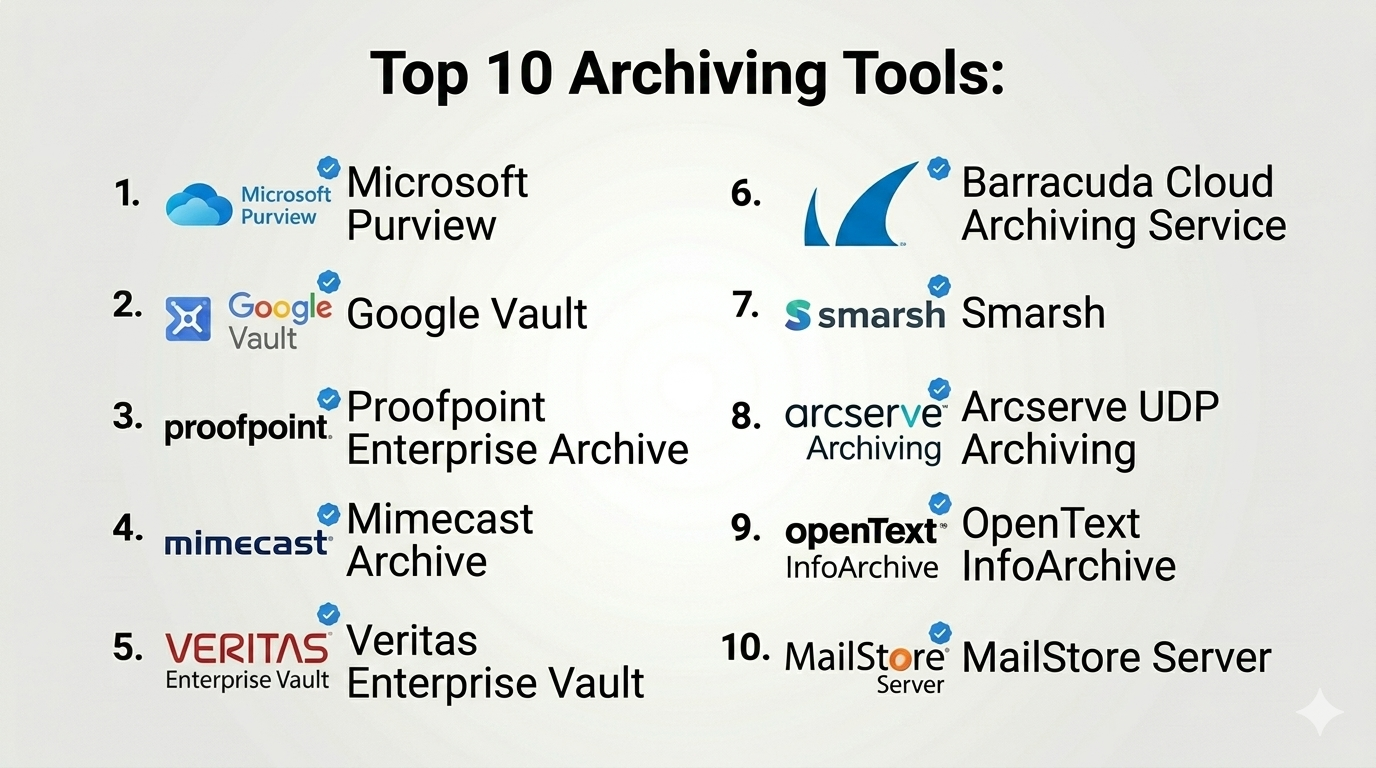
Top 10 Archiving Tools
#1 — Microsoft Purview (Microsoft 365 Archiving)
Short description: A comprehensive data governance and archiving solution integrated with Microsoft 365.
Key Features
- Email and file archiving
- Retention policies and legal hold
- eDiscovery tools
- Data classification
- Compliance management
- Integration with Microsoft ecosystem
Pros
- Deep integration with Microsoft tools
- Strong compliance features
Cons
- Complex setup
- Best suited for Microsoft environments
Platforms / Deployment
Cloud
Security & Compliance
SSO, MFA, RBAC, audit logs
Integrations & Ecosystem
Strong Microsoft ecosystem integration
- Microsoft 365 apps
- Azure services
- APIs
Support & Community
Extensive documentation; strong enterprise support
#2 — Google Vault
Short description: A cloud-based archiving and eDiscovery tool for Google Workspace users.
Key Features
- Email and file archiving
- Retention policies
- Search and export tools
- Legal hold
- Audit logging
Pros
- Easy to use
- Seamless Google integration
Cons
- Limited outside Google ecosystem
- Basic advanced features
Platforms / Deployment
Cloud
Security & Compliance
Encryption, RBAC
Integrations & Ecosystem
- Google Workspace
- APIs
Support & Community
Good documentation; large user base
#3 — Proofpoint Enterprise Archive
Short description: An enterprise-grade email archiving solution with strong compliance and security features.
Key Features
- Email archiving
- Advanced search
- Compliance tools
- Legal hold
- Analytics
Pros
- Strong security and compliance
- Scalable
Cons
- Expensive
- Complex setup
Platforms / Deployment
Cloud
Security & Compliance
Encryption, RBAC, audit logs
Integrations & Ecosystem
- Email platforms
- APIs
Support & Community
Enterprise-level support
#4 — Mimecast Archive
Short description: A cloud-based email archiving and security platform with integrated threat protection.
Key Features
- Email archiving
- Search and retrieval
- Retention policies
- Security integration
- Compliance tools
Pros
- Combines security and archiving
- Reliable performance
Cons
- Pricing complexity
- Learning curve
Platforms / Deployment
Cloud
Security & Compliance
Encryption, RBAC
Integrations & Ecosystem
- Email systems
- APIs
Support & Community
Strong support
#5 — Veritas Enterprise Vault
Short description: A long-standing enterprise archiving solution for email, files, and data.
Key Features
- Multi-source archiving
- Advanced indexing
- Retention management
- eDiscovery integration
- Compliance features
Pros
- Highly scalable
- Mature platform
Cons
- Complex deployment
- High cost
Platforms / Deployment
On-premise / Hybrid
Security & Compliance
Encryption, RBAC
Integrations & Ecosystem
- Enterprise systems
- APIs
Support & Community
Strong enterprise support
#6 — Barracuda Cloud Archiving Service
Short description: A cloud-based archiving solution focused on simplicity and compliance.
Key Features
- Email archiving
- Retention policies
- Search tools
- Compliance support
- Cloud storage
Pros
- Easy to deploy
- SMB-friendly
Cons
- Limited advanced features
- Basic analytics
Platforms / Deployment
Cloud
Security & Compliance
Encryption
Integrations & Ecosystem
- Email systems
- APIs
Support & Community
Reliable support
#7 — Smarsh
Short description: A compliance-focused archiving solution for regulated industries.
Key Features
- Multi-channel archiving
- Compliance monitoring
- Search tools
- Retention policies
- Analytics
Pros
- Strong compliance capabilities
- Supports multiple communication channels
Cons
- Complex setup
- Expensive
Platforms / Deployment
Cloud
Security & Compliance
Encryption, audit logs
Integrations & Ecosystem
- Messaging platforms
- APIs
Support & Community
Enterprise support
#8 — Arcserve UDP Archiving
Short description: A unified data protection platform with archiving capabilities.
Key Features
- Data archiving
- Backup integration
- Storage optimization
- Retention policies
- Reporting
Pros
- Combined backup and archiving
- Flexible deployment
Cons
- Less specialized archiving features
- UI limitations
Platforms / Deployment
Cloud / On-premise
Security & Compliance
Encryption
Integrations & Ecosystem
- Enterprise tools
- APIs
Support & Community
Moderate support
#9 — OpenText InfoArchive
Short description: An enterprise archiving platform for managing large-scale structured and unstructured data.
Key Features
- Data archiving
- Lifecycle management
- Compliance tools
- Search capabilities
- Data migration
Pros
- Strong enterprise capabilities
- Scalable
Cons
- Complex implementation
- High cost
Platforms / Deployment
Cloud / Hybrid
Security & Compliance
Encryption, RBAC
Integrations & Ecosystem
- Enterprise systems
- APIs
Support & Community
Enterprise support
#10 — MailStore Server
Short description: A cost-effective email archiving solution for SMBs.
Key Features
- Email archiving
- Search tools
- Retention policies
- Backup integration
- Reporting
Pros
- Affordable
- Easy to use
Cons
- Limited enterprise features
- Focused on email only
Platforms / Deployment
On-premise
Security & Compliance
Encryption
Integrations & Ecosystem
- Email platforms
Support & Community
Good support
Comparison Table (Top 10)
| Tool Name | Best For | Platform(s) Supported | Deployment | Standout Feature | Public Rating |
|---|---|---|---|---|---|
| Microsoft Purview | Enterprises | Web | Cloud | Compliance suite | N/A |
| Google Vault | Google users | Web | Cloud | Simplicity | N/A |
| Proofpoint | Enterprises | Web | Cloud | Security | N/A |
| Mimecast | Enterprises | Web | Cloud | Security + archiving | N/A |
| Veritas | Enterprises | Web | Hybrid | Mature platform | N/A |
| Barracuda | SMBs | Web | Cloud | Ease of use | N/A |
| Smarsh | Regulated industries | Web | Cloud | Compliance | N/A |
| Arcserve | SMBs | Web | Hybrid | Backup integration | N/A |
| OpenText | Enterprises | Web | Hybrid | Data archiving | N/A |
| MailStore | SMBs | Web | On-premise | Affordability | N/A |
Archiving Tools Scoring
| Tool Name | Core (25%) | Ease (15%) | Integrations (15%) | Security (10%) | Performance (10%) | Support (10%) | Value (15%) | Weighted Total |
|---|---|---|---|---|---|---|---|---|
| Microsoft Purview | 9 | 6 | 9 | 9 | 9 | 9 | 7 | 8.4 |
| Google Vault | 7 | 9 | 7 | 8 | 8 | 8 | 8 | 7.9 |
| Proofpoint | 9 | 6 | 8 | 9 | 9 | 8 | 6 | 8.1 |
| Mimecast | 8 | 7 | 8 | 9 | 8 | 8 | 7 | 8.0 |
| Veritas | 9 | 5 | 8 | 9 | 9 | 8 | 6 | 8.0 |
| Barracuda | 7 | 8 | 6 | 8 | 7 | 7 | 8 | 7.5 |
| Smarsh | 8 | 6 | 7 | 9 | 8 | 7 | 6 | 7.6 |
| Arcserve | 7 | 7 | 7 | 7 | 7 | 7 | 7 | 7.0 |
| OpenText | 8 | 5 | 8 | 9 | 8 | 7 | 6 | 7.6 |
| MailStore | 6 | 9 | 5 | 7 | 7 | 7 | 9 | 7.3 |
How to interpret scores:
- Scores are relative comparisons across tools
- Enterprises should prioritize Core, Security, and Performance
- SMBs should focus on Ease and Value
- Higher scores indicate stronger capabilities overall
- Use as a shortlisting guide, not a final decision
Which Archiving Tools Is Right for You?
Solo / Freelancer
- Archiving tools may not be necessary
- Consider basic cloud storage solutions
SMB
- Best picks: MailStore, Barracuda
- Focus on affordability and ease
Mid-Market
- Best picks: Mimecast, Arcserve
- Balance features and usability
Enterprise
- Best picks: Microsoft Purview, Proofpoint, Veritas
- Focus on compliance and scalability
Budget vs Premium
- Budget: MailStore, Barracuda
- Premium: Veritas, Proofpoint
Feature Depth vs Ease of Use
- Advanced: Veritas, OpenText
- Easy: Google Vault, Barracuda
Integrations & Scalability
- Strong integrations: Microsoft, OpenText
- Scalable: Proofpoint, Veritas
Security & Compliance Needs
- High security: Proofpoint, Smarsh
- Moderate: SMB tools
Frequently Asked Questions (FAQs)
What is data archiving?
It is the process of storing data long-term for compliance or reference.
How is archiving different from backup?
Archiving focuses on long-term storage; backup focuses on recovery.
What data can be archived?
Emails, files, logs, and application data.
Is archiving required for compliance?
Yes, many industries require data retention policies.
Can archived data be searched?
Yes, modern tools provide advanced search capabilities.
Is archived data secure?
Yes, with encryption and access controls.
How long should data be archived?
Depends on legal and business requirements.
Can archiving reduce storage costs?
Yes, by moving inactive data to cheaper storage.
Is cloud archiving safe?
Yes, with proper security measures.
What are alternatives?
Basic storage systems or manual archiving.
Conclusion
Archiving tools play a vital role in data governance, compliance, and long-term storage strategy. They help organizations manage growing data volumes while ensuring accessibility and security.
