Introduction
Secure File Transfer Clients (SFTP/FTPS) are tools that allow users to transfer files securely over a network using encrypted protocols. Unlike traditional FTP, which sends data in plain text, SFTP (SSH File Transfer Protocol) and FTPS (FTP Secure) ensure that data, credentials, and commands are protected from interception.
These tools are widely used by developers, IT teams, system administrators, and businesses that need to move sensitive files between systems—whether it’s uploading website files, exchanging data with partners, or managing remote servers.
Common use cases:
- Secure website deployment via SFTP
- Data exchange with partners or vendors
- Server management and file access
- Automated file transfers and backups
- Compliance-driven secure data handling
What buyers should evaluate:
- Protocol support (SFTP, FTPS, SCP, FTP)
- Security features (encryption, key-based authentication)
- Automation and scripting capabilities
- Cross-platform compatibility
- File transfer speed and reliability
- Integration with DevOps workflows
- User interface and ease of use
- Logging and audit capabilities
- Support for large file transfers
- Cost and licensing model
Best for: Developers, DevOps engineers, IT administrators, enterprises handling sensitive data transfers, and organizations requiring secure file exchange.
Not ideal for: Casual users or teams that only need basic cloud file sharing tools without server-level control.
Key Trends in Secure File Transfer Clients
- Shift toward SFTP over FTP: Stronger encryption and security adoption
- Automation and scripting: CLI and API-based transfers for DevOps workflows
- Integration with CI/CD pipelines: Seamless deployment workflows
- Cloud storage integration: Direct transfers to cloud platforms
- Zero Trust security models: Strong authentication and access control
- Key-based authentication: Reduced reliance on passwords
- Managed file transfer (MFT): Enterprise-grade automation and governance
- Audit logging and compliance tracking: Enhanced visibility
- Cross-platform clients: Consistent experience across OS environments
- High-performance transfers: Optimized for large datasets
How We Selected These Tools (Methodology)
We selected these tools based on:
- Popularity and industry adoption
- Protocol support and flexibility
- Security capabilities (encryption, authentication)
- Ease of use and UI/UX
- Automation and scripting support
- Cross-platform availability
- Integration with development and IT workflows
- Performance and reliability
- Support and documentation quality
- Overall value for cost
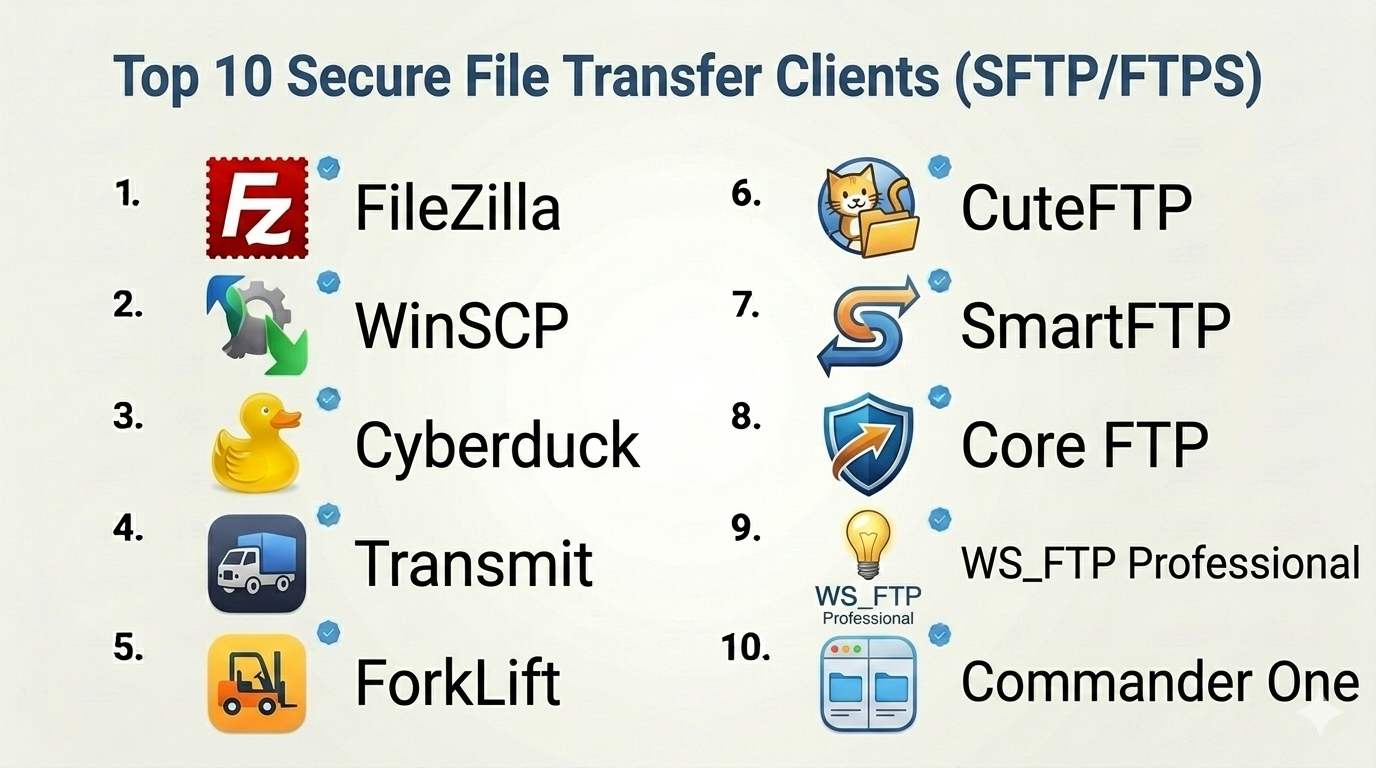
Top 10 Secure File Transfer Clients (SFTP/FTPS)
#1 — FileZilla
Short description: A widely used open-source FTP client supporting SFTP and FTPS, ideal for beginners and professionals.
Key Features
- SFTP and FTPS support
- Drag-and-drop interface
- Site manager
- Resume transfers
- Cross-platform support
- Large file handling
Pros
- Free and open-source
- Easy to use
Cons
- Basic UI
- Limited automation
Platforms / Deployment
Windows / macOS / Linux
Security & Compliance
Encryption support; other details not publicly stated
Integrations & Ecosystem
- Basic integrations
- Plugin support limited
Support & Community
Large community; extensive documentation
#2 — WinSCP
Short description: A popular Windows-based SFTP client with strong scripting and automation capabilities.
Key Features
- SFTP, SCP, FTPS support
- Scriptable automation
- Built-in text editor
- Session management
- File synchronization
Pros
- Strong automation features
- Free to use
Cons
- Windows-only
- UI not modern
Platforms / Deployment
Windows
Security & Compliance
Encryption, key-based authentication
Integrations & Ecosystem
- Scripting support
- APIs
Support & Community
Active community; good documentation
#3 — Cyberduck
Short description: A user-friendly file transfer client supporting cloud storage and secure protocols.
Key Features
- SFTP and FTPS support
- Cloud storage integration
- Bookmark management
- Encryption support
- File preview
Pros
- Clean interface
- Supports cloud storage
Cons
- Slower performance in some cases
- Limited advanced features
Platforms / Deployment
Windows / macOS
Security & Compliance
Encryption
Integrations & Ecosystem
- Cloud platforms
- APIs
Support & Community
Good support; active community
#4 — Transmit
Short description: A premium macOS file transfer client with high performance and polished UI.
Key Features
- SFTP and FTPS support
- High-speed transfers
- Sync capabilities
- Cloud integration
- File management
Pros
- Excellent UI
- Fast performance
Cons
- macOS only
- Paid tool
Platforms / Deployment
macOS
Security & Compliance
Encryption
Integrations & Ecosystem
- Cloud storage
- APIs
Support & Community
Good support
#5 — ForkLift
Short description: A dual-pane file manager and SFTP client for macOS users.
Key Features
- SFTP and FTP support
- Dual-pane interface
- File synchronization
- Batch renaming
- Remote editing
Pros
- Powerful file management
- Fast performance
Cons
- macOS only
- Learning curve
Platforms / Deployment
macOS
Security & Compliance
Encryption
Integrations & Ecosystem
- Basic integrations
Support & Community
Moderate support
#6 — CuteFTP
Short description: A commercial FTP client with advanced features and security options.
Key Features
- SFTP and FTPS support
- Automation scripts
- File synchronization
- Backup capabilities
- Scheduling
Pros
- Feature-rich
- Strong automation
Cons
- Paid license
- Windows-focused
Platforms / Deployment
Windows
Security & Compliance
Encryption
Integrations & Ecosystem
- APIs
Support & Community
Commercial support
#7 — SmartFTP
Short description: A Windows-based FTP client with enterprise-level features and automation.
Key Features
- SFTP and FTPS support
- Automation and scheduling
- Cloud integration
- Transfer queue
- File synchronization
Pros
- Advanced features
- Enterprise-ready
Cons
- Paid
- Complex UI
Platforms / Deployment
Windows
Security & Compliance
Encryption
Integrations & Ecosystem
- Cloud platforms
- APIs
Support & Community
Good support
#8 — Core FTP
Short description: A lightweight FTP client with secure protocol support and basic automation.
Key Features
- SFTP and FTPS support
- File transfers
- Resume capability
- Encryption
- Simple interface
Pros
- Lightweight
- Free version available
Cons
- Limited advanced features
- Outdated UI
Platforms / Deployment
Windows
Security & Compliance
Encryption
Integrations & Ecosystem
- Basic integrations
Support & Community
Moderate support
#9 — WS_FTP Professional
Short description: A business-focused FTP client with strong security and automation features.
Key Features
- SFTP and FTPS support
- Automation workflows
- File synchronization
- Backup tools
- Compliance features
Pros
- Strong security
- Enterprise features
Cons
- Expensive
- Windows-only
Platforms / Deployment
Windows
Security & Compliance
Encryption, compliance tools
Integrations & Ecosystem
- APIs
Support & Community
Commercial support
#10 — Commander One
Short description: A dual-pane file manager for macOS with built-in FTP/SFTP support.
Key Features
- SFTP and FTP support
- Dual-pane UI
- File management
- Cloud integration
- Archive handling
Pros
- Clean interface
- Multi-functional
Cons
- macOS only
- Limited advanced automation
Platforms / Deployment
macOS
Security & Compliance
Encryption
Integrations & Ecosystem
- Cloud services
Support & Community
Good support
Comparison Table (Top 10)
| Tool Name | Best For | Platform(s) Supported | Deployment | Standout Feature | Public Rating |
|---|---|---|---|---|---|
| FileZilla | Beginners | Desktop | Local | Free & open-source | N/A |
| WinSCP | Windows users | Desktop | Local | Automation scripting | N/A |
| Cyberduck | Cross-platform users | Desktop | Local | Cloud integration | N/A |
| Transmit | macOS users | Desktop | Local | Performance | N/A |
| ForkLift | Power users | Desktop | Local | File management | N/A |
| CuteFTP | SMBs | Desktop | Local | Automation | N/A |
| SmartFTP | Enterprises | Desktop | Local | Advanced features | N/A |
| Core FTP | Lightweight users | Desktop | Local | Simplicity | N/A |
| WS_FTP | Enterprises | Desktop | Local | Security | N/A |
| Commander One | macOS users | Desktop | Local | Multi-functionality | N/A |
Secure File Transfer Clients Scoring
| Tool Name | Core (25%) | Ease (15%) | Integrations (15%) | Security (10%) | Performance (10%) | Support (10%) | Value (15%) | Weighted Total |
|---|---|---|---|---|---|---|---|---|
| FileZilla | 8 | 9 | 6 | 8 | 8 | 8 | 9 | 8.1 |
| WinSCP | 8 | 7 | 7 | 9 | 8 | 8 | 9 | 8.2 |
| Cyberduck | 7 | 8 | 8 | 8 | 7 | 7 | 8 | 7.6 |
| Transmit | 8 | 9 | 7 | 8 | 9 | 7 | 6 | 7.9 |
| ForkLift | 8 | 7 | 6 | 8 | 8 | 6 | 7 | 7.3 |
| CuteFTP | 8 | 7 | 7 | 8 | 8 | 7 | 6 | 7.5 |
| SmartFTP | 9 | 6 | 8 | 8 | 9 | 7 | 6 | 7.9 |
| Core FTP | 7 | 8 | 5 | 8 | 7 | 6 | 9 | 7.3 |
| WS_FTP | 9 | 6 | 7 | 9 | 8 | 7 | 6 | 7.8 |
| Commander One | 7 | 8 | 6 | 8 | 7 | 6 | 7 | 7.2 |
How to interpret scores:
- Scores are comparative across tools
- Higher score indicates stronger overall capabilities
- Developers should prioritize automation and integrations
- SMBs should focus on ease and value
- Use scores as a shortlisting guide
Which Secure File Transfer Client Is Right for You?
Solo / Freelancer
- Best picks: FileZilla, Cyberduck
- Focus on simplicity and cost
SMB
- Best picks: WinSCP, CuteFTP
- Balance automation and usability
Mid-Market
- Best picks: SmartFTP, WS_FTP
- Focus on performance and features
Enterprise
- Best picks: WS_FTP, SmartFTP
- Prioritize security and compliance
Budget vs Premium
- Budget: FileZilla, Core FTP
- Premium: Transmit, WS_FTP
Feature Depth vs Ease of Use
- Advanced: SmartFTP, WS_FTP
- Easy: FileZilla, Cyberduck
Integrations & Scalability
- Strong integrations: Cyberduck, SmartFTP
- Scalable: WS_FTP
Security & Compliance Needs
- High security: WinSCP, WS_FTP
- Moderate: Basic tools
Frequently Asked Questions (FAQs)
What is SFTP?
A secure file transfer protocol using SSH encryption.
What is FTPS?
FTP with SSL/TLS encryption for secure transfers.
Which is better: SFTP or FTPS?
SFTP is generally simpler and more widely adopted.
Are these tools free?
Some are free; others are paid.
Can I automate file transfers?
Yes, many tools support scripting and scheduling.
Do these tools support large files?
Yes, most support large file transfers.
Are they secure?
Yes, with encryption and authentication.
Can I use them for cloud storage?
Some tools support cloud integrations.
Do I need technical knowledge?
Basic knowledge is helpful but not always required.
What are alternatives?
Cloud file sharing tools or managed file transfer solutions.
Conclusion
Secure File Transfer Clients (SFTP/FTPS) are essential for safe, reliable, and efficient file transfers in IT and development workflows. Whether you need simple file uploads or enterprise-grade automation, there’s a tool tailored to your needs.
