Introduction
Storage Management Tools are software platforms designed to monitor, optimize, allocate, and protect data storage resources across on-premise, cloud, and hybrid environments. These tools help organizations manage growing volumes of structured and unstructured data while ensuring performance, cost efficiency, and data availability.
As businesses increasingly rely on data-intensive applications, analytics, and multi-cloud strategies, storage management has become more complex. Organizations now need centralized visibility, automation, and intelligent optimization to handle storage across different systems and providers.
Real-world use cases include:
- Monitoring storage utilization across servers and cloud platforms
- Optimizing storage costs in multi-cloud environments
- Managing data lifecycle and archiving policies
- Ensuring high availability and disaster recovery readiness
- Automating storage provisioning and scaling
Key evaluation criteria buyers should consider:
- Multi-cloud and hybrid support
- Storage optimization and cost management
- Automation and policy-based controls
- Performance monitoring and analytics
- Data lifecycle management capabilities
- Security and access control features
- Integration with cloud and IT infrastructure
- Scalability and flexibility
- Ease of deployment and usability
Best for: IT administrators, DevOps teams, cloud architects, enterprises, and organizations managing large-scale or distributed storage environments.
Not ideal for: Individuals or very small teams with minimal storage needs; basic cloud storage dashboards may suffice.
Key Trends in Storage Management Tools
- AI-driven storage optimization: Tools are using AI to predict storage needs and optimize usage.
- Multi-cloud orchestration: Unified control across AWS, Azure, and Google Cloud environments.
- Software-defined storage (SDS): Increasing adoption of virtualized storage layers.
- Data lifecycle automation: Automated tiering, archiving, and deletion policies.
- Cost visibility and FinOps integration: Detailed cost tracking and optimization features.
- Kubernetes-native storage management: Growing support for containerized workloads.
- Real-time analytics and observability: Advanced dashboards for performance monitoring.
- Security-first design: Encryption, access controls, and compliance reporting built-in.
- API-first architecture: Integration with DevOps pipelines and automation tools.
- Edge storage management: Managing storage closer to data sources in distributed environments.
How We Selected These Tools (Methodology)
We evaluated storage management tools based on:
- Market adoption and enterprise usage
- Feature completeness across storage types (block, file, object)
- Multi-cloud and hybrid capabilities
- Performance monitoring and analytics depth
- Automation and policy-based management
- Security and compliance features
- Integration ecosystem and APIs
- Ease of use and deployment flexibility
- Scalability for large environments
- Vendor support and documentation quality
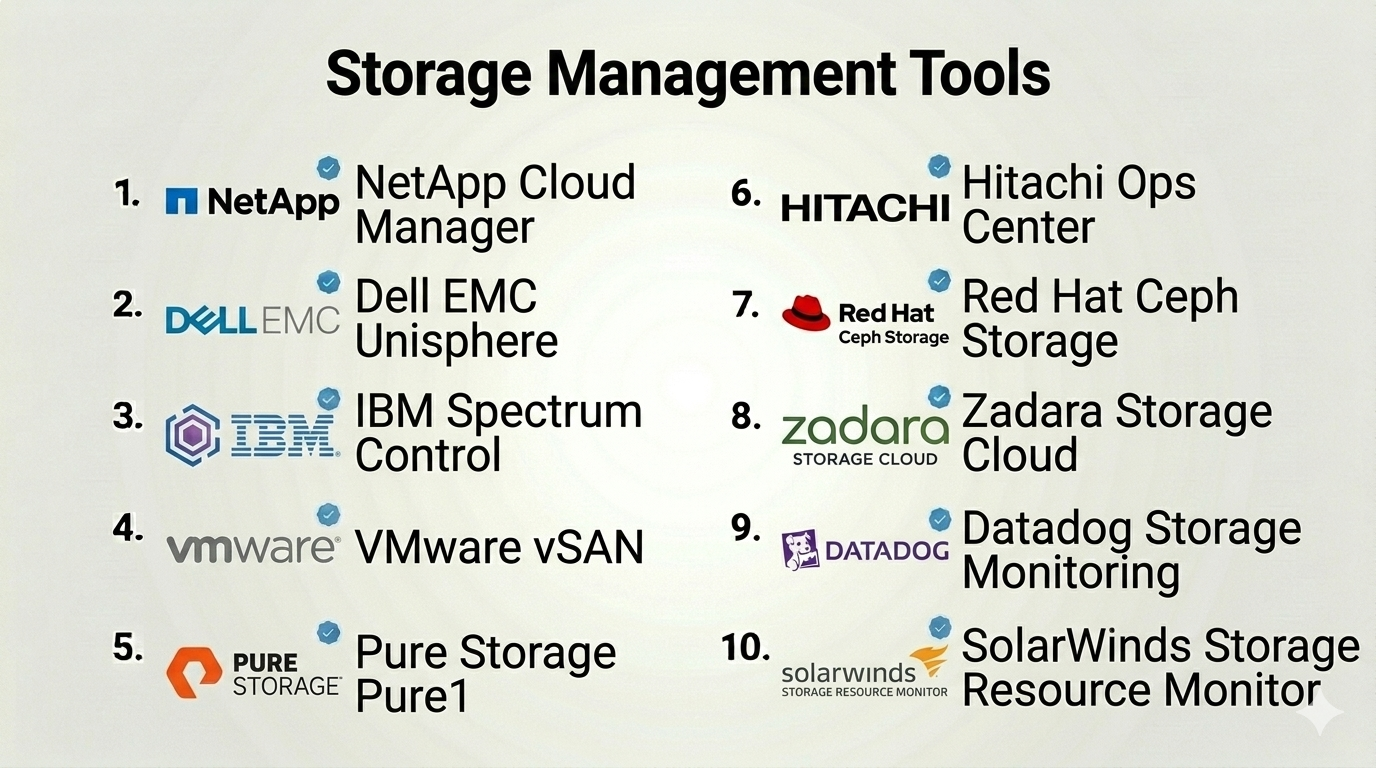
Top 10 Storage Management Tools
#1 — NetApp Cloud Manager (BlueXP)
Short description: A unified storage management platform for hybrid and multi-cloud environments, designed for enterprises.
Key Features
- Multi-cloud storage management
- Data tiering and lifecycle automation
- Cost optimization tools
- Centralized dashboard
- Backup and disaster recovery
- Kubernetes integration
- Policy-based automation
Pros
- Strong multi-cloud capabilities
- Enterprise-grade features
Cons
- Complex setup
- Pricing varies
Platforms / Deployment
Web
Cloud / Hybrid
Security & Compliance
Encryption, RBAC, audit logs
Compliance certifications: Not publicly stated
Integrations & Ecosystem
NetApp integrates with major cloud providers and enterprise systems.
- AWS, Azure, Google Cloud
- Kubernetes platforms
- Backup solutions
Support & Community
Enterprise-level support and strong documentation.
#2 — Dell EMC Unisphere
Short description: A centralized management interface for Dell EMC storage systems.
Key Features
- Storage provisioning and monitoring
- Performance analytics
- Capacity planning
- Data protection management
- Automated workflows
- Centralized control panel
- Alerts and reporting
Pros
- Deep integration with Dell storage
- Reliable performance
Cons
- Limited to Dell ecosystem
- Not cloud-first
Platforms / Deployment
Web
On-premise
Security & Compliance
RBAC, encryption
Compliance certifications: Not publicly stated
Integrations & Ecosystem
- Dell EMC storage systems
- Enterprise IT tools
Support & Community
Strong enterprise support.
#3 — IBM Spectrum Control
Short description: A storage monitoring and analytics platform for complex enterprise environments.
Key Features
- Storage performance monitoring
- Capacity planning
- Multi-vendor support
- Analytics dashboards
- Alerting system
- Automation capabilities
- Reporting tools
Pros
- Strong analytics capabilities
- Multi-vendor support
Cons
- Complex interface
- Requires expertise
Platforms / Deployment
Web
On-premise / Hybrid
Security & Compliance
RBAC, audit logs
Compliance certifications: Not publicly stated
Integrations & Ecosystem
- IBM storage systems
- Third-party storage tools
- APIs
Support & Community
Enterprise-level support.
#4 — VMware vSAN
Short description: A software-defined storage solution integrated with VMware virtualization platforms.
Key Features
- Hyper-converged infrastructure
- Storage virtualization
- Policy-based management
- High availability
- Performance optimization
- Integration with VMware tools
- Automation features
Pros
- Seamless VMware integration
- High scalability
Cons
- VMware dependency
- Licensing complexity
Platforms / Deployment
On-premise / Hybrid
Security & Compliance
Encryption, RBAC
Compliance certifications: Not publicly stated
Integrations & Ecosystem
- VMware ecosystem
- Cloud providers
- DevOps tools
Support & Community
Large community and strong support.
#5 — Pure Storage Pure1
Short description: A cloud-based storage management platform focused on analytics and performance.
Key Features
- AI-driven analytics
- Predictive support
- Capacity planning
- Performance monitoring
- Cloud-based dashboard
- Automation tools
- Real-time alerts
Pros
- Easy to use
- Strong analytics
Cons
- Limited outside Pure ecosystem
- Premium pricing
Platforms / Deployment
Web
Cloud
Security & Compliance
Encryption, RBAC
Compliance certifications: Not publicly stated
Integrations & Ecosystem
- Pure Storage systems
- Cloud platforms
- APIs
Support & Community
Strong vendor support.
#6 — Hitachi Ops Center
Short description: A storage management suite for automation, monitoring, and analytics.
Key Features
- Automated provisioning
- Performance monitoring
- Capacity analytics
- Policy-based automation
- Multi-system management
- Reporting dashboards
- Data protection tools
Pros
- Strong automation
- Enterprise scalability
Cons
- Learning curve
- Limited SMB use
Platforms / Deployment
Web
On-premise / Hybrid
Security & Compliance
RBAC, encryption
Compliance certifications: Not publicly stated
Integrations & Ecosystem
- Hitachi storage systems
- IT infrastructure tools
- APIs
Support & Community
Enterprise support.
#7 — Red Hat Ceph Storage
Short description: An open-source, software-defined storage platform for scalable object, block, and file storage.
Key Features
- Distributed storage architecture
- Object, block, and file support
- High scalability
- Self-healing storage
- Automation capabilities
- Open-source flexibility
- Kubernetes integration
Pros
- Highly scalable
- Open-source flexibility
Cons
- Complex setup
- Requires expertise
Platforms / Deployment
Linux
On-premise / Hybrid
Security & Compliance
Encryption, RBAC
Compliance certifications: Not publicly stated
Integrations & Ecosystem
- Kubernetes
- OpenStack
- APIs
Support & Community
Strong open-source community and enterprise support via Red Hat.
#8 — Zadara Storage Cloud
Short description: A fully managed storage-as-a-service platform with enterprise features.
Key Features
- Storage-as-a-service
- Multi-cloud support
- Performance monitoring
- Data protection
- Flexible pricing
- Automation tools
- High availability
Pros
- Fully managed service
- Flexible deployment
Cons
- Less widely adopted
- Pricing varies
Platforms / Deployment
Cloud / Hybrid
Security & Compliance
Encryption, RBAC
Compliance certifications: Not publicly stated
Integrations & Ecosystem
- Cloud providers
- Enterprise tools
- APIs
Support & Community
Enterprise support available.
#9 — Datadog Storage Monitoring
Short description: A monitoring platform with strong observability features for storage systems.
Key Features
- Real-time monitoring
- Metrics and dashboards
- Alerting system
- Integration with cloud services
- Analytics tools
- API support
- Visualization tools
Pros
- Strong observability
- Easy integration
Cons
- Not a full storage management tool
- Pricing can increase with scale
Platforms / Deployment
Web
Cloud
Security & Compliance
RBAC, encryption
Compliance certifications: Not publicly stated
Integrations & Ecosystem
- Cloud providers
- DevOps tools
- APIs
Support & Community
Strong documentation and community.
#10 — SolarWinds Storage Resource Monitor
Short description: A storage monitoring and management tool with detailed performance insights.
Key Features
- Storage performance monitoring
- Capacity planning
- Alerting and reporting
- Multi-vendor support
- Visualization dashboards
- Automation features
- Integration with IT tools
Pros
- Strong reporting
- Multi-vendor support
Cons
- On-premise focus
- UI could improve
Platforms / Deployment
Windows
On-premise
Security & Compliance
RBAC, audit logs
Compliance certifications: Not publicly stated
Integrations & Ecosystem
- IT monitoring tools
- Network management systems
- APIs
Support & Community
Good documentation and enterprise support.
Comparison Table (Top 10)
| Tool Name | Best For | Platform(s) Supported | Deployment | Standout Feature | Public Rating |
|---|---|---|---|---|---|
| NetApp BlueXP | Multi-cloud enterprises | Web | Hybrid | Multi-cloud control | N/A |
| Dell Unisphere | Dell environments | Web | On-prem | Deep Dell integration | N/A |
| IBM Spectrum Control | Large enterprises | Web | Hybrid | Advanced analytics | N/A |
| VMware vSAN | Virtualized environments | On-prem | Hybrid | Software-defined storage | N/A |
| Pure1 | Pure Storage users | Web | Cloud | AI analytics | N/A |
| Hitachi Ops Center | Enterprises | Web | Hybrid | Automation | N/A |
| Red Hat Ceph | Open-source users | Linux | Hybrid | Scalable SDS | N/A |
| Zadara | Managed storage | Cloud | Hybrid | Storage-as-a-service | N/A |
| Datadog | Monitoring-focused | Web | Cloud | Observability | N/A |
| SolarWinds SRM | Multi-vendor monitoring | Windows | On-prem | Performance insights | N/A |
Storage Management Tools Scoring
| Tool Name | Core (25%) | Ease (15%) | Integrations (15%) | Security (10%) | Performance (10%) | Support (10%) | Value (15%) | Weighted Total |
|---|---|---|---|---|---|---|---|---|
| NetApp BlueXP | 9 | 7 | 9 | 8 | 9 | 8 | 7 | 8.3 |
| Dell Unisphere | 8 | 7 | 7 | 8 | 8 | 8 | 7 | 7.7 |
| IBM Spectrum | 9 | 6 | 8 | 8 | 9 | 8 | 6 | 8.0 |
| VMware vSAN | 9 | 6 | 9 | 8 | 9 | 8 | 6 | 8.1 |
| Pure1 | 8 | 9 | 7 | 8 | 8 | 8 | 6 | 7.9 |
| Hitachi Ops | 9 | 6 | 8 | 8 | 9 | 8 | 6 | 8.0 |
| Red Hat Ceph | 9 | 5 | 9 | 8 | 9 | 7 | 8 | 8.1 |
| Zadara | 8 | 8 | 7 | 8 | 8 | 8 | 7 | 7.9 |
| Datadog | 7 | 9 | 9 | 8 | 8 | 8 | 6 | 7.9 |
| SolarWinds SRM | 8 | 7 | 7 | 8 | 8 | 7 | 7 | 7.6 |
How to interpret:
- Scores are relative comparisons across tools
- Enterprise tools rank higher in performance and scalability
- Open-source tools may score lower on ease but higher on flexibility
- Monitoring tools score well in integrations but may lack full management features
- Choose based on your operational priorities rather than total score alone
Which Storage Management Tools Is Right for You?
Solo / Freelancer
Basic cloud dashboards (AWS, Google Drive, etc.) are sufficient; full tools may be unnecessary.
SMB
Consider simpler tools or managed services like Zadara for ease of use and lower operational overhead.
Mid-Market
Tools like NetApp BlueXP or Pure1 offer a good balance of features and usability.
Enterprise
IBM Spectrum, VMware vSAN, and Hitachi Ops Center are ideal for complex environments.
Budget vs Premium
- Budget: Red Hat Ceph (open-source)
- Premium: NetApp, VMware, Pure Storage
Feature Depth vs Ease of Use
- Easy: Pure1, Zadara
- Advanced: IBM Spectrum, Ceph
Integrations & Scalability
Choose tools with strong API ecosystems if you plan to scale or integrate with DevOps pipelines.
Security & Compliance Needs
Prioritize tools with encryption, RBAC, and audit capabilities for regulated industries.
Frequently Asked Questions (FAQs)
What are storage management tools?
They help monitor, optimize, and manage storage systems across environments.
Why are they important?
They improve performance, reduce costs, and ensure data availability.
Are these tools cloud-based?
Many support cloud, on-premise, or hybrid deployments.
Do they support multi-cloud?
Yes, many modern tools support multiple cloud providers.
What is software-defined storage?
It abstracts storage hardware into a virtualized system.
Are open-source options available?
Yes, tools like Ceph are widely used.
How much do these tools cost?
Pricing varies widely depending on deployment and features.
Can they integrate with DevOps tools?
Yes, many offer APIs and integrations.
Are they secure?
Most include encryption and access control features.
How long does implementation take?
It depends on complexity—ranging from days to weeks.
Conclusion
Storage management tools are essential for organizations dealing with growing data complexity across hybrid and multi-cloud environments. From enterprise-grade platforms to open-source solutions, the right tool can significantly improve performance, reduce costs, and enhance data security.
