Introduction
Retail Workforce Scheduling Tools are software solutions designed to help retailers plan employee shifts, manage staffing levels, track attendance, and optimize labor costs. In simple terms, these tools ensure that the right number of staff with the right skills are available at the right time across stores or locations.
In today’s retail environment, workforce scheduling has become more complex due to omnichannel operations, fluctuating demand, labor regulations, and employee expectations. Modern tools now include AI-based forecasting, automation, mobile access, and compliance management, making them critical for operational efficiency.
Common use cases include:
- Creating optimized shift schedules based on sales forecasts
- Managing employee availability and time-off requests
- Tracking attendance and labor costs
- Ensuring compliance with labor laws and policies
- Improving employee engagement through mobile apps
What buyers should evaluate:
- Scheduling automation and forecasting accuracy
- Ease of use for managers and employees
- Integration with payroll, HR, and POS systems
- Mobile accessibility and real-time updates
- Compliance and labor law support
- Scalability across multiple locations
- Reporting and analytics capabilities
- Cost structure and ROI
Best for: Retail chains, supermarkets, fashion stores, franchises, and eCommerce fulfillment operations with shift-based staff.
Not ideal for: Small teams with fixed schedules or businesses that can manage shifts manually without complexity.
Key Trends in Retail Workforce Scheduling Tools
- AI-driven labor forecasting based on sales and footfall data
- Mobile-first workforce management for real-time scheduling updates
- Automated compliance management with labor regulations
- Integration with payroll and HR systems for end-to-end workforce management
- Employee self-service portals for shift swaps and availability updates
- Cloud-based platforms replacing manual scheduling systems
- Real-time workforce analytics dashboards
- Focus on employee experience and engagement
- Demand-based scheduling for cost optimization
- Subscription-based SaaS pricing models
How We Selected These Tools (Methodology)
- Focused on tools with strong adoption in retail environments
- Evaluated feature completeness across scheduling, forecasting, and compliance
- Assessed ease of use for both managers and frontline staff
- Considered integration capabilities with payroll, HR, and POS systems
- Reviewed scalability across multiple locations
- Included tools suitable for SMB to enterprise retailers
- Prioritized platforms offering automation and AI features
- Considered vendor reliability and long-term market presence
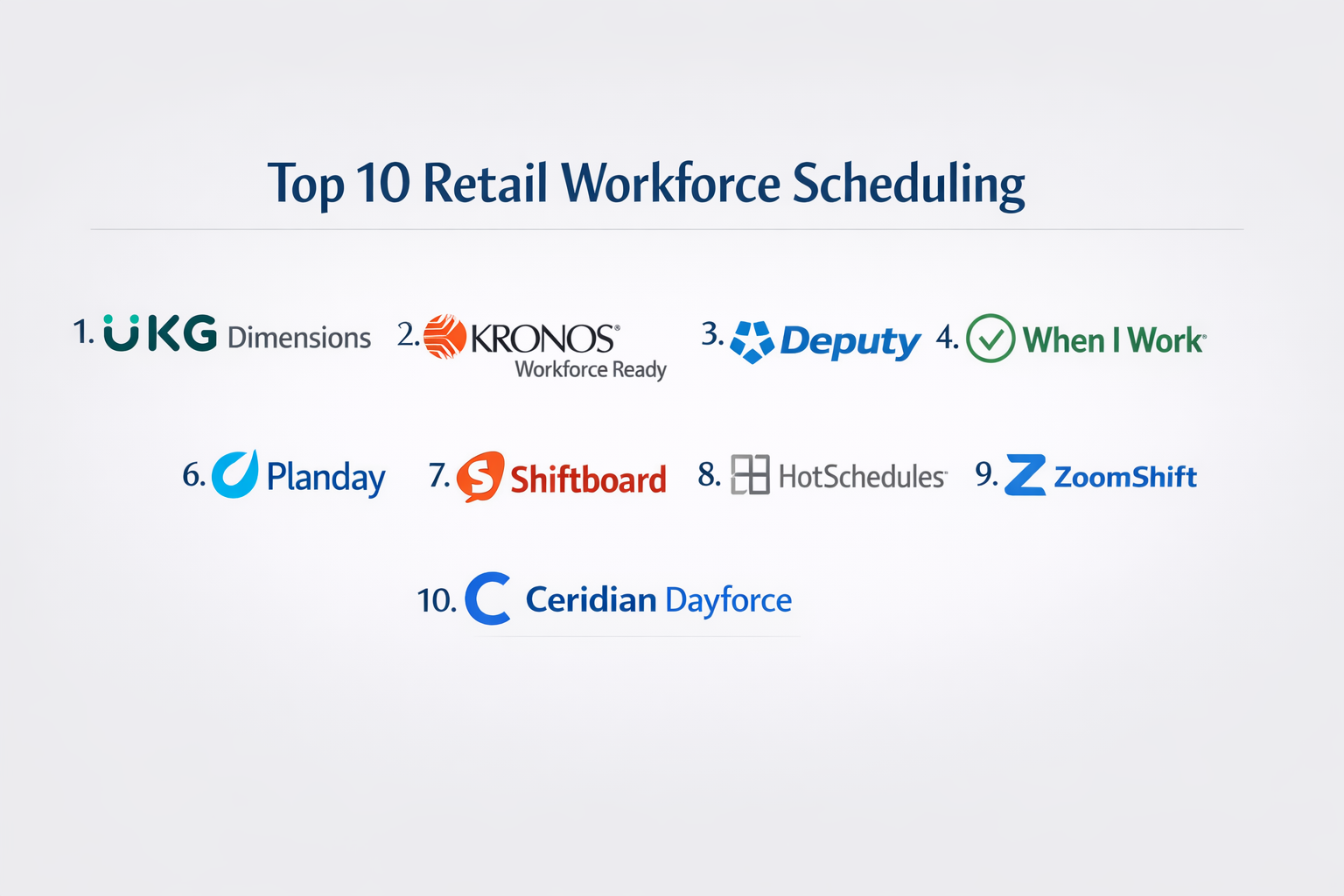
Top 10 Retail Workforce Scheduling Tools
#1 — UKG Dimensions
Short description: A comprehensive workforce management solution designed for large enterprises, offering advanced scheduling, time tracking, and labor analytics.
Key Features
- AI-driven scheduling
- Time and attendance tracking
- Labor cost analytics
- Compliance management
- Workforce forecasting
Pros
- Highly scalable
- Strong compliance capabilities
Cons
- Complex implementation
- High cost
Platforms / Deployment
Web / Mobile / Cloud
Security & Compliance
Not publicly stated
Integrations & Ecosystem
Integrates with HR, payroll, and ERP systems.
- API integrations
- Payroll systems
- Enterprise applications
Support & Community
Enterprise-level support with training resources.
#2 — Kronos Workforce Ready
Short description: A well-known workforce scheduling tool focusing on time tracking, scheduling, and HR integration.
Key Features
- Employee scheduling
- Time tracking
- Payroll integration
- Reporting tools
- Compliance tracking
Pros
- Reliable platform
- Strong HR integration
Cons
- User interface can feel outdated
- Requires training
Platforms / Deployment
Web / Mobile / Cloud
Security & Compliance
Not publicly stated
Integrations & Ecosystem
Supports integration with payroll and HR systems.
- APIs
- ERP systems
- HR tools
Support & Community
Strong support with enterprise documentation.
#3 — Deputy
Short description: A user-friendly scheduling tool designed for SMB and mid-market retailers with strong mobile capabilities.
Key Features
- Automated scheduling
- Mobile shift management
- Time tracking
- Employee communication
- Leave management
Pros
- Easy to use
- Strong mobile experience
Cons
- Limited enterprise features
- Advanced analytics limited
Platforms / Deployment
Web / iOS / Android / Cloud
Security & Compliance
Not publicly stated
Integrations & Ecosystem
Integrates with payroll and POS systems.
- API support
- Payroll integrations
- POS integrations
Support & Community
Good customer support and onboarding.
#4 — When I Work
Short description: A scheduling and team communication tool focused on simplicity and ease of use for small to mid-sized retailers.
Key Features
- Shift scheduling
- Team messaging
- Time tracking
- Availability management
- Mobile scheduling
Pros
- Simple interface
- Affordable
Cons
- Limited analytics
- Not ideal for large enterprises
Platforms / Deployment
Web / iOS / Android / Cloud
Security & Compliance
Not publicly stated
Integrations & Ecosystem
Supports integrations with payroll systems.
- APIs
- Payroll integrations
- Basic integrations
Support & Community
Strong support for SMB users.
#5 — Workforce.com
Short description: A workforce management platform focused on compliance, scheduling automation, and labor optimization.
Key Features
- Automated scheduling
- Compliance tracking
- Labor forecasting
- Payroll integration
- Analytics dashboards
Pros
- Strong compliance features
- Good automation
Cons
- Learning curve
- Pricing may vary
Platforms / Deployment
Web / Mobile / Cloud
Security & Compliance
Not publicly stated
Integrations & Ecosystem
Integrates with payroll and HR tools.
- APIs
- HR systems
- POS integrations
Support & Community
Reliable support and documentation.
#6 — Planday
Short description: A workforce scheduling solution tailored for shift-based businesses including retail and hospitality.
Key Features
- Shift planning
- Employee communication
- Payroll integration
- Reporting tools
- Time tracking
Pros
- Easy onboarding
- Good mobile features
Cons
- Limited advanced analytics
- Feature depth moderate
Platforms / Deployment
Web / Mobile / Cloud
Security & Compliance
Not publicly stated
Integrations & Ecosystem
Supports integrations with payroll systems.
- APIs
- Payroll tools
- POS systems
Support & Community
Good support and training materials.
#7 — Shiftboard
Short description: A workforce scheduling platform designed for complex scheduling environments and large teams.
Key Features
- Advanced scheduling
- Workforce optimization
- Compliance tools
- Analytics
- Custom workflows
Pros
- Flexible scheduling
- Scalable
Cons
- Complex setup
- UI not modern
Platforms / Deployment
Web / Cloud
Security & Compliance
Not publicly stated
Integrations & Ecosystem
Supports enterprise integrations.
- APIs
- ERP systems
- Custom integrations
Support & Community
Enterprise support available.
#8 — HotSchedules
Short description: A scheduling platform widely used in retail and hospitality for shift planning and employee engagement.
Key Features
- Scheduling automation
- Mobile access
- Employee engagement tools
- Time tracking
- Reporting
Pros
- Strong mobile experience
- Easy scheduling
Cons
- Limited customization
- Reporting limitations
Platforms / Deployment
Web / Mobile / Cloud
Security & Compliance
Not publicly stated
Integrations & Ecosystem
Integrates with POS and payroll systems.
- APIs
- POS systems
- Payroll tools
Support & Community
Good customer support.
#9 — ZoomShift
Short description: A simple scheduling tool for small businesses focused on ease of use and affordability.
Key Features
- Shift scheduling
- Time tracking
- Team communication
- Payroll reports
- Availability tracking
Pros
- Affordable
- Easy to use
Cons
- Limited features
- Not scalable for large teams
Platforms / Deployment
Web / Mobile / Cloud
Security & Compliance
Not publicly stated
Integrations & Ecosystem
Basic integrations available.
- Payroll integrations
- APIs
- Reporting tools
Support & Community
Good support for small teams.
#10 — Ceridian Dayforce
Short description: A unified HCM platform with strong workforce scheduling, payroll, and compliance features.
Key Features
- Workforce scheduling
- Payroll integration
- Compliance tracking
- Real-time analytics
- HR management
Pros
- All-in-one platform
- Strong compliance
Cons
- Expensive
- Complex implementation
Platforms / Deployment
Web / Mobile / Cloud
Security & Compliance
Not publicly stated
Integrations & Ecosystem
Integrates with HR and payroll systems.
- APIs
- ERP systems
- HR tools
Support & Community
Enterprise-level support and training.
Comparison Table (Top 10)
| Tool Name | Best For | Platform(s) Supported | Deployment | Standout Feature | Public Rating |
|---|---|---|---|---|---|
| UKG Dimensions | Enterprise scheduling | Web/Mobile | Cloud | AI scheduling | N/A |
| Kronos Workforce Ready | HR integration | Web/Mobile | Cloud | Payroll sync | N/A |
| Deputy | SMB retail | Web/Mobile | Cloud | Mobile scheduling | N/A |
| When I Work | Small teams | Web/Mobile | Cloud | Simple UI | N/A |
| Workforce.com | Compliance | Web/Mobile | Cloud | Labor compliance | N/A |
| Planday | Shift businesses | Web/Mobile | Cloud | Easy onboarding | N/A |
| Shiftboard | Complex scheduling | Web | Cloud | Custom workflows | N/A |
| HotSchedules | Retail teams | Web/Mobile | Cloud | Employee engagement | N/A |
| ZoomShift | Small businesses | Web/Mobile | Cloud | Affordability | N/A |
| Ceridian Dayforce | Enterprise HCM | Web/Mobile | Cloud | Unified platform | N/A |
Evaluation & Scoring of Retail Workforce Scheduling Tools
| Tool Name | Core (25%) | Ease (15%) | Integrations (15%) | Security (10%) | Performance (10%) | Support (10%) | Value (15%) | Weighted Total |
|---|---|---|---|---|---|---|---|---|
| UKG Dimensions | 9 | 6 | 9 | 7 | 9 | 8 | 6 | 8.0 |
| Kronos | 8 | 6 | 8 | 7 | 8 | 8 | 6 | 7.6 |
| Deputy | 8 | 9 | 7 | 6 | 8 | 7 | 8 | 7.9 |
| When I Work | 7 | 9 | 6 | 6 | 7 | 7 | 8 | 7.5 |
| Workforce.com | 8 | 7 | 8 | 7 | 8 | 7 | 7 | 7.7 |
| Planday | 7 | 8 | 7 | 6 | 7 | 7 | 8 | 7.4 |
| Shiftboard | 8 | 6 | 8 | 7 | 8 | 7 | 6 | 7.5 |
| HotSchedules | 7 | 8 | 7 | 6 | 7 | 7 | 7 | 7.2 |
| ZoomShift | 6 | 9 | 5 | 6 | 6 | 6 | 9 | 7.0 |
| Ceridian Dayforce | 9 | 6 | 9 | 7 | 9 | 8 | 6 | 8.0 |
How to interpret scores:
- Higher scores indicate stronger overall capability
- Enterprise tools score higher in features but lower in ease/value
- SMB tools excel in usability and affordability
- Choose based on your business complexity, not just score
Which Retail Workforce Scheduling Tools
Solo / Freelancer
ZoomShift or When I Work for simple scheduling needs.
SMB
Deputy and Planday provide balance of features and ease.
Mid-Market
Workforce.com and Shiftboard offer scalability with moderate complexity.
Enterprise
UKG Dimensions and Ceridian Dayforce are ideal for large operations.
Budget vs Premium
- Budget: ZoomShift, When I Work
- Premium: UKG, Ceridian
Feature Depth vs Ease of Use
- Deep features: UKG, Ceridian
- Easy use: Deputy, When I Work
Integrations & Scalability
- Strong: UKG, Kronos, Ceridian
- Moderate: Deputy, Workforce.com
Security & Compliance Needs
- Enterprise tools better for compliance-heavy industries
Frequently Asked Questions (FAQs)
1. What is a retail workforce scheduling tool?
It is software that helps retailers plan employee shifts, track time, and optimize staffing levels.
2. How much do these tools cost?
Pricing varies from affordable monthly plans for SMBs to enterprise-level subscriptions.
3. Do these tools support mobile apps?
Yes, most modern tools offer mobile apps for scheduling and communication.
4. Can they integrate with payroll systems?
Most tools support payroll integration via APIs or built-in connectors.
5. Are AI features necessary?
AI helps optimize staffing and reduce labor costs but is not mandatory for small teams.
6. How long does implementation take?
SMB tools may take days, while enterprise tools may take months.
7. Can employees swap shifts?
Yes, many tools allow self-service shift swapping.
8. What industries use these tools?
Retail, hospitality, healthcare, and logistics.
9. Is training required?
Basic tools require minimal training; enterprise tools need structured onboarding.
10. What are alternatives?
Manual spreadsheets or basic HR systems for very small teams.
Conclusion
Retail Workforce Scheduling Tools have become essential for managing modern retail operations where labor efficiency directly impacts profitability and customer experience. From AI-driven scheduling to mobile-first employee engagement, these tools provide visibility, control, and flexibility across workforce operations. However, selecting the right tool depends on your business size, workforce complexity, and integration needs. Enterprise platforms deliver powerful capabilities but require higher investment and implementation effort, while simpler tools focus on usability and affordability. The most practical approach is to shortlist two or three tools based on your requirements, test them in a pilot environment, and evaluate how well they integrate with your existing HR, payroll, and POS systems before making a final decision.
