Introduction
Product Lifecycle Management (PLM) tools are software platforms that help organizations manage the entire lifecycle of a product—from idea and design to manufacturing, maintenance, and retirement. In simple terms, PLM tools act as a central system for product data, processes, and collaboration across teams.
In the modern digital landscape, PLM has become critical due to increasing product complexity, global supply chains, and faster time-to-market expectations. Companies now rely on PLM tools to reduce errors, improve collaboration, and ensure compliance across distributed teams.
Real-world use cases include:
- Managing product design and engineering changes
- Coordinating suppliers and manufacturing workflows
- Maintaining version control of product data and BOMs
- Supporting compliance in regulated industries
- Improving collaboration between design, engineering, and operations
What buyers should evaluate:
- Product data management (PDM) capabilities
- Change and configuration management
- Integration with CAD, ERP, and MES systems
- Scalability across teams and geographies
- Ease of use and onboarding
- Workflow automation and customization
- Security and compliance features
- Reporting and analytics capabilities
- Cost and licensing flexibility
Best for: Manufacturing companies, engineering teams, product managers, automotive, aerospace, electronics, and enterprise organizations handling complex product development.
Not ideal for: Freelancers, small teams with simple products, or organizations that do not require structured product lifecycle workflows.
Key Trends in Product Lifecycle Management (PLM)
- Cloud-native PLM platforms replacing legacy on-premise systems
- AI-assisted design optimization and predictive analytics
- Integration with IoT for real-time product lifecycle insights
- Digital twin technology adoption
- Low-code workflow customization
- Enhanced collaboration tools for distributed teams
- Increased focus on sustainability and lifecycle tracking
- API-driven ecosystems for seamless integration
- Subscription-based pricing models
- Mobile accessibility for field and engineering teams
How We Selected These Tools (Methodology)
- Evaluated global adoption and industry presence
- Assessed feature completeness across lifecycle stages
- Reviewed scalability and enterprise readiness
- Considered integration with CAD, ERP, and MES systems
- Analyzed usability and onboarding complexity
- Evaluated security and compliance capabilities
- Included a mix of enterprise and mid-market solutions
- Reviewed ecosystem strength and extensibility
- Focused on tools with active vendor support and innovation
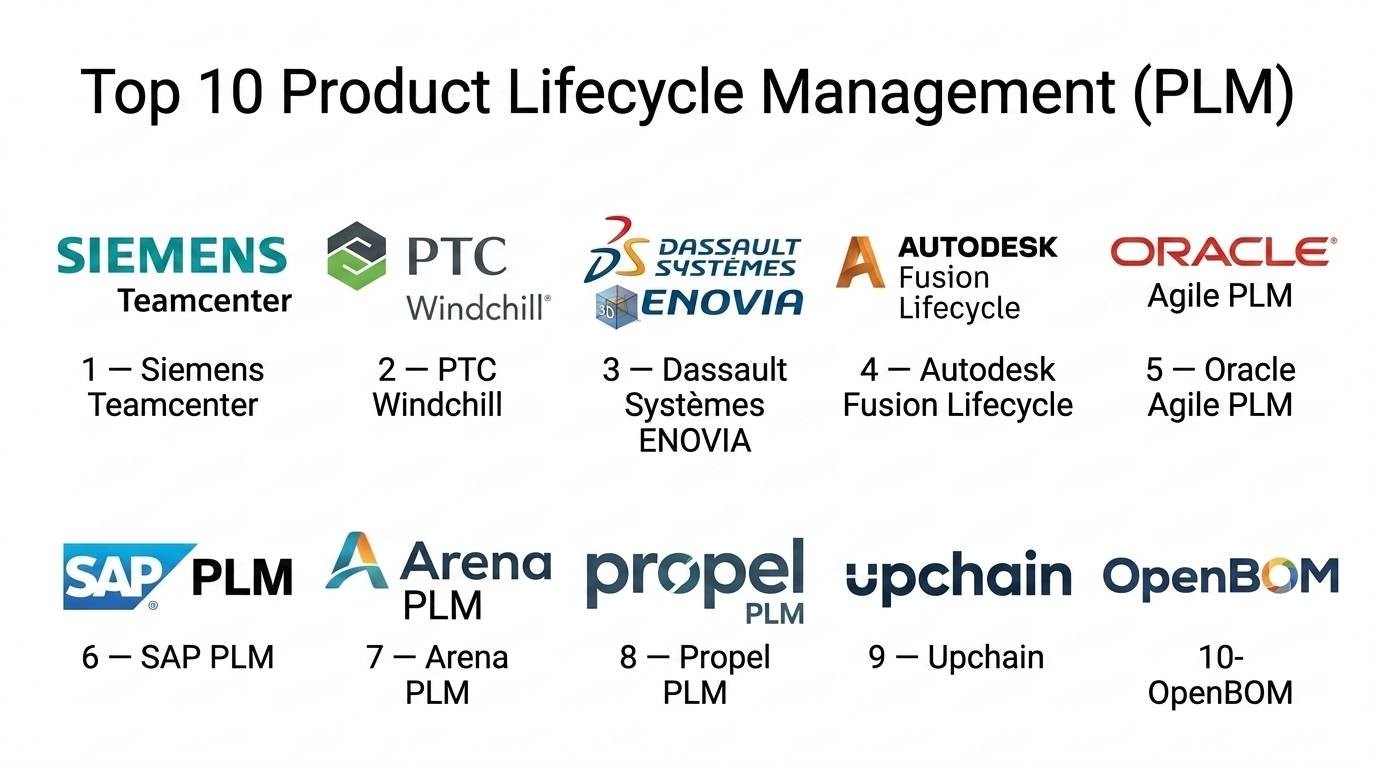
Top 10 Product Lifecycle Management (PLM) Tools
#1 — Siemens Teamcenter
Short description (2–3 lines):
A leading enterprise PLM platform widely used in manufacturing, aerospace, and automotive industries. Designed for managing complex product data and processes at scale.
Key Features
- Product data and lifecycle management
- BOM and configuration management
- Change and workflow management
- CAD integration
- Digital twin support
- Advanced analytics
Pros
- Highly scalable for large enterprises
- Strong integration ecosystem
Cons
- Complex implementation
- High cost
Platforms / Deployment
- Web / Windows
- Cloud / On-premise / Hybrid
Security & Compliance
- RBAC, audit logs, encryption
- Compliance support available
Integrations & Ecosystem
Supports deep integration with enterprise systems.
- CAD tools
- ERP systems
- MES platforms
- APIs
- PLM ecosystem tools
Support & Community
Strong enterprise support with extensive documentation.
#2 — PTC Windchill
Short description (2–3 lines):
A robust PLM platform focused on product data management and digital product development, widely used in engineering-heavy industries.
Key Features
- Product data management
- Change and configuration management
- CAD integration
- Digital thread capabilities
- Collaboration tools
- Compliance management
Pros
- Strong engineering capabilities
- Flexible deployment options
Cons
- Steep learning curve
- Requires customization
Platforms / Deployment
- Web
- Cloud / On-premise
Security & Compliance
- RBAC, audit logs
- Compliance support available
Integrations & Ecosystem
- CAD integrations
- ERP systems
- APIs
Support & Community
Well-established support ecosystem.
#3 — Dassault Systèmes ENOVIA
Short description (2–3 lines):
Part of the 3DEXPERIENCE platform, ENOVIA provides collaborative product lifecycle management with strong design integration.
Key Features
- Collaborative product development
- Lifecycle and change management
- Requirements management
- CAD integration
- Data governance
- Workflow automation
Pros
- Strong collaboration features
- Integrated with design tools
Cons
- Complex interface
- High cost
Platforms / Deployment
- Web
- Cloud / On-premise
Security & Compliance
- RBAC, audit logs
- Compliance features available
Integrations & Ecosystem
- CAD tools
- Simulation platforms
- APIs
Support & Community
Enterprise-level support and global community.
#4 — Autodesk Fusion Lifecycle
Short description (2–3 lines):
A cloud-based PLM solution focused on ease of use and integration with Autodesk design tools.
Key Features
- Product lifecycle tracking
- Change management
- BOM management
- Workflow automation
- Collaboration tools
- Cloud-based access
Pros
- Easy to use
- Strong cloud capabilities
Cons
- Limited advanced features
- Best suited for Autodesk ecosystem
Platforms / Deployment
- Web
- Cloud
Security & Compliance
- RBAC, encryption
- Compliance support available
Integrations & Ecosystem
- Autodesk tools
- APIs
- ERP integrations
Support & Community
Good support and large user base.
#5 — Oracle Agile PLM
Short description (2–3 lines):
An enterprise PLM solution designed for managing complex product portfolios and supply chains.
Key Features
- Product data management
- Supplier collaboration
- Change management
- Quality management
- Compliance tracking
- Reporting tools
Pros
- Strong enterprise capabilities
- Integrated with Oracle ecosystem
Cons
- Complex deployment
- Expensive
Platforms / Deployment
- Web
- Cloud / On-premise
Security & Compliance
- RBAC, audit logs
- Compliance support available
Integrations & Ecosystem
- Oracle ERP
- APIs
- Supply chain tools
Support & Community
Enterprise support with global reach.
#6 — SAP PLM
Short description (2–3 lines):
A PLM solution integrated within SAP ecosystem, enabling end-to-end product lifecycle management.
Key Features
- Product lifecycle management
- BOM management
- Compliance tracking
- Integration with SAP ERP
- Change management
- Reporting tools
Pros
- Deep ERP integration
- Enterprise scalability
Cons
- Requires SAP ecosystem
- Complex implementation
Platforms / Deployment
- Web
- Cloud / On-premise
Security & Compliance
- RBAC, audit logs
- Compliance frameworks supported
Integrations & Ecosystem
- SAP ERP
- APIs
- Enterprise integrations
Support & Community
Strong enterprise support.
#7 — Arena PLM
Short description (2–3 lines):
A cloud-native PLM platform focused on product development and supply chain collaboration.
Key Features
- Product data management
- Change management
- Supplier collaboration
- Document control
- BOM management
- Workflow automation
Pros
- Cloud-native
- Easy collaboration
Cons
- Limited customization
- Best for specific industries
Platforms / Deployment
- Web
- Cloud
Security & Compliance
- RBAC, audit logs
- Compliance support available
Integrations & Ecosystem
- ERP systems
- APIs
Support & Community
Reliable support and onboarding.
#8 — Propel PLM
Short description (2–3 lines):
A modern PLM built on Salesforce platform, combining product management and customer feedback.
Key Features
- Product lifecycle management
- Change and quality management
- CRM integration
- Collaboration tools
- Reporting dashboards
- Workflow automation
Pros
- Strong CRM integration
- Modern interface
Cons
- Requires Salesforce ecosystem
- Higher cost
Platforms / Deployment
- Web
- Cloud
Security & Compliance
- Salesforce-based security
- RBAC, audit logs
Integrations & Ecosystem
- Salesforce ecosystem
- APIs
Support & Community
Backed by Salesforce support ecosystem.
#9 — Upchain
Short description (2–3 lines):
A cloud PLM platform focused on data control and collaboration for engineering teams.
Key Features
- Product data management
- BOM management
- Change tracking
- Collaboration tools
- Cloud data control
- Workflow automation
Pros
- Strong data control
- Cloud-native
Cons
- Limited enterprise features
- Smaller ecosystem
Platforms / Deployment
- Web
- Cloud
Security & Compliance
- RBAC, audit logs
- Not publicly stated for certifications
Integrations & Ecosystem
- CAD tools
- APIs
Support & Community
Moderate support and growing community.
#10 — OpenBOM
Short description (2–3 lines):
A lightweight, cloud-based PLM and BOM management tool designed for small to mid-sized teams.
Key Features
- BOM management
- Product data tracking
- Collaboration tools
- Cloud-based access
- Change tracking
- Integration with CAD
Pros
- Easy to use
- Affordable
Cons
- Limited advanced features
- Not ideal for large enterprises
Platforms / Deployment
- Web
- Cloud
Security & Compliance
- Basic RBAC
- Not publicly stated for compliance
Integrations & Ecosystem
- CAD integrations
- APIs
Support & Community
Good support for SMB users.
Comparison Table (Top 10)
| Tool Name | Best For | Platform(s) Supported | Deployment | Standout Feature | Public Rating |
|---|---|---|---|---|---|
| Siemens Teamcenter | Large enterprises | Web/Windows | Hybrid | Digital twin | N/A |
| PTC Windchill | Engineering teams | Web | Cloud/On-premise | Digital thread | N/A |
| ENOVIA | Collaborative design | Web | Hybrid | 3DEXPERIENCE integration | N/A |
| Autodesk Fusion Lifecycle | SMBs | Web | Cloud | Ease of use | N/A |
| Oracle Agile PLM | Enterprise supply chains | Web | Hybrid | Supplier management | N/A |
| SAP PLM | SAP users | Web | Hybrid | ERP integration | N/A |
| Arena PLM | Mid-market | Web | Cloud | Cloud collaboration | N/A |
| Propel PLM | Salesforce users | Web | Cloud | CRM integration | N/A |
| Upchain | Engineering teams | Web | Cloud | Data control | N/A |
| OpenBOM | SMB teams | Web | Cloud | Lightweight BOM | N/A |
Evaluation & Scoring of Product Lifecycle Management (PLM) Tools
| Tool Name | Core (25%) | Ease (15%) | Integrations (15%) | Security (10%) | Performance (10%) | Support (10%) | Value (15%) | Weighted Total |
|---|---|---|---|---|---|---|---|---|
| Siemens Teamcenter | 9 | 6 | 9 | 9 | 9 | 9 | 6 | 8.2 |
| PTC Windchill | 9 | 6 | 8 | 8 | 8 | 8 | 7 | 7.9 |
| ENOVIA | 9 | 6 | 8 | 8 | 8 | 8 | 6 | 7.7 |
| Autodesk Fusion Lifecycle | 7 | 8 | 7 | 7 | 7 | 7 | 8 | 7.3 |
| Oracle Agile PLM | 9 | 6 | 9 | 9 | 8 | 8 | 6 | 8.0 |
| SAP PLM | 9 | 6 | 9 | 9 | 8 | 8 | 6 | 8.0 |
| Arena PLM | 8 | 8 | 7 | 7 | 7 | 7 | 7 | 7.5 |
| Propel PLM | 8 | 7 | 9 | 8 | 8 | 8 | 6 | 7.9 |
| Upchain | 7 | 8 | 6 | 7 | 7 | 7 | 7 | 7.1 |
| OpenBOM | 6 | 9 | 6 | 6 | 7 | 7 | 8 | 7.0 |
How to interpret the scores:
- Enterprise tools score high in features and integrations but lower in ease and value.
- SMB tools rank higher in usability and affordability.
- Scores are comparative and should be aligned with your specific needs.
- Weighted totals highlight overall balance rather than specialization.
Which Product Lifecycle Management (PLM) Tools
Solo / Freelancer
OpenBOM — simple, affordable, and easy to use.
SMB
Autodesk Fusion Lifecycle, OpenBOM — quick setup and lower cost.
Mid-Market
Arena PLM, Upchain — balance of features and usability.
Enterprise
Teamcenter, SAP PLM, Oracle Agile PLM — scalability and compliance.
Budget vs Premium
- Budget: OpenBOM, Upchain
- Premium: Teamcenter, SAP PLM
Feature Depth vs Ease of Use
- Deep features: Teamcenter, Windchill
- Easy to use: OpenBOM, Autodesk
Integrations & Scalability
- Strong integrations: SAP PLM, Oracle Agile
- Moderate: OpenBOM, Upchain
Security & Compliance Needs
- High compliance: Teamcenter, SAP PLM
- Moderate: OpenBOM, Upchain
Frequently Asked Questions (FAQs)
1. What is a PLM tool?
PLM tools manage the full lifecycle of a product from design to retirement.
2. How is PLM different from ERP?
PLM focuses on product development, while ERP handles business operations.
3. Who should use PLM tools?
Manufacturers, engineers, and product teams managing complex products.
4. Are PLM tools cloud-based?
Many modern tools are cloud-based, though hybrid options exist.
5. What is BOM in PLM?
Bill of Materials (BOM) is a structured list of product components.
6. How long does PLM implementation take?
It can take weeks to months depending on complexity.
7. Are PLM tools expensive?
Enterprise tools can be costly; SMB tools are more affordable.
8. Can PLM integrate with CAD tools?
Yes, most PLM tools support CAD integration.
9. What industries use PLM most?
Manufacturing, automotive, aerospace, electronics.
10. What are common mistakes when choosing PLM?
Ignoring integration needs, overpaying, and underestimating onboarding.
Conclusion
Product Lifecycle Management tools are essential for organizations aiming to manage complex product development processes efficiently. Whether you are a small team looking for a simple BOM management solution or a large enterprise needing full lifecycle control, the right PLM tool can significantly improve collaboration, reduce errors, and accelerate time-to-market. There is no one-size-fits-all solution. Enterprise tools provide depth and scalability, while modern cloud solutions focus on usability and speed. The key is to align the tool with your organization’s size, workflows, and integration needs.
